


Integrating QuickBooks with AutoSoftWay
Connecting QuickBooks Online to AutoSoftWay brings your repair shop management and financial accounting together in one seamless workflow — no duplicate data entry, no reconciliation headaches.
- Access QuickBooks directly through AutoSoftWay for streamlined financial management — no tab switching required.
- An Intuit account is required to enable the integration — a quick, one-time setup that takes just minutes.
- Simplify accounting processes with seamless integration between both platforms — your shop data and finances stay in sync automatically.
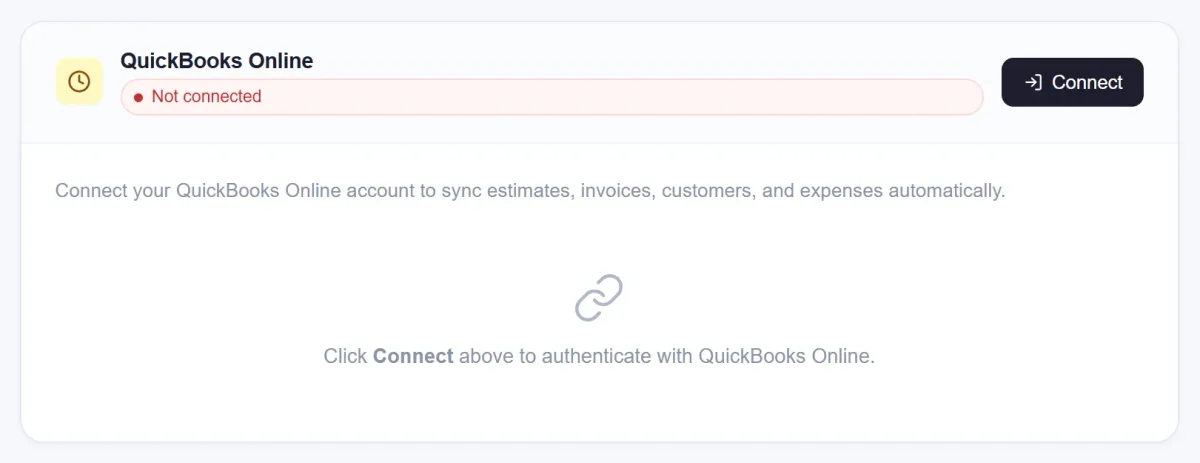
All Your Financials,
Automatically in QuickBooks
Every estimate and invoice created in AutoSoftWay flows directly into QuickBooks — keeping your books accurate without any manual re-entry or end-of-day reconciliation.
- Estimates and invoices are seamlessly integrated — created in AutoSoftWay, recorded in QuickBooks automatically.
- View and manage your estimates and invoices efficiently via QuickBooks — your accounting team sees exactly what your shop produces.
- Client records sync between both platforms — no duplicate customer profiles or mismatched billing information.
- Reduce accounting errors and save hours every week by eliminating manual data entry between your shop software and bookkeeping tool.
QuickBooks Online Integration,
Every Location
Connect QuickBooks Online once and the sync runs in the background — your shop management and your books stay in step.
- Run your business operations with seamless integration — your shop management and accounting stay perfectly aligned.
- Multi-location shops can connect each location to QuickBooks, keeping finances organized across every branch of your business.
Everything Your Shop Gains With
QuickBooks Inside AutoSoftWay
-
Seamless Two-Way Sync
Estimates, invoices, and client records created in AutoSoftWay are automatically pushed to QuickBooks — keeping both platforms perfectly aligned without manual effort.
-
Eliminate Double Entry
Stop entering the same data twice. Create an invoice in AutoSoftWay and it appears in QuickBooks automatically — saving hours of administrative work every week.
-
Real-Time Financial Visibility
Your QuickBooks ledger stays current as jobs close and invoices are paid — giving your accountant or bookkeeper an always-accurate view of shop finances.
-
Multi-Location Ready
Multi-location shops can connect each location to QuickBooks Online and rely on a consistent financial workflow.
-
Secure Intuit Connection
Authentication is handled securely through your existing Intuit account — no credentials stored in AutoSoftWay, no third-party risk.
-
Simple One-Time Setup
Connect your Intuit account once in AutoSoftWay settings and the integration is live. No complex configuration — just instant financial sync from that point forward.
Frequently Asked Questions About QuickBooks Integration
Yes. An active Intuit (QuickBooks Online) account is required to enable the integration. Once you have an account, you can connect it to AutoSoftWay in your settings with just a few clicks — it’s a one-time setup.
Estimates and invoices created in AutoSoftWay are seamlessly synced to QuickBooks, along with associated client details. This keeps your bookkeeping current without any manual re-entry between the two platforms.
QuickBooks integration availability may vary by plan. Check the AutoSoftWay pricing page or contact support to confirm which plan includes QuickBooks access and to get set up.
Stop Doing Your Accounting Twice.
Let AutoSoftWay Sync It for You.
Connect QuickBooks in minutes. Estimates, invoices, and client data flow automatically — so your books are always up to date.