AutoSoftWay logo AutoSoftWay

Help Desk

13 articles · page 1 of 2

Inspections

Driving Efficiency and Safety

Leave behind the frustrations of paper-based inspections with AutoSoftWay’s Digital Vehicle Inspection Feature, bringing ease and efficiency to the inspection process. This cutting-edge technology is reshaping the automotive industry by offering unparalleled safety enhancements, superior accuracy, significant time savings, enhanced reporting capabilities, cost efficiency, and much more. Enhanced Safety AutoSoftWay’s digital vehicle inspections prioritize safety…
Getting Started

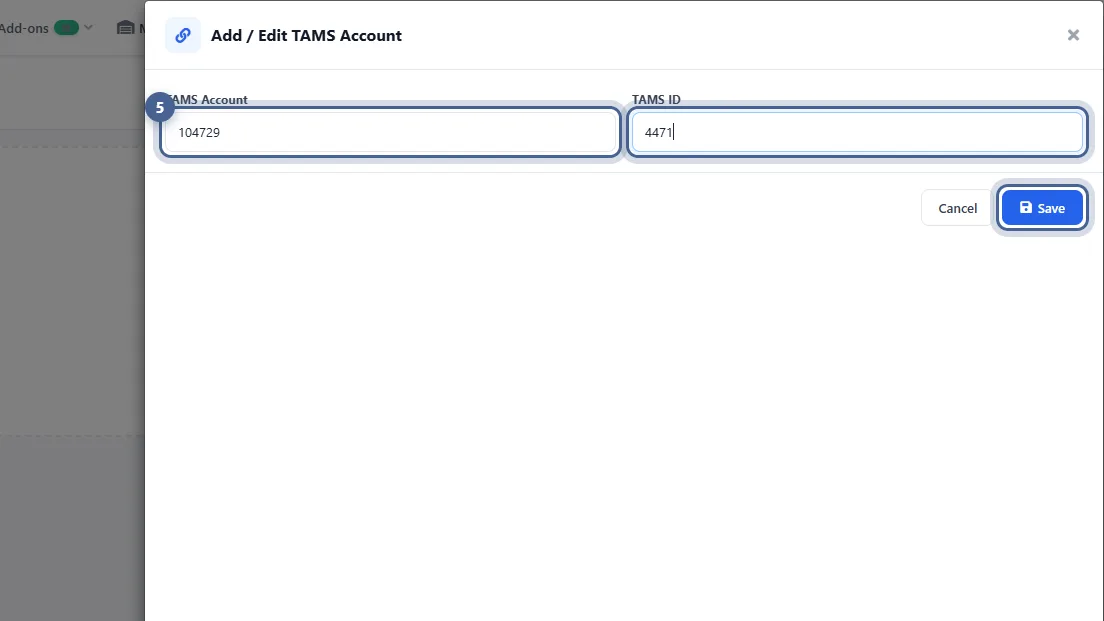
Set Up NAPA PROLink

Connect your NAPA store account to AutoSoftWay so you can look up and order NAPA parts — with your own pricing — straight from an estimate.

6 steps with screenshots

Inspections

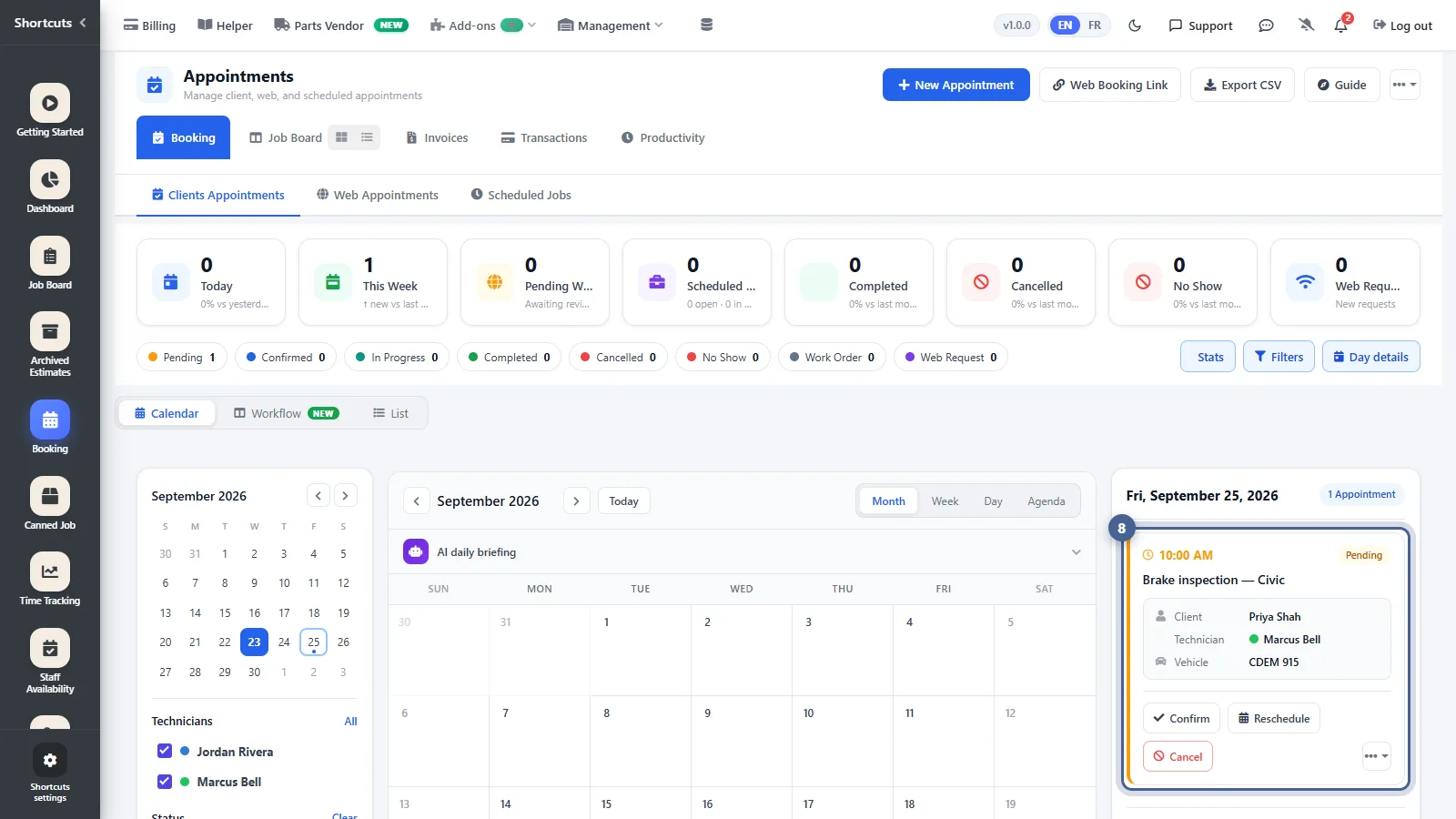
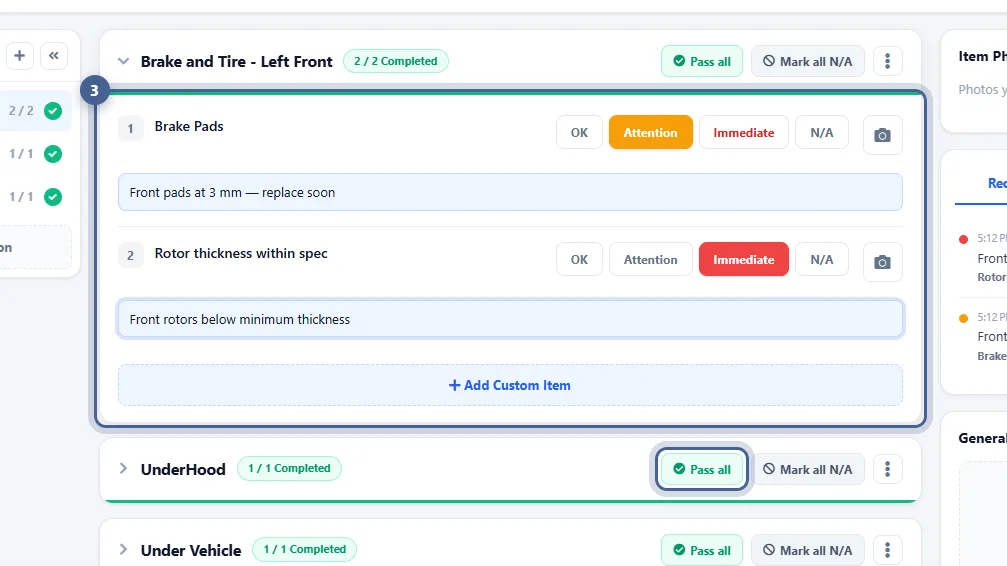
Creating a Digital Vehicle Inspection

Inspect a vehicle on a tablet or computer — rate each check, add notes and photos — and send the customer a clear, colour-coded report they can approve.

7 steps with screenshots

Inspections

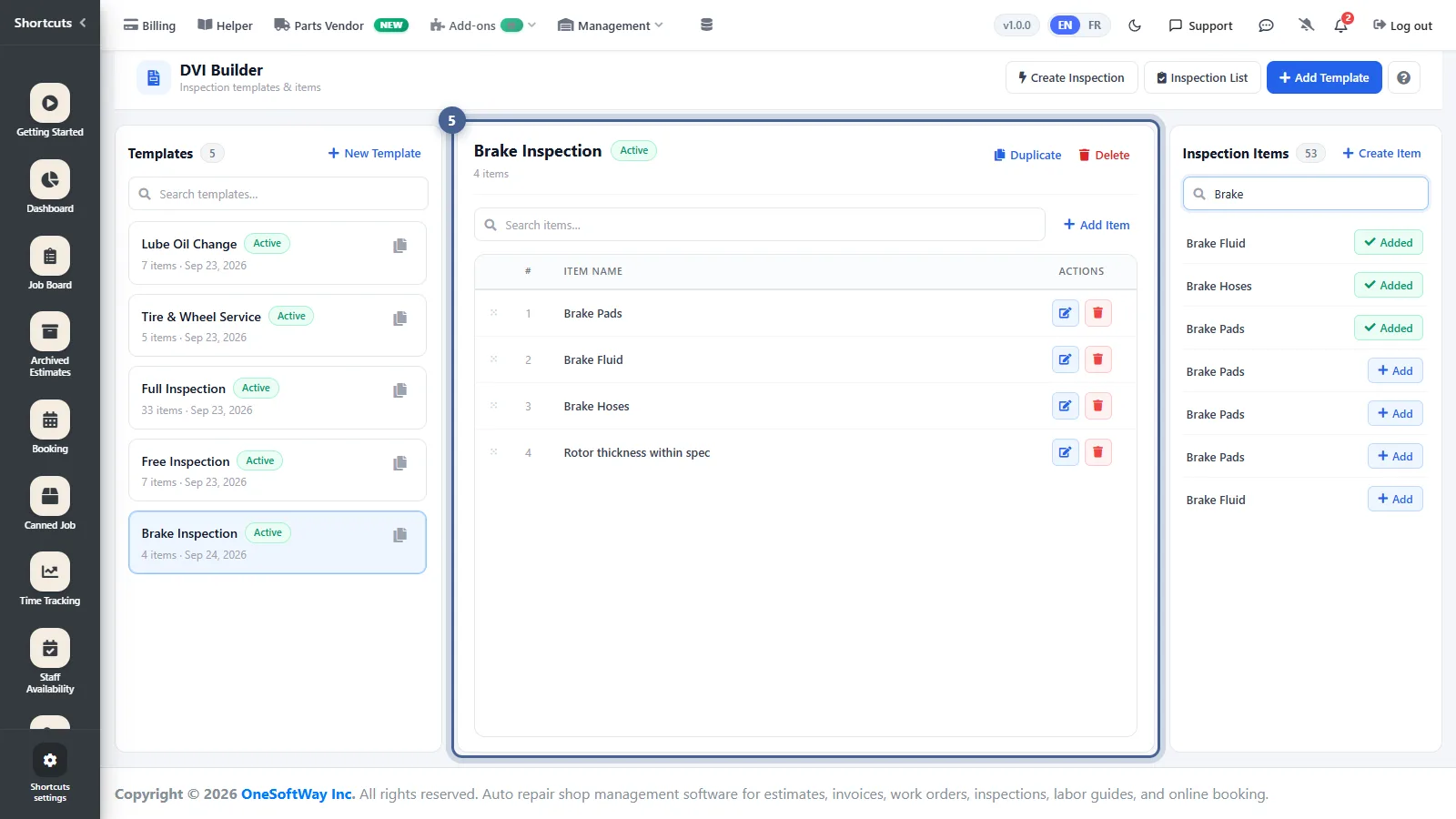
Creating an Inspection Template

Build reusable inspection checklists — oil change, brakes, full multi-point — so every technician inspects every vehicle the same way.

6 steps with screenshots

Work Orders, Invoices

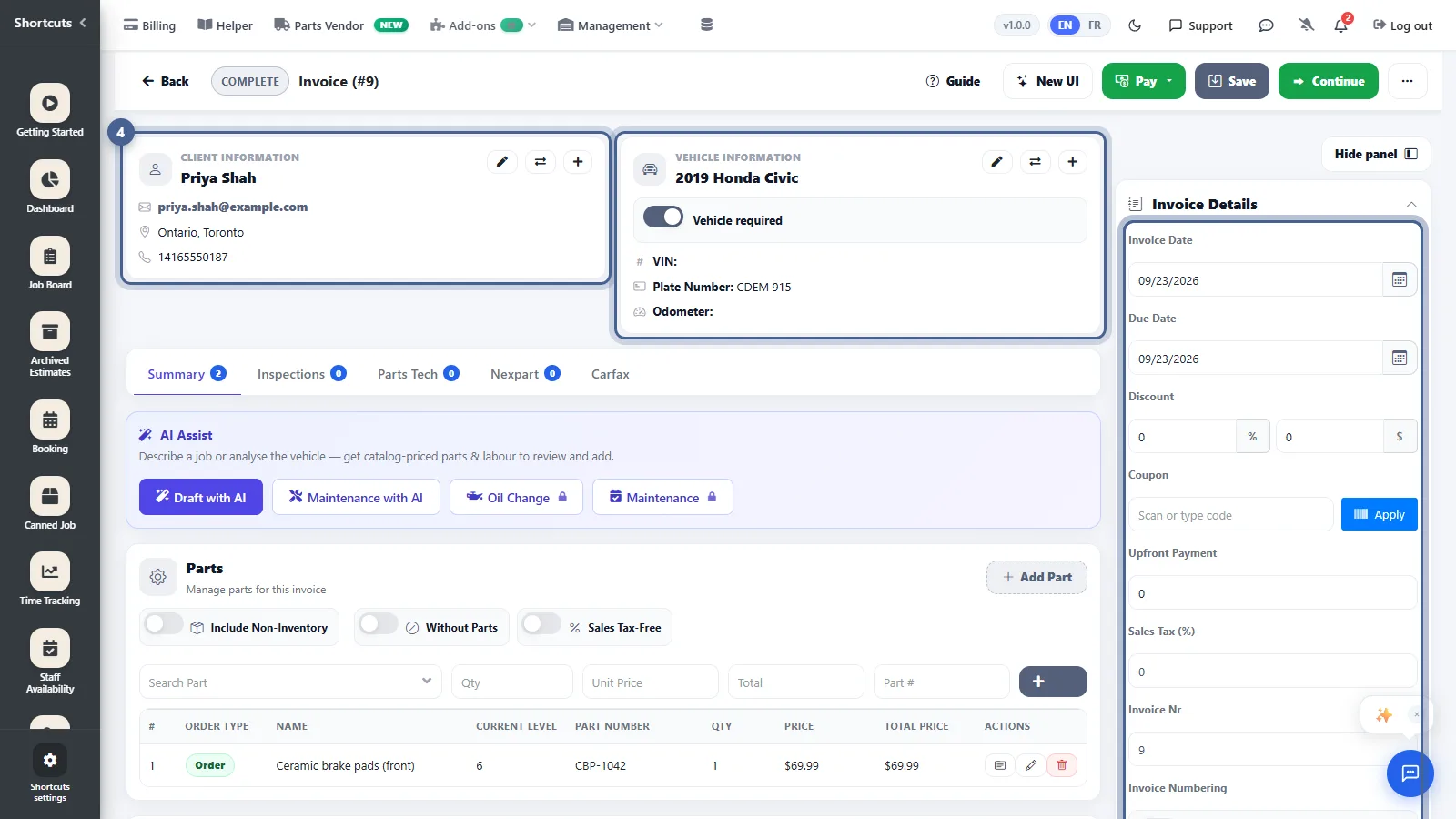
Creating an Invoice

Turn a finished job into an invoice in two clicks — no retyping — then take payment and send it to your customer.

7 steps with screenshots

Work Orders, Invoices

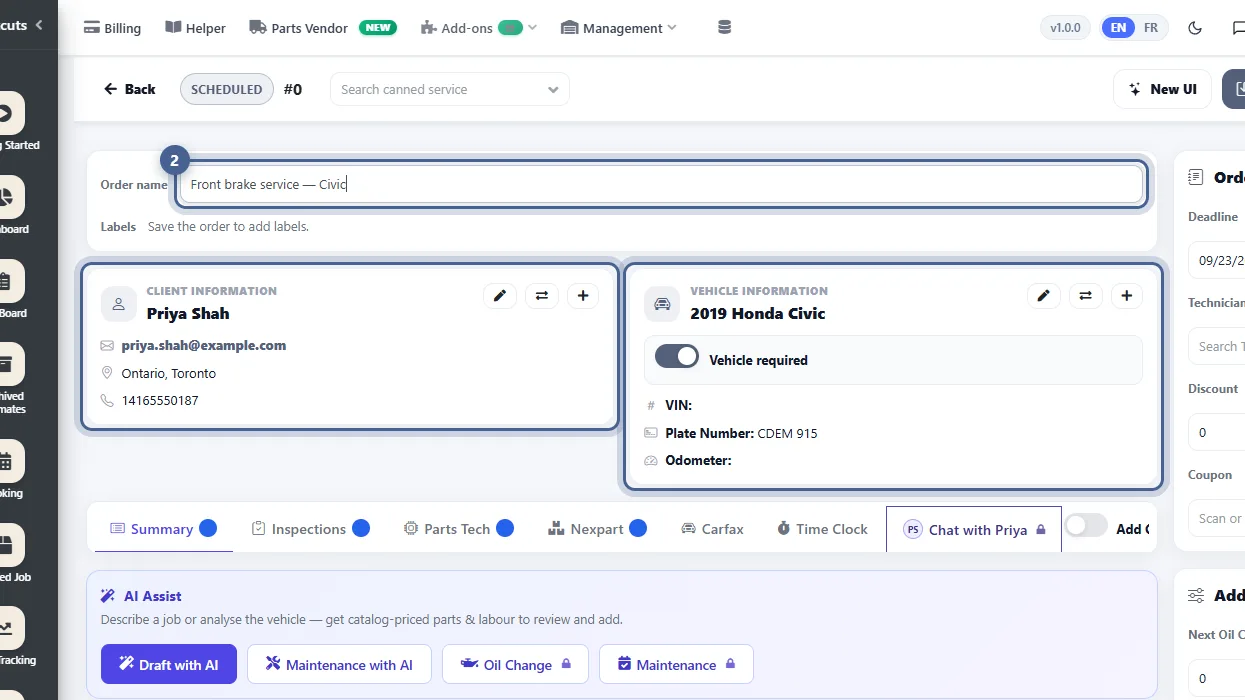
Creating an Estimate

Build a professional, accurately priced estimate in a couple of minutes — client and vehicle, labour, parts — then send it to the customer to approve.

8 steps with screenshots

Getting Started

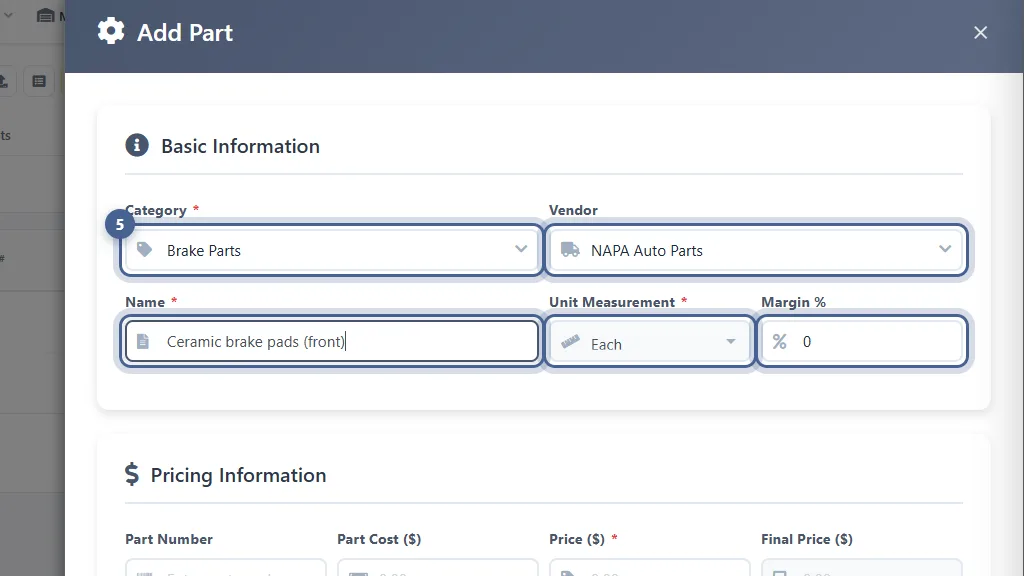
Managing Your Product Inventory

Build your parts catalogue with costs, prices and stock levels, so estimates price themselves and you always know what’s on the shelf.

10 steps with screenshots

Getting Started

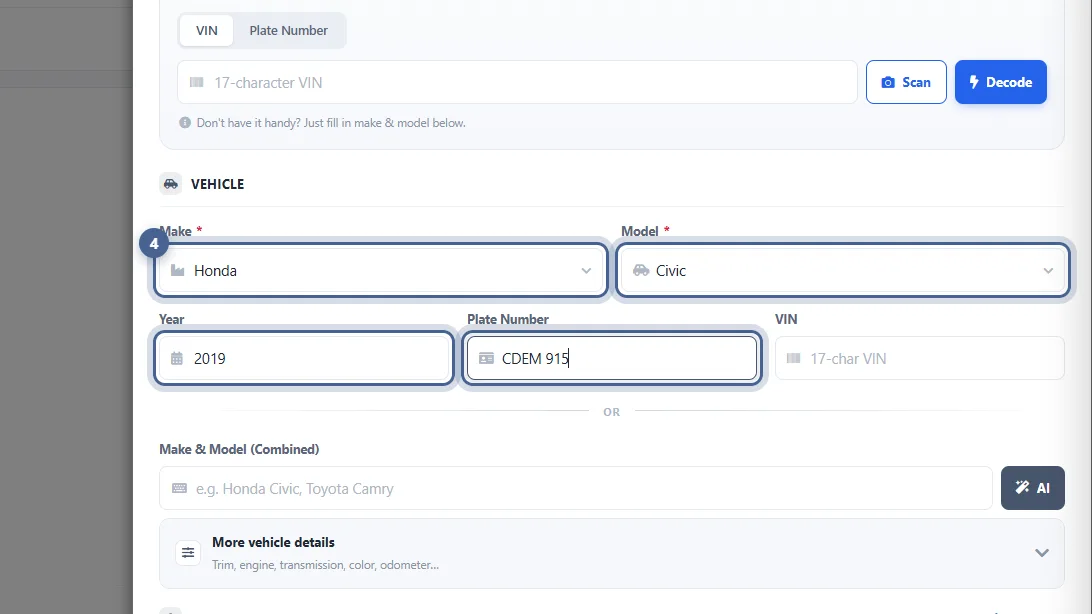
Adding a Client’s Vehicle

Every job is tied to a vehicle. Add a car in seconds — decode it from the VIN, or pick the make and model — and link it to its owner.

7 steps with screenshots