


Send for approval in one click
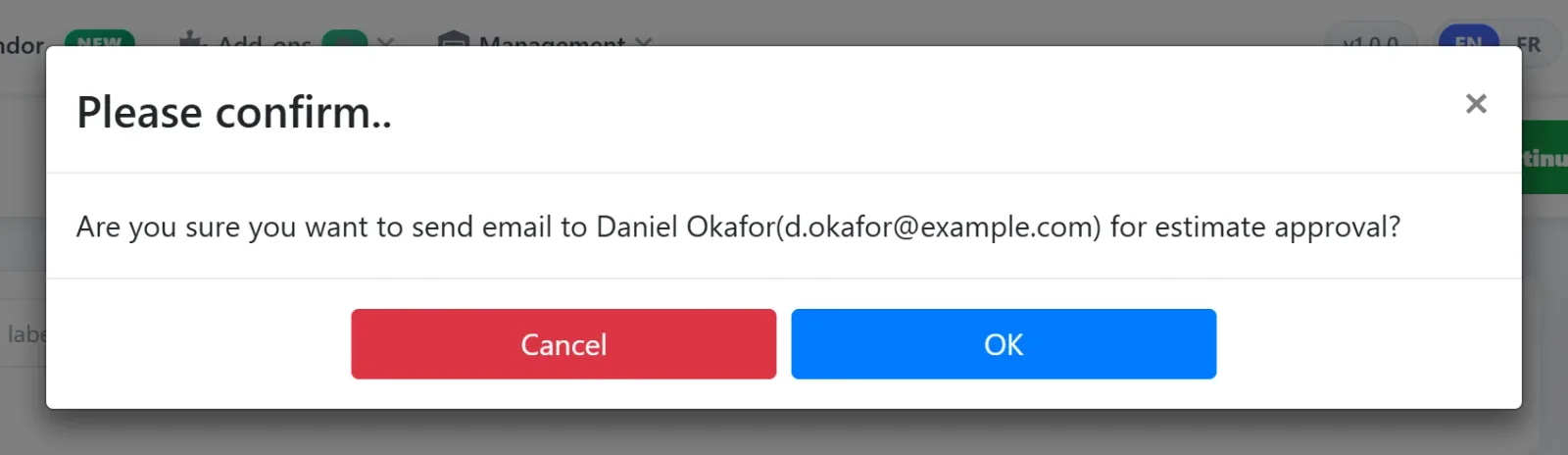
Send estimates without ever chasing a client by phone. When the estimate is built, click the Approval button in the top action bar. AutoSoftWay instantly sends the client a professional estimate email with a secure Review & Respond link — no copy-pasting, no switching tools.
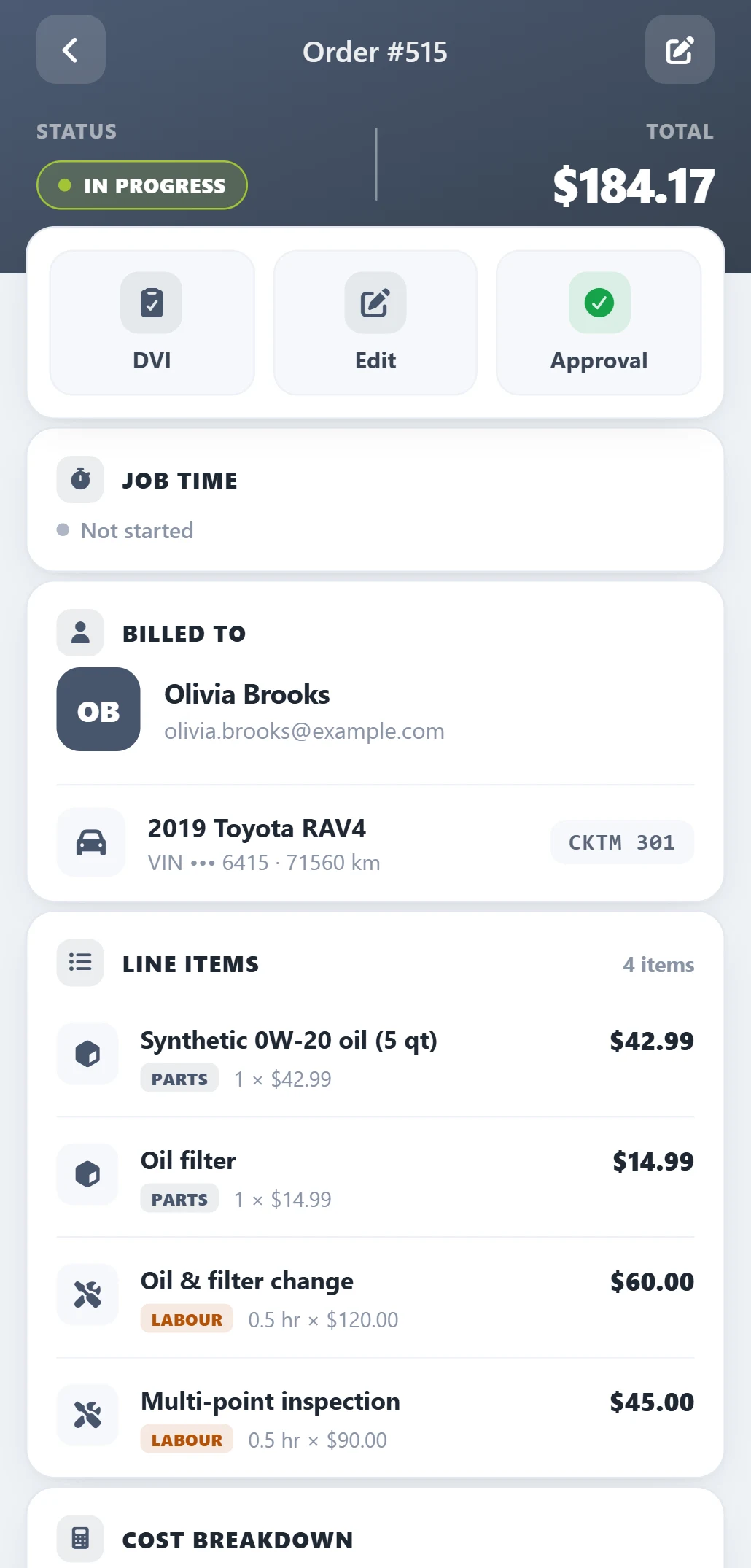
Client reviews the full estimate — then approves or declines in one click
The client receives a complete, itemized estimate email. They can see every part, every labor charge, and the full price breakdown — then approve or decline with a single button. No login, no app, no friction.
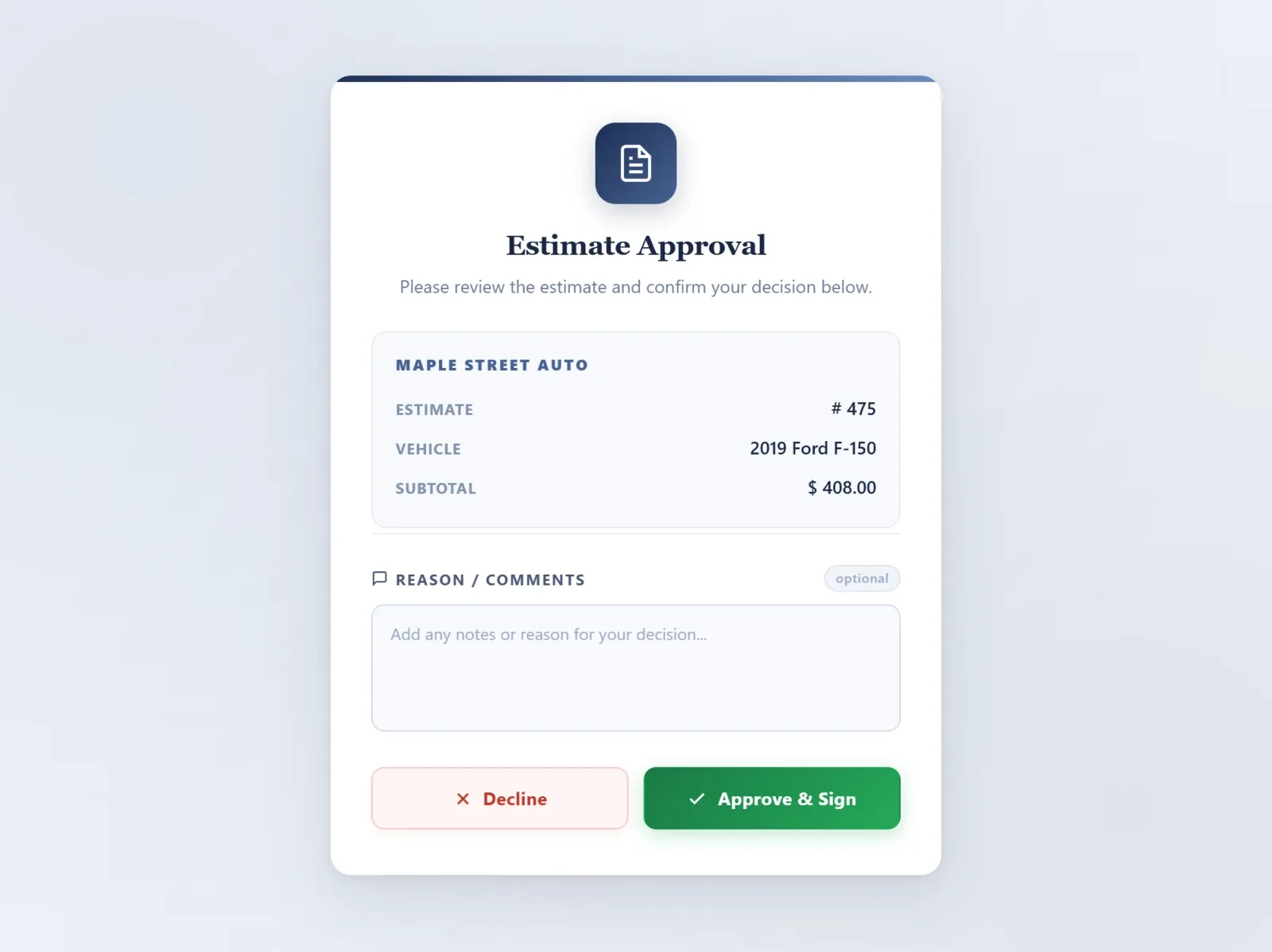
One tap. Approved or declined.
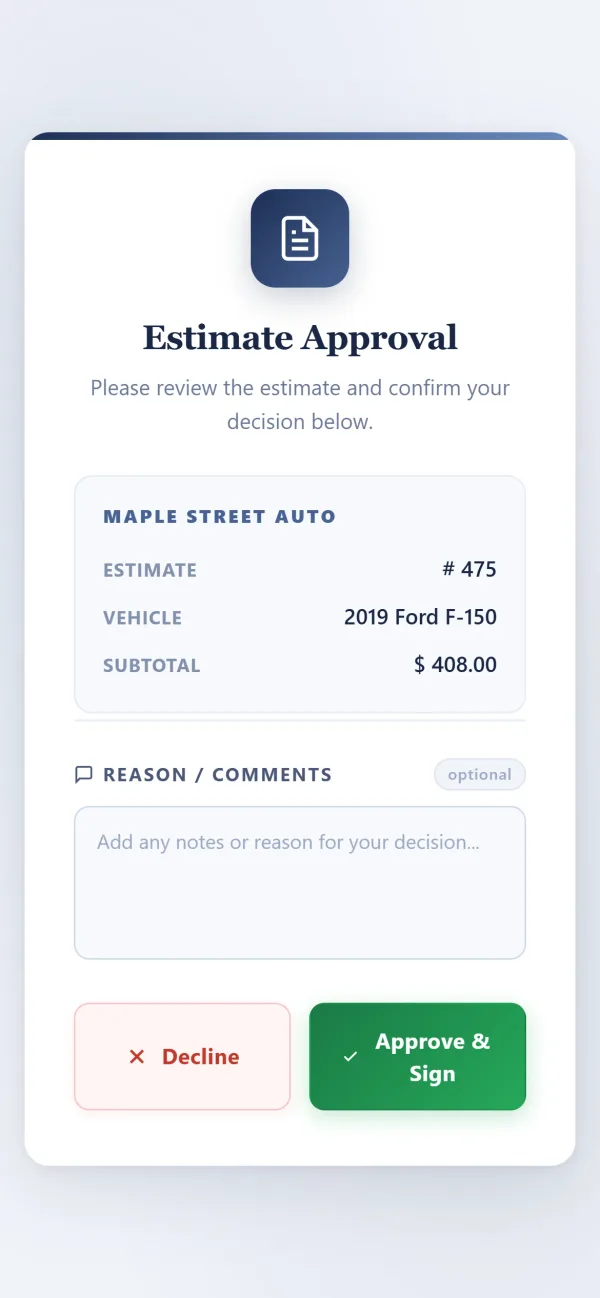
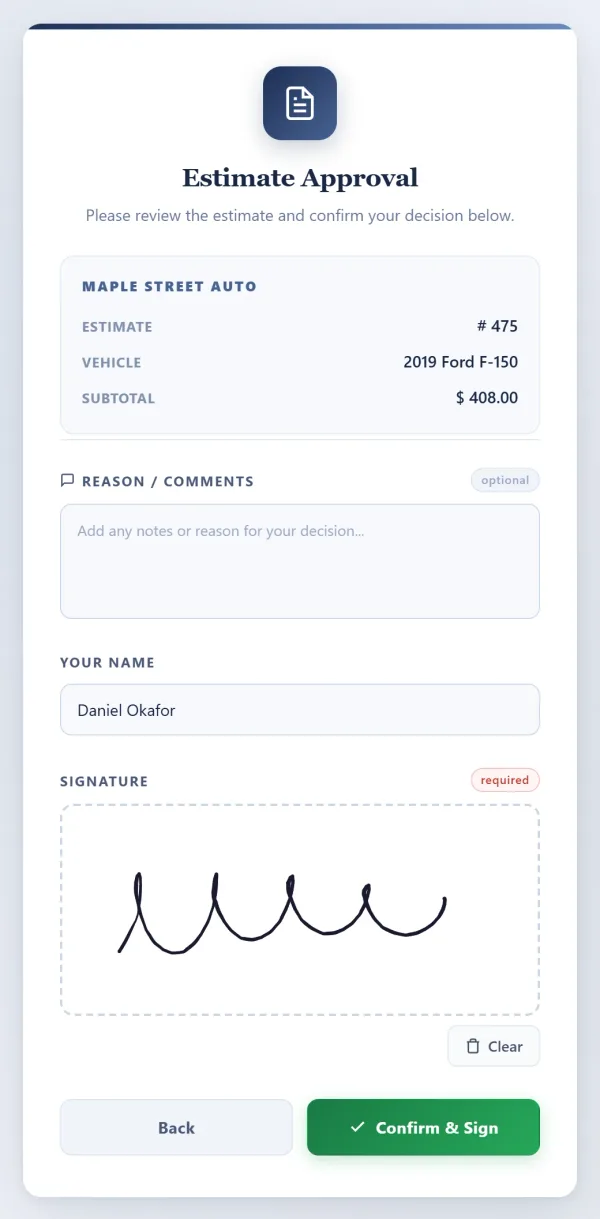
The Review & Respond link opens a clean, mobile-optimised approval page. Two big buttons — Approve & Sign or Decline. Their choice is logged in AutoSoftWay the second they tap, and the work order updates automatically.
Everything you need to get faster approvals
Six features built into one workflow — so the approval comes back faster, the bay starts work sooner, and nobody has to chase anyone.
One-Click Approval Request
Click the Approval button on any estimate or work order. The client gets the email instantly — no extra steps, no copy-pasting, no external email client.
Instant DispatchFully Itemized Estimate Email
The client sees a complete breakdown — every part with quantity and unit price, every labor charge with hours and rate, plus subtotal, taxes, discounts and grand total.
Full TransparencyReview & Respond Button
A green Review & Respond button at the bottom of every estimate email — the client clicks, sees their options, and approves or declines from any device.
Zero FrictionAuto Status Update
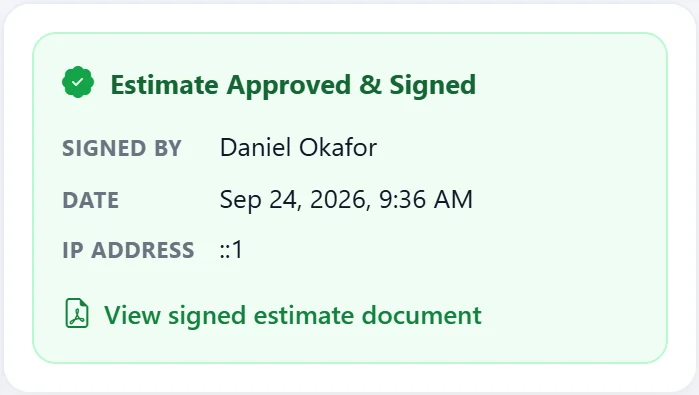
The moment the client approves or declines, the status updates in AutoSoftWay automatically — your team knows the job is approved without making a single call.
Real-Time SyncNo More Phone Tag
Eliminate the back-and-forth of calling clients for verbal approval. AutoSoftWay handles the entire approval workflow digitally — never chase a client before starting a job again.
Eliminate Follow-UpsFallback Link for Any Device
Every approval email includes a plain-text fallback link below the button — so clients on older devices or strict email clients can still access the approval page.
Always AccessibleCommon questions about instant approval
How does instant estimate approval work in AutoSoftWay?
Does the client need an account to approve an estimate?
What does the client see when they receive the approval email?
How do I send an estimate for approval?
Can a client decline an estimate?
What if the button doesn’t work on the client’s device?
Stop chasing approvals. Let clients respond instantly.
One click sends the estimate. One click gets you the approval. AutoSoftWay handles everything in between.