Quick Lube

Quick oil change workflow — made simple

A dedicated fast-lane in AutoSoftWay for oil changes: log the vehicle, oil, filter and notes in seconds — and let the invoice generate itself the moment the service is complete.

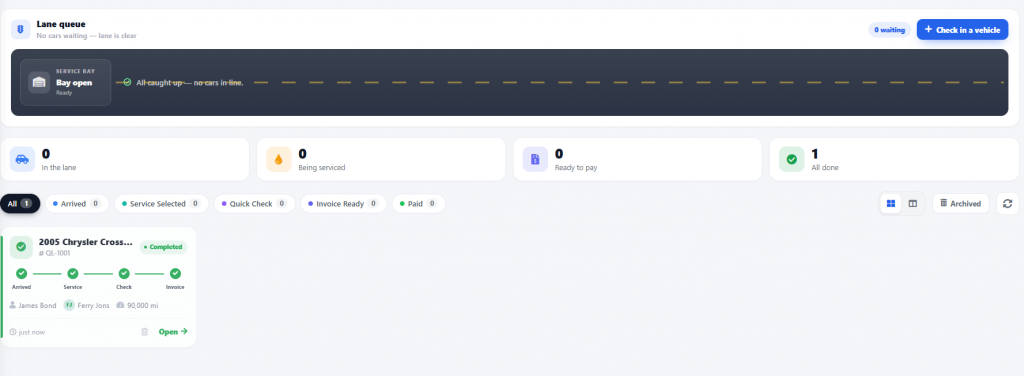
  • Log the odometer, oil type, filter and notes in one screen
  • Automatic invoice generation the moment the service is done
  • Fewer taps, more oil changes per bay per day
  • Clean, easy-to-follow process for every technician
New Quick Lube
Fast-lane oil change · Bay 2
Live
🚗
2019 Hyundai Tucson SE
VIN · KM8J2CA47KU852497 · Plate ABC-1234
Odometer
84,562 km
Oil Type
5W-30 Synthetic
Oil Filter
Bosch 3323
Quantity
4.5 L
Service Notes
Reset service light. Recommended cabin air filter next visit.
Next: Complete & auto-invoice
Invoice will be created automatically.
Complete Service
Fast Quick Lube Setup

A dedicated fast-lane for every oil change

Technicians open the Quick Lube section as soon as they’re ready to perform an oil change. Everything they need to record is on one screen — no jumping between tabs, no full work-order setup.

01
Open Quick Lube
The technician taps Quick Lube when they’re ready to perform the oil change — no full work order needed.
02
Add vehicle details
Record the vehicle’s current kilometers or miles at the time of the oil change — the odometer field is right at the top.
03
Log oil, filter & notes
Enter the oil type, filter details, service notes, and anything else completed during the visit — all in the same screen.
AutoSoftWay Quick Lube service entry screen
Quick Lube service entry — one screen, one flow
Auto-Invoice on Completion

From service complete to invoice sent — instantly

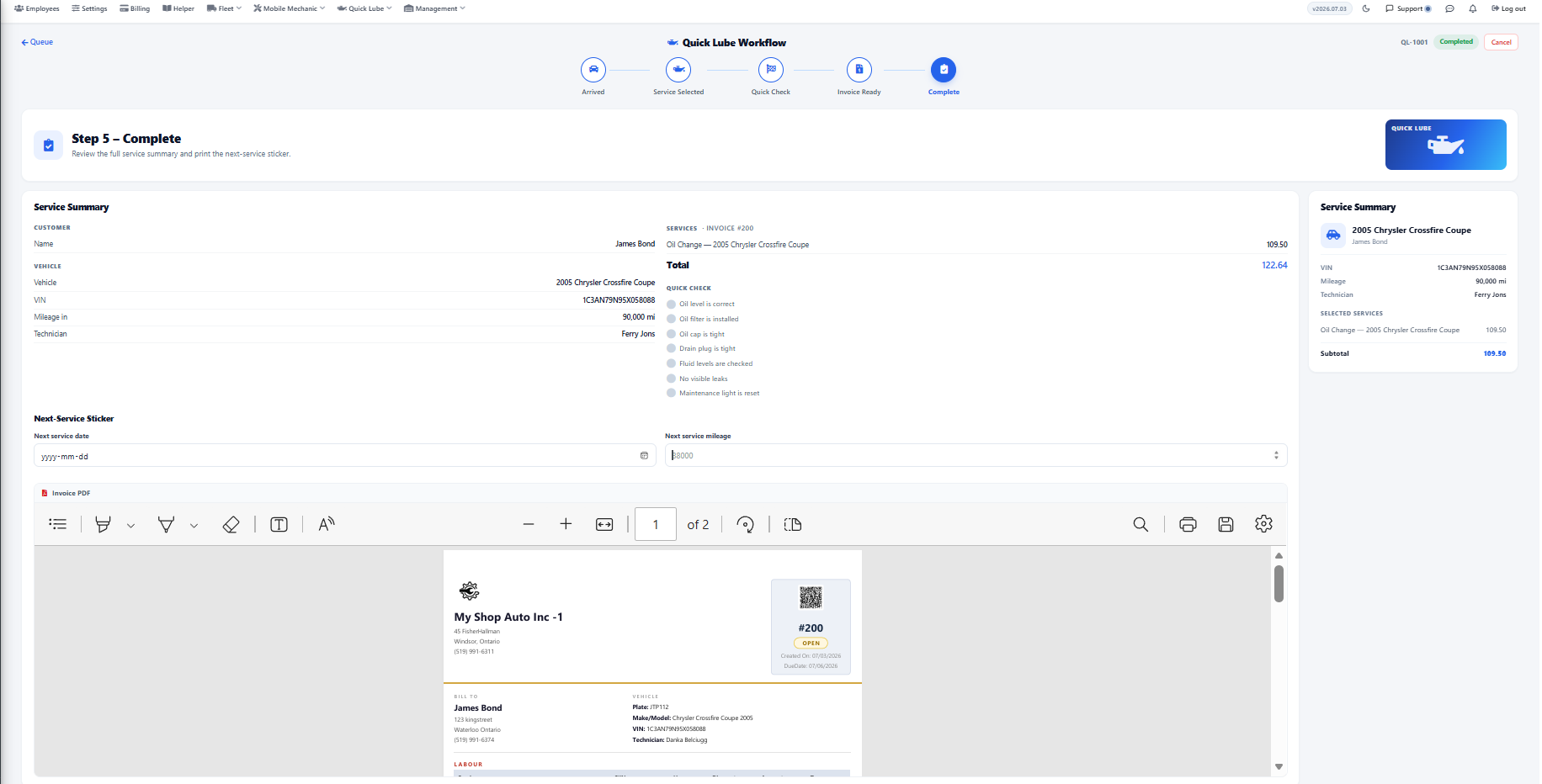
The moment the technician marks the service complete, AutoSoftWay automatically creates the invoice from the Quick Lube entry. No re-typing, no forgotten line items, no missed billing.
Automatic invoice creation the moment the oil change is marked complete.
Skip the double-entry — oil, filter and quantities flow straight into the invoice as line items.
Straight to billing — the invoice is ready to email or hand to the client the moment the car rolls off the lift.
Nothing missed — every service detail entered is captured in the client’s vehicle history for next time.
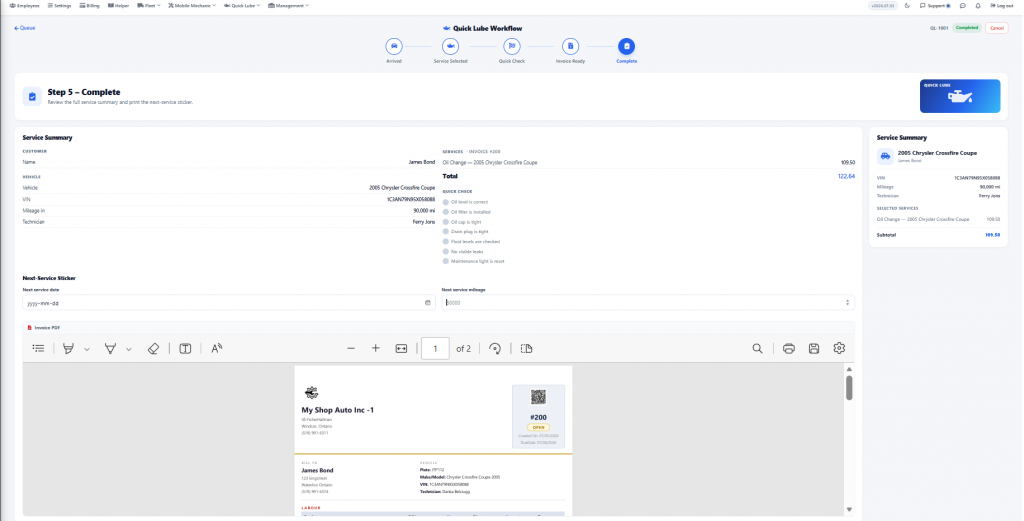
AutoSoftWay Quick Lube auto-generated invoice
Invoice generated automatically from the Quick Lube entry
Why Quick Lube

Built for shops that move fast

Seconds, Not Minutes

One screen for the whole entry — vehicle, odometer, oil, filter, notes. Fewer taps than a full work order.

Auto-Invoice

The invoice is generated the instant the service is marked complete — nothing to re-enter.

Oil, Filter, Quantity

Purpose-built fields for oil type, filter part number, and quantity in litres or quarts — the way lube techs actually work.

Organized & Repeatable

Every oil change follows the same clean process — new technicians can pick it up in a single shift.

Saved to Vehicle History

Every Quick Lube entry logs into the client’s vehicle history — last oil, last filter, last odometer, all searchable.

More Bays Per Day

Cutting the paperwork means more oil changes finished — and billed — every day. Every bay, every shift.

Get the wheels spinning

Turn every oil change into a 2-minute workflow

Give your lube technicians the fast-lane they need — and let AutoSoftWay handle the invoicing automatically.