Step 1
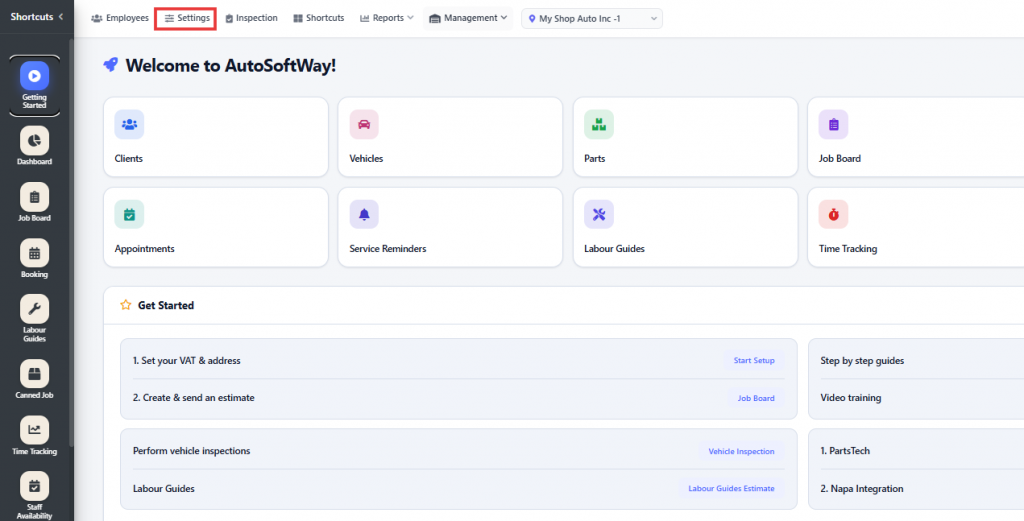
Starting from the “Getting Started” section, navigate to Settings.
Step 2
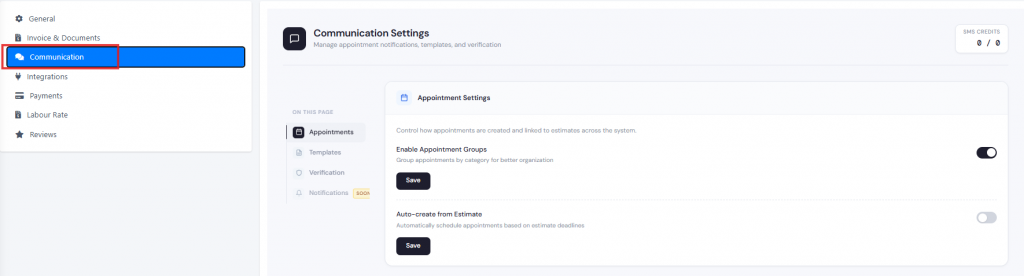
Click on Communication to enable message templates and automated messages sent to clients.
Step 3
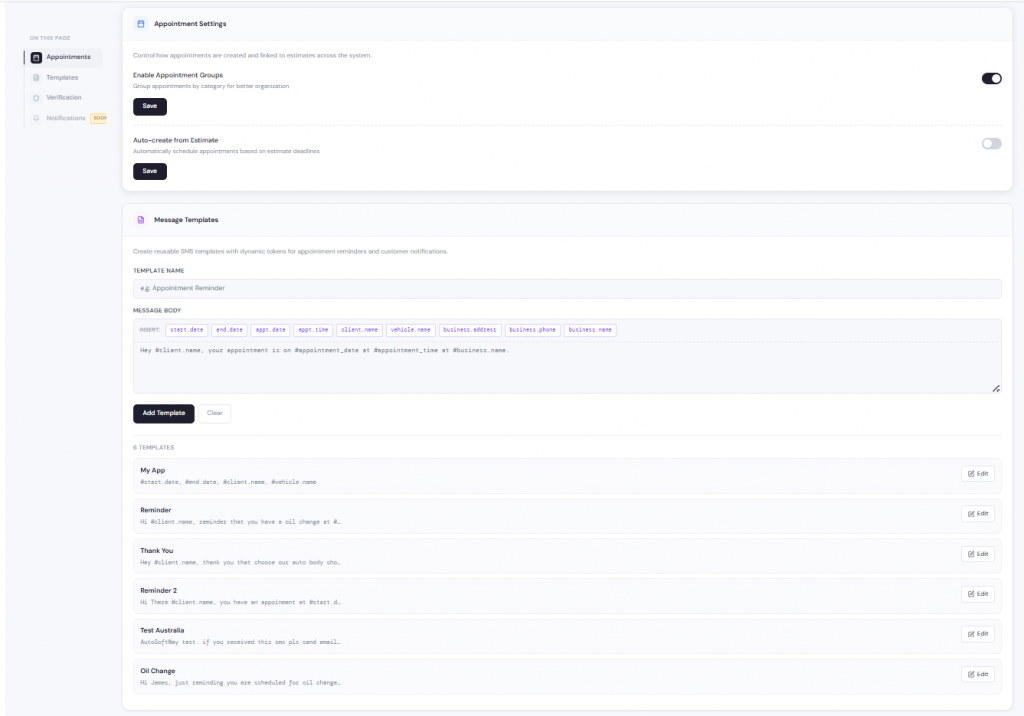
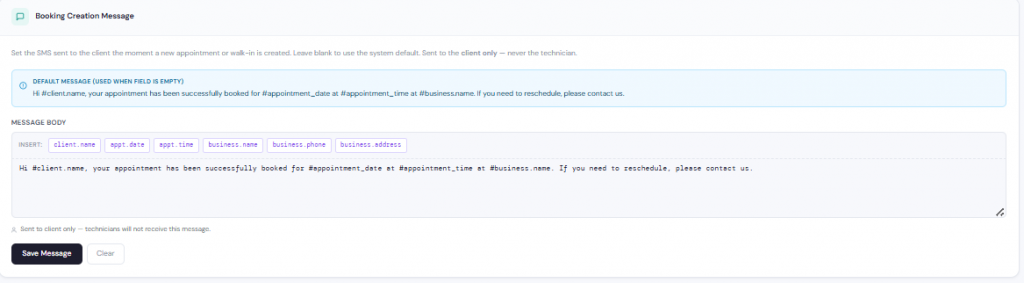
You can enable all appointment settings, including message templates and booking confirmation messages sent to clients.