


Four things, fully synced
The data your accountant needs — pushed to Sage automatically as you work, for better efficiency on both sides of the books.
Sync Estimates
Every estimate you build in AutoSoftWay is pushed to Sage as a sales quote — ready to convert to an invoice on either side.
Sync Invoices
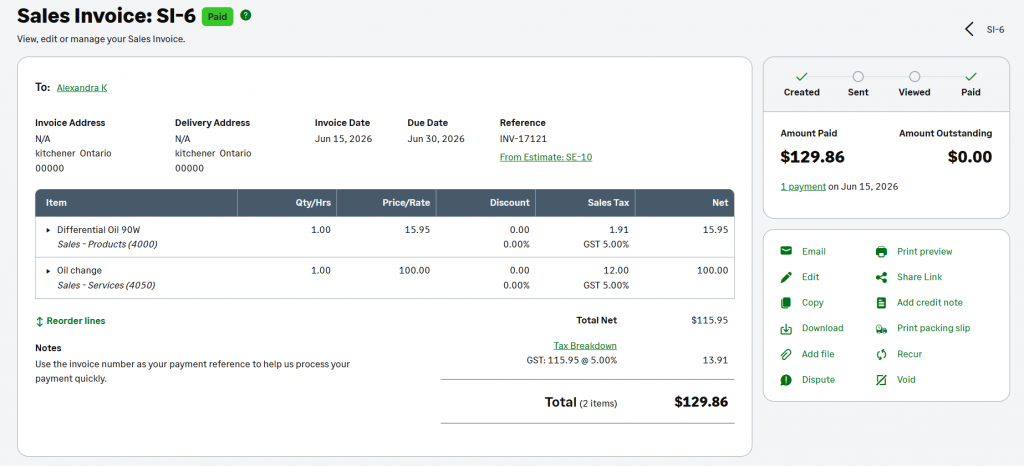
Sales invoices push to Sage with line items, taxes and totals intact. Mark one paid in AutoSoftWay — the payment status shows in Sage too.
Sync Customers
Customer and contact records flow into Sage automatically — new client at the shop, new contact in your books.
Sync Expenses
Track expenses inside AutoSoftWay and push the records to Sage — categorised and ready for your accountant.
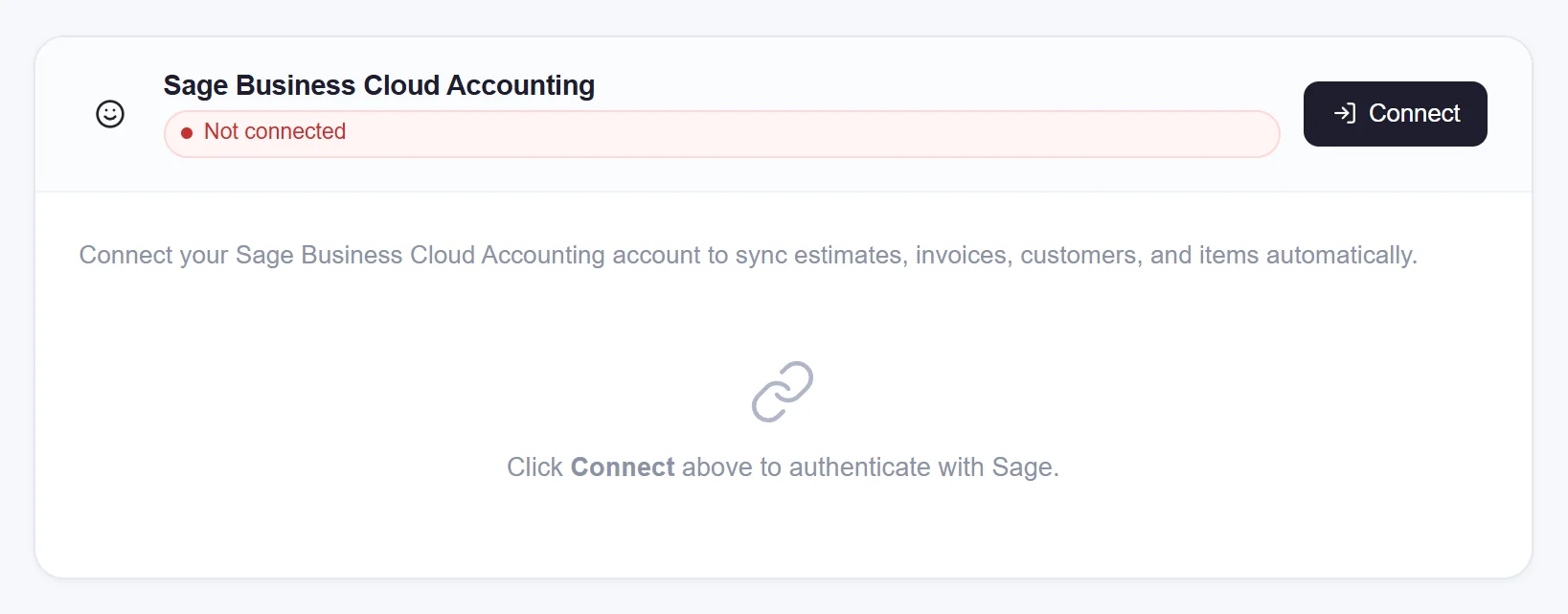
Connect your shop to Sage in one click
AutoSoftWay connects directly to Sage — no middleware, no separate subscription. Authorise once, and the sync runs in the background while your team works.
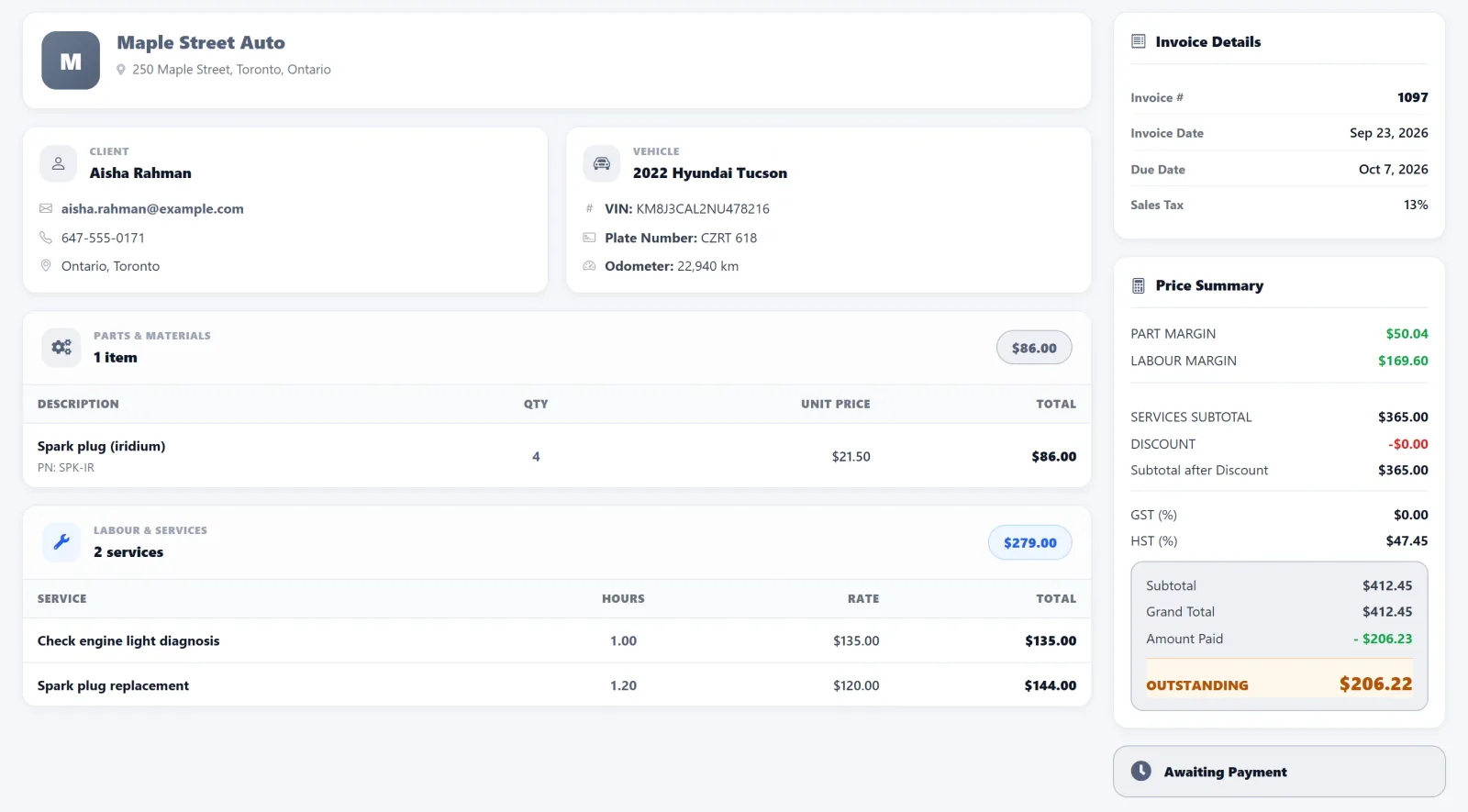
Mark an invoice paid — Sage sees it instantly
When you mark an invoice as paid in AutoSoftWay, the payment status flows straight through to Sage. Your accountant doesn’t have to chase you and you don’t have to update two systems.
Seven reasons shops turn on Sage sync
The everyday wins your team feels the moment the sync starts running.
No double-entry
Stop entering the same invoice in AutoSoftWay and then again in Sage — the platform does it for you.
Fewer accounting mistakes
Manual re-entry is where typos and missing transactions come from. Automated sync removes them.
Faster updates
New estimate, new invoice, new customer — in Sage within seconds, not at the end of the day.
Cleaner records
Your accountant and office team see the same numbers as your shop — one source of truth.
Better visibility
Real-time sales, payments and expenses — whichever app you log into, the picture is current.
Live payment status
Invoice paid in AutoSoftWay? Your Sage account reflects it automatically.
More time on customers
The hours you save on bookkeeping go back to the bay, the front desk and the customer — where they belong.
Three steps to turn it on
From sign-up to first synced invoice in under five minutes.
Sign in to Sage
From your AutoSoftWay settings, click “Connect to Sage” and authorise the connection.
Pick what to sync
Estimates, invoices, customers, expenses — choose any combination. Defaults work for most shops.
Carry on as normal
Run your shop in AutoSoftWay. Sage stays current automatically. Nothing for your team to remember.
Get 10 days free — on us
Register your shop today and unlock the full AutoSoftWay platform — including Sage integration, estimates, invoices, the DVI dashboard, the job board and the entire feature set. Card verification is required — nothing is charged during your trial.
Your shop. Your books. Always in sync.
Stop juggling spreadsheets and double-entry. Run your shop in AutoSoftWay, keep your books in Sage — one platform, two tools, zero busywork.