


- VIN barcode or license plate
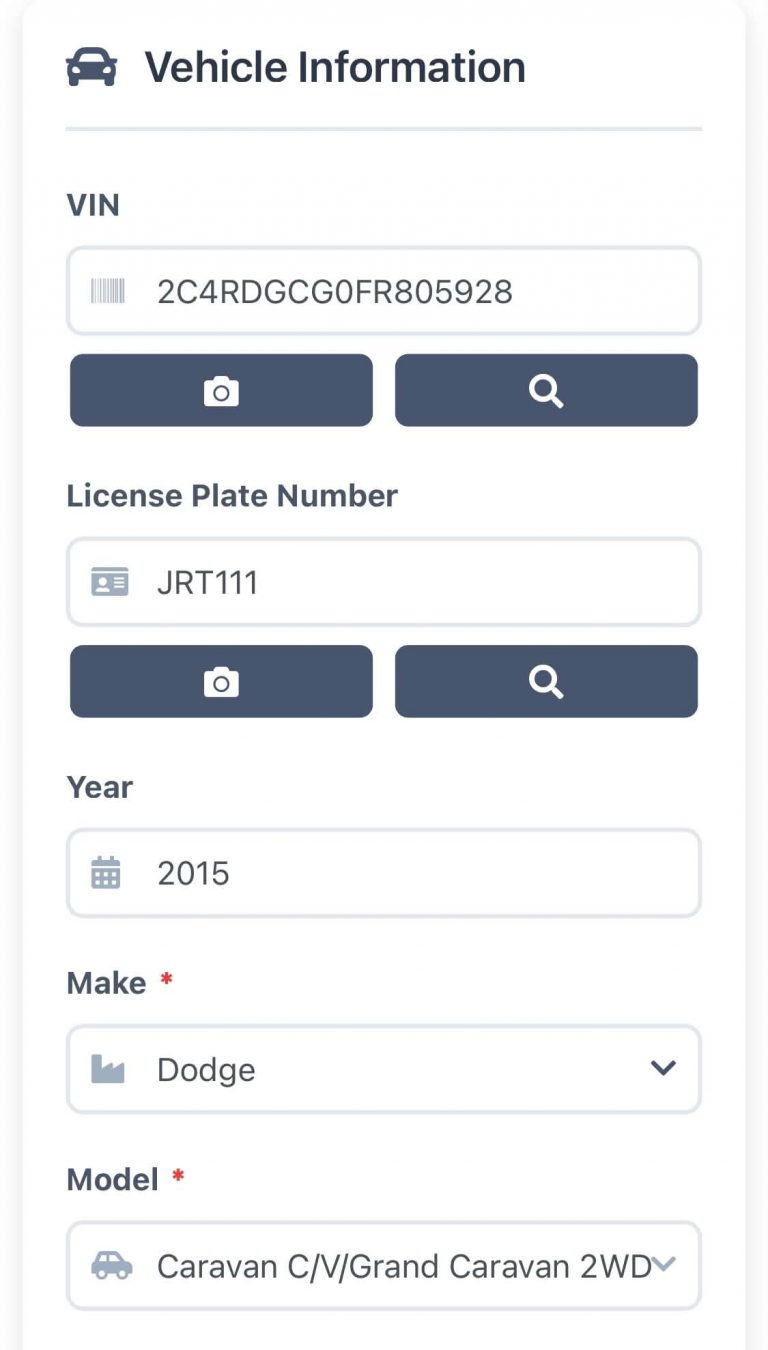
- Year, make & model filled in
- Mobile browser or app
From the car to the system in seconds
Scan to add vehicles faster and get to work quickly. No more typing 17 characters with greasy hands — or fixing the one you got wrong.
Tap the camera
Next to the VIN or license plate field when you add a vehicle.
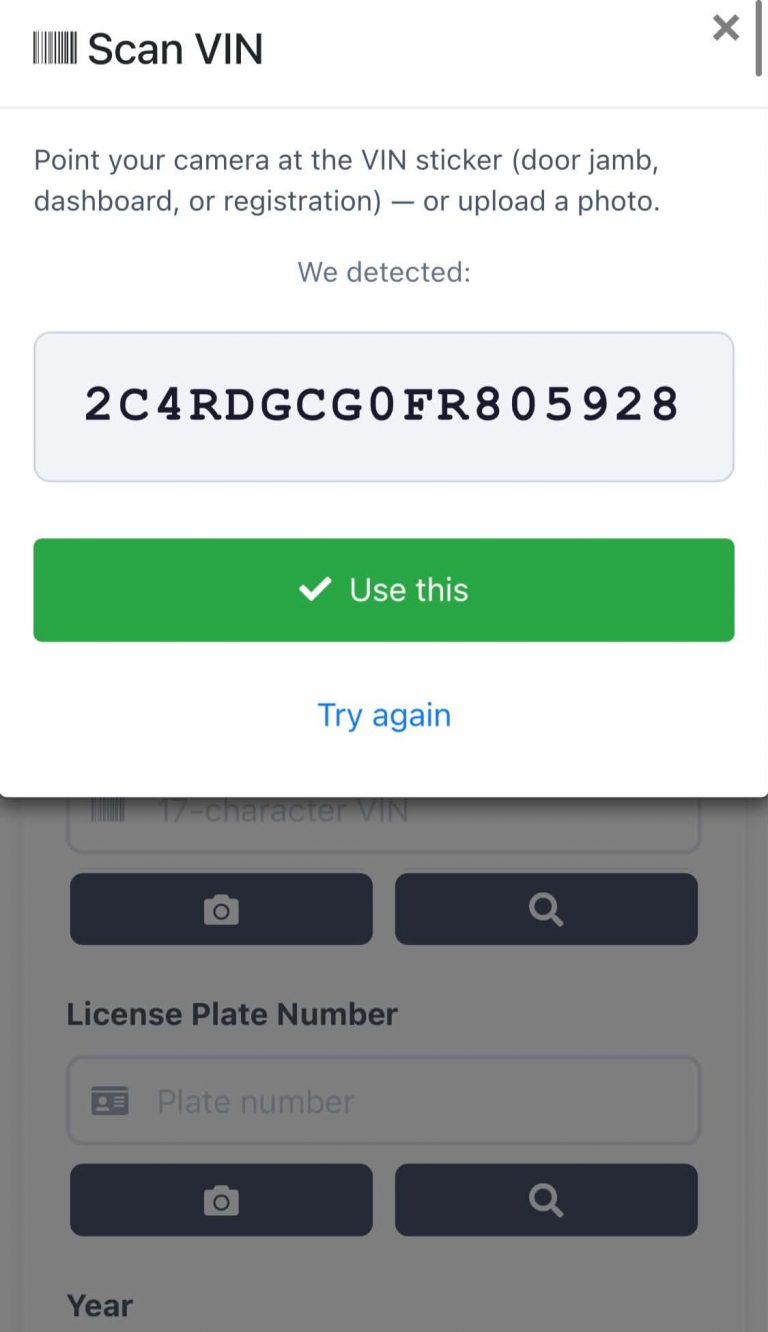
Point and scan
At the VIN sticker on the door jamb, dashboard or registration — or upload a photo.
Check and confirm
AutoSoftWay shows what it read. Tap Use this, or try again.
Vehicle filled in
Year, make and model are populated for you — just save.
Point the camera. Get the VIN.
The camera reads the VIN barcode and shows you exactly what it detected before anything is saved.
- Door jamb, dashboard or registration — scan whichever is handiest.
- Upload a photo instead if the camera can't get a clean read.
- Confirm before it's used — tap Use this, or Try again.
The vehicle fills itself in
Once the VIN or plate is in, AutoSoftWay looks up the vehicle and populates the form for you.
- Year, make and model populated automatically.
- Scan the license plate with the same camera button.
- Fewer typos — the right vehicle on every estimate and invoice.
Every car in the shop, ready to work on
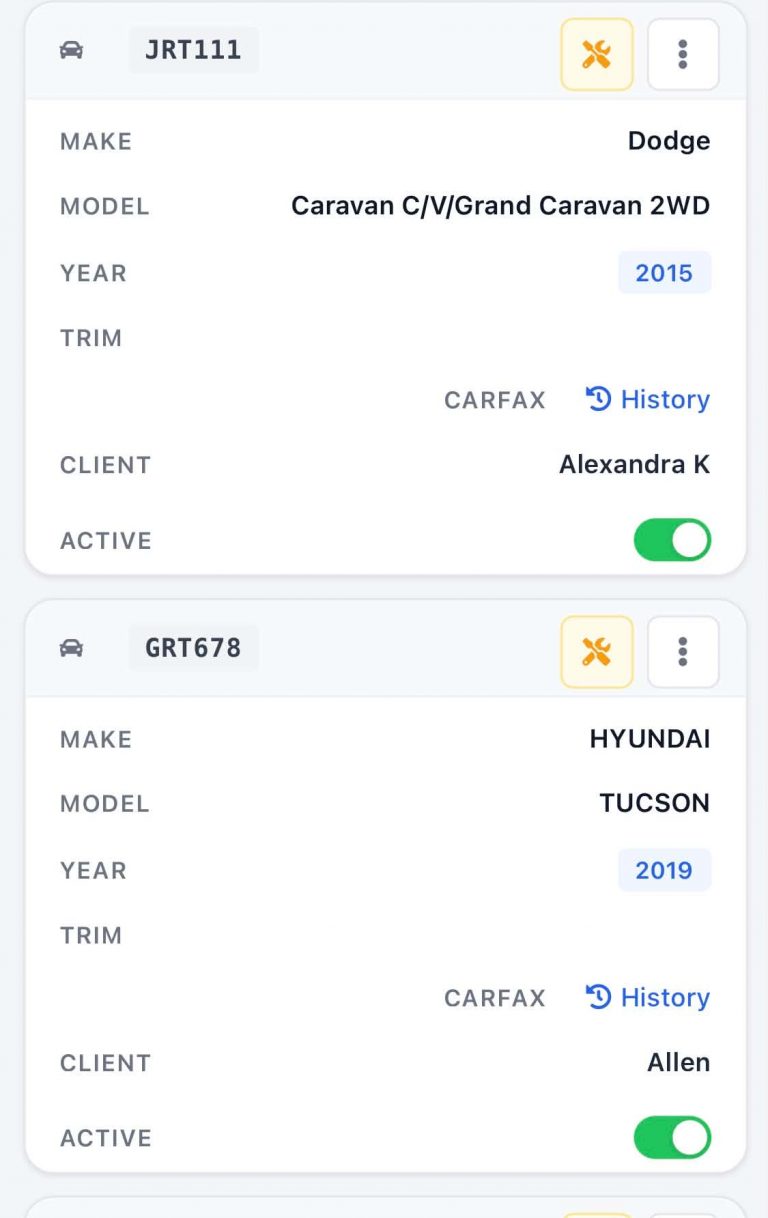
Scanned vehicles land in your vehicle list, linked to the client and ready for the next estimate or work order.
- Plate, make, model and year at a glance.
- CARFAX history one tap away.
- Start a job on the vehicle right from its card.
Nothing to install — unless you want to
Sign in to AutoSoftWay from your phone's browser and scanning is already there. Prefer an app? It's in the AutoSoftWay app too.
Mobile web
Open your browser, sign in, and manage the shop from anywhere — clean, fast and easy to use.
Sign in →AutoSoftWay app
Work orders, inspections, invoices and vehicles on iPhone and Android.
See the app →Same data everywhere
A vehicle scanned at the car is on the counter computer the moment you save it.
Book a demo →Stop typing VINs
Scan the barcode or the plate and get back to the car. Your team saves time on every check-in.
Already on AutoSoftWay?
Sign in from your phone, open Vehicles, add a vehicle and tap the camera next to the VIN.