Simplify Your Workflow: Access PartTech via AutoSoftWay
Step 1
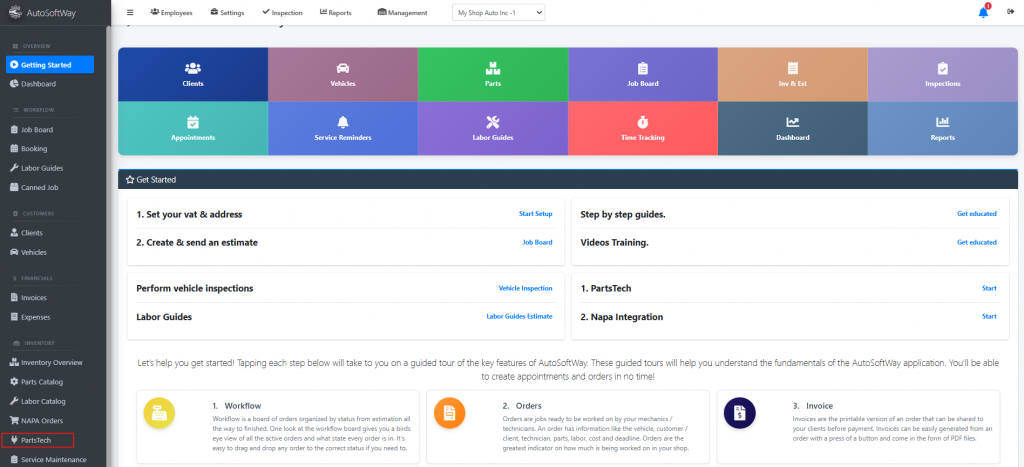
Starting from the Getting Started, navigate to Features Menu, and click on the ‘ Parts Tech’
Step 2
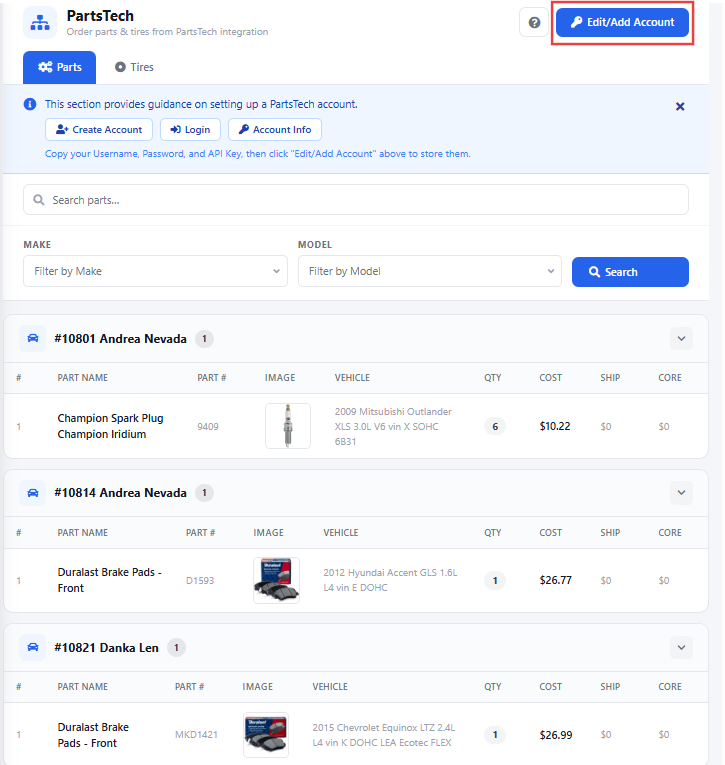
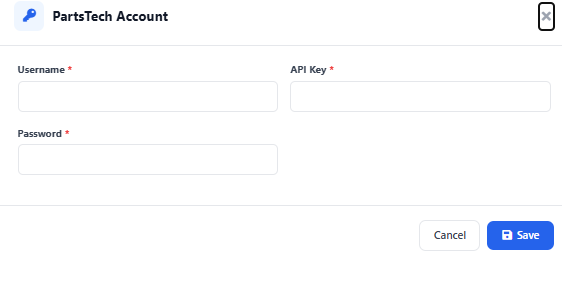
Then click “Edit/Add PartsTech Account.” Before linking, ensure you already have an active PartsTech account. Once your PartsTech account is created, you can easily connect it to AutoSoftWay.
How to order parts from PartsTech
Step 1
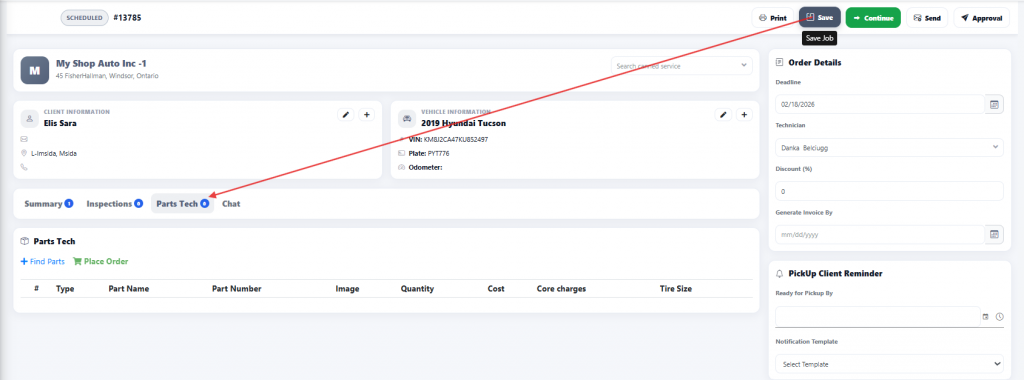
First generate an estimate then ‘Click Save’ and ensure the estimate is saved with at least one labor line. Proceed to the PartsTech tab.
Step 2
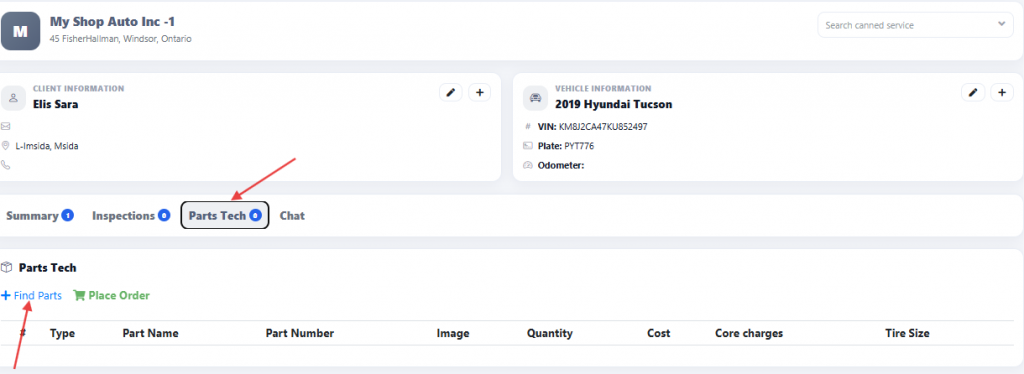
Click ‘Find Parts’ to search and order parts directly from PartsTech.
Step 3
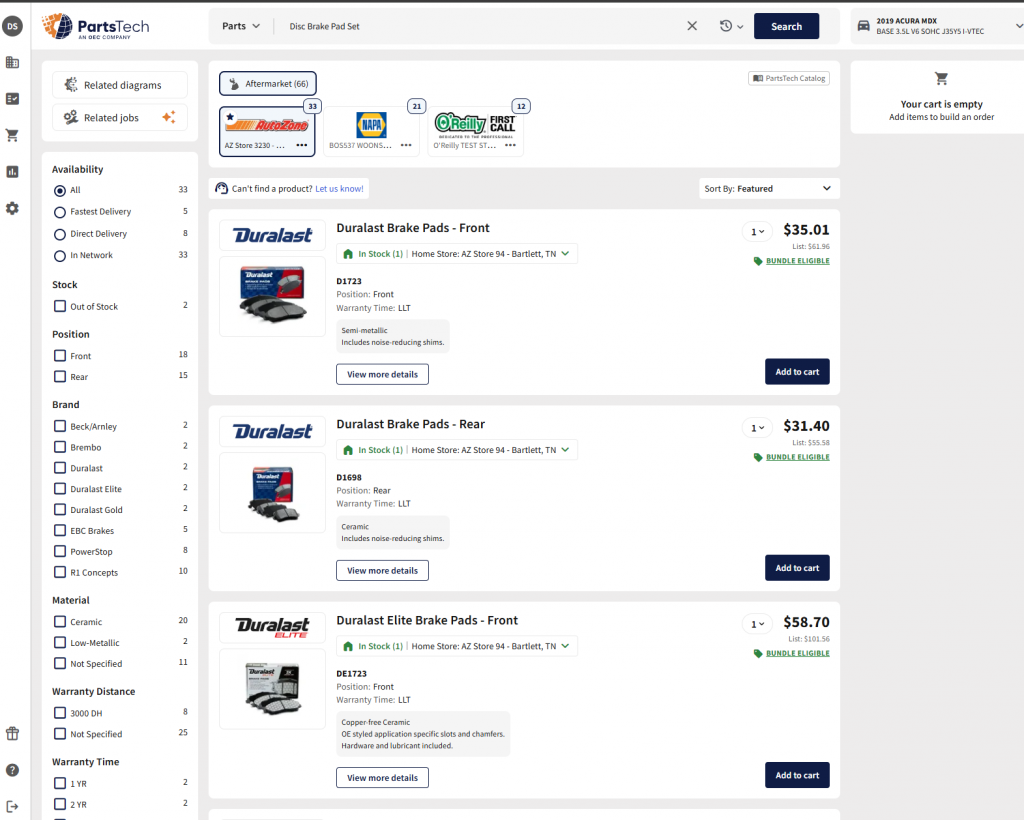
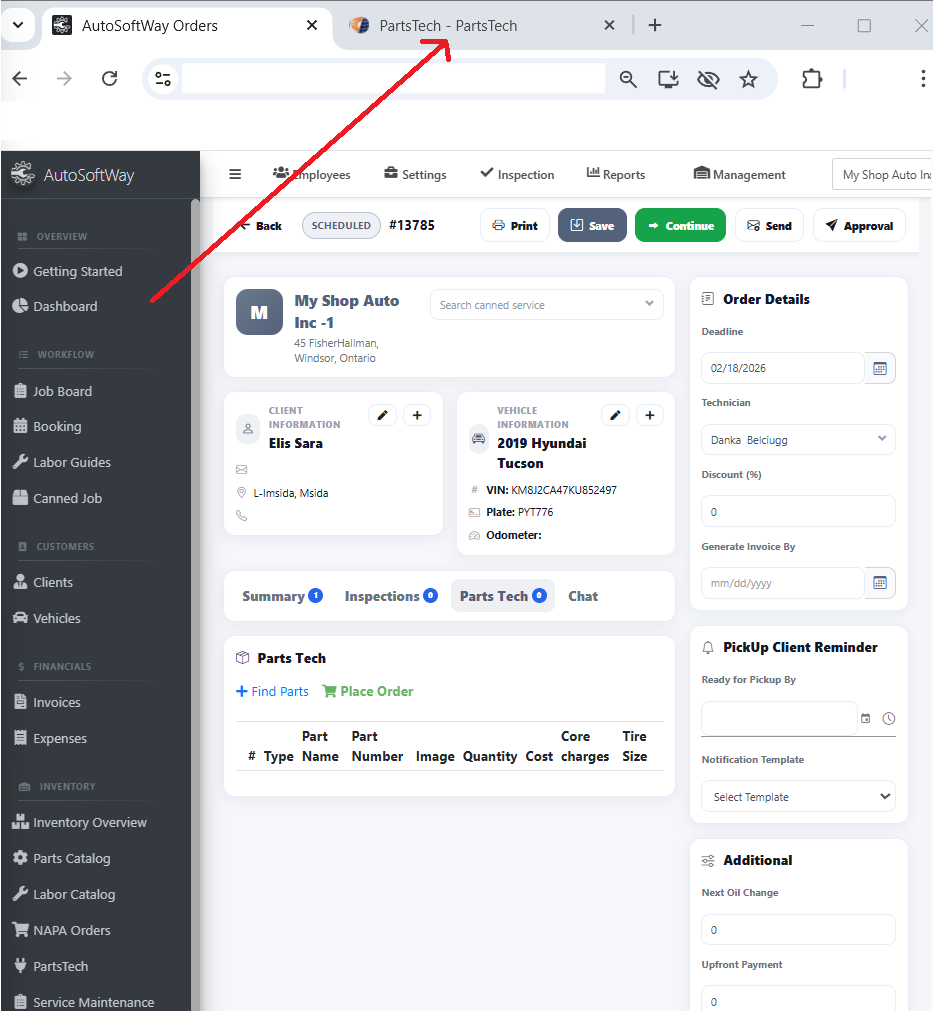
A new tab will open and redirect you to the PartsTech website.
Step 4
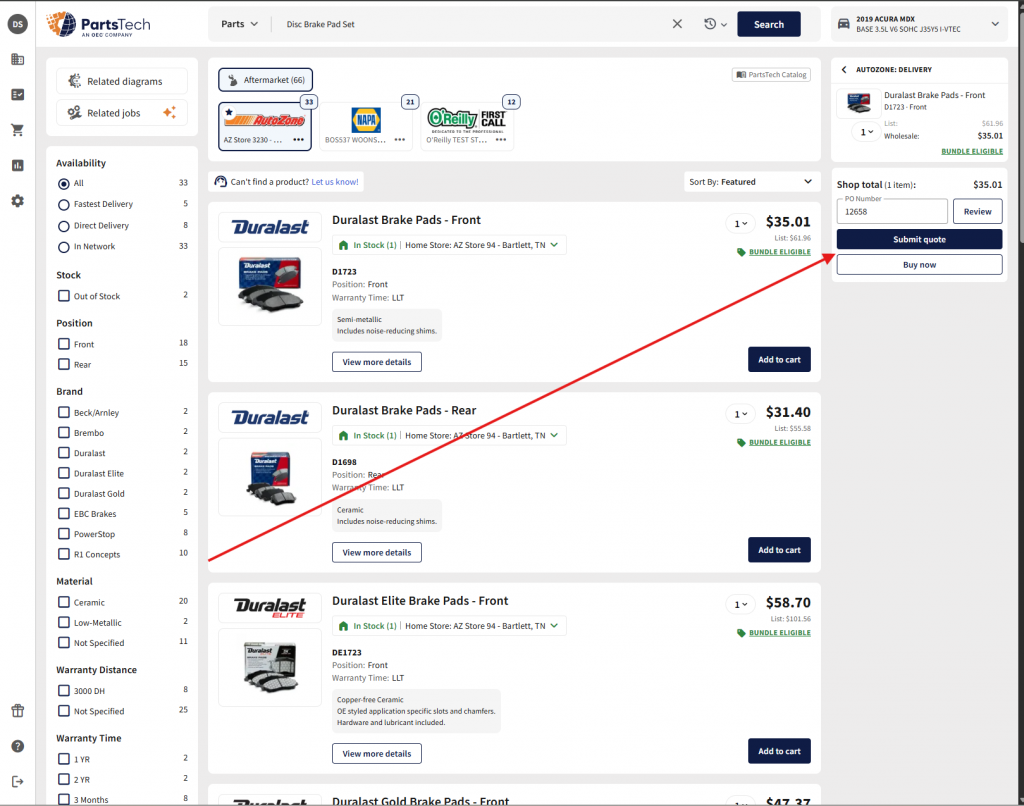
Add the required part(s) to your cart. Once completed, submit the cart and you will be automatically redirected back to AutoSoftWay.