Step 1
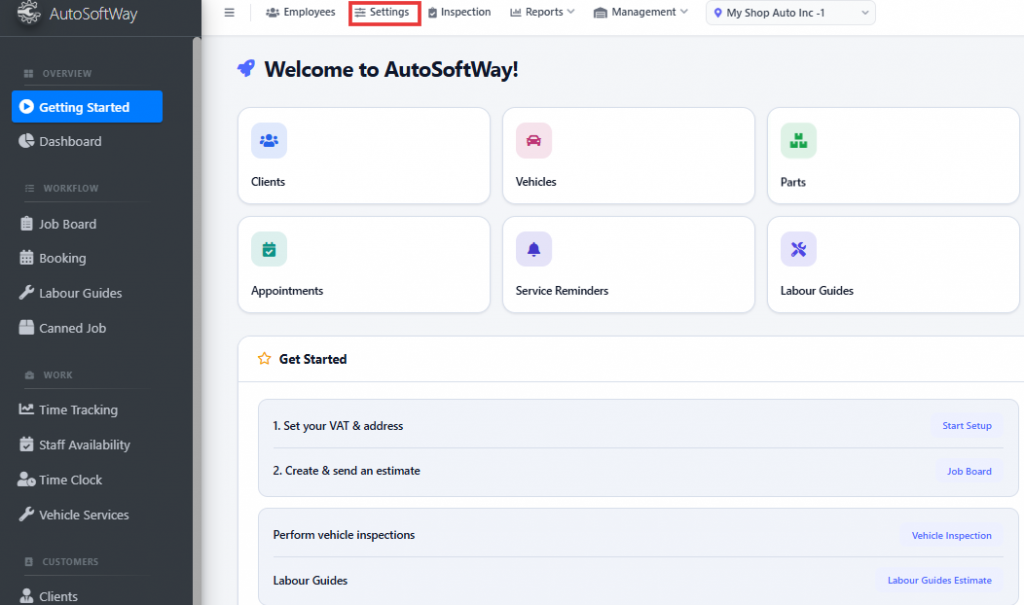
From Getting Started, go to Settings.
Step 2
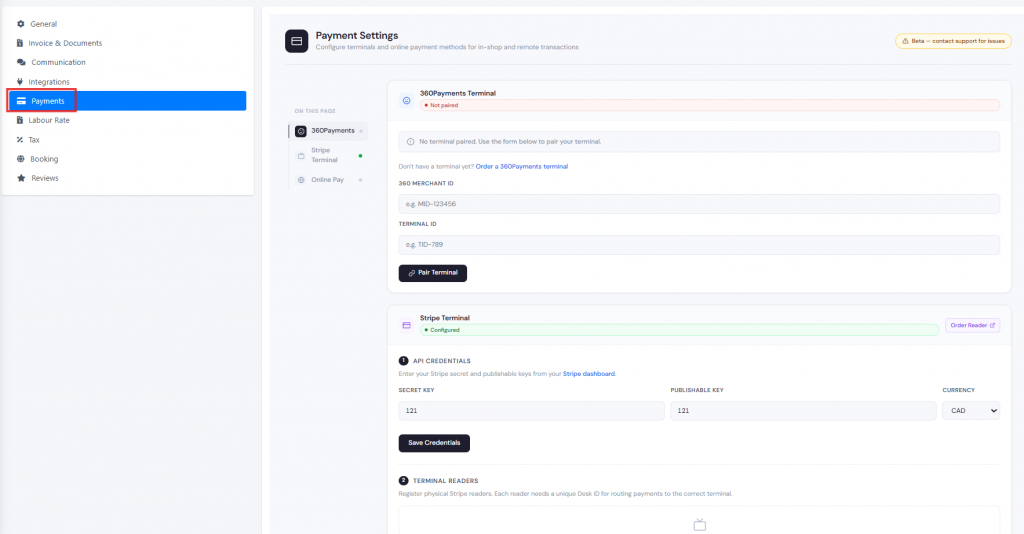
Click Payments. Find the Stripe section. Enter your Stripe account details or connect your Stripe account.Save your changes.
Once Stripe is connected, you can send online payment links directly from AutoSoftWay invoices, allowing customers to pay quickly and securely online.