
Professional auto repair invoices — created in minutes, sent in seconds
Take full control of your shop with AutoSoftWay — streamline jobs, invoices, and payments today.
- Create and send professional invoices for your auto shop clients
- Deliver invoices directly via email or share through social channels
- Enable clients to review, sign, and approve invoices online
- Go paperless and streamline your shop’s invoicing process
- Save time, reduce errors, and get paid quicker
Get 60 days free — on us
Register your shop today and unlock a full 60-day AutoSoftWay account, free of charge. No credit card required to start.
Every tool your shop needs — built right into the estimate
Inspections, time clock, parts lookup, AI assist, technician assignment — one screen, every action a click away.

Technicians clock in and out directly from the estimate. Every minute is tracked against the job — no guesswork on labor time.
Time ClockSearch live parts catalogs, see real-time pricing and availability, and add them straight to the order with one click.
Live Parts CatalogRun a full digital vehicle inspection from inside the estimate. Findings can be converted into line items in one click.
DVI IntegratedPick the tech for the job from the order details panel. Every estimate is owned by someone — nothing slips through.
Order DetailsLabel each estimate (e.g. “RO #14”) and add internal notes, public notes, or work order descriptions in one place.
Better OrganizationTag estimates with color-coded labels — Waiting on Parts, Approved, Urgent — so the right work is always visible.
Visual TagsEmail the estimate directly to the client. They review, sign and approve online — you get notified the moment they do.
Email + e-SignOnce approved, schedule the repair into your shop’s calendar from the same screen — SMS / email reminders fire automatically.
Automated RemindersDescribe the symptom or job in plain language. AI suggests the right operations and catalog-priced parts & labor for you to review.
AI PoweredBuild your job board around your workflow
Every shop runs differently. Add, rename, recolor, reorder and remove your own workflow stages — from Intake to Final QA — and drag jobs across columns as the day moves.
One screen, the entire workflow
Build the quote, send it for approval, schedule the repair, and track time — without leaving the estimate.
Build the estimate
Pick client, vehicle, parts and labor — or let AI Assist draft it for you.
Send for approval
Email it for client review and online sign-off — you get notified the moment they approve.
Schedule the repair
Drop the approved job onto the calendar and assign a tech — SMS reminders go out automatically.
Clock-in, track, invoice
Tech clocks in from the estimate. When the job is done and the card hits “Complete”, the invoice is auto-generated.
Everything you need to run your shop smoothly
One platform — estimates, invoices, scheduling, technician tools and more.
Private notes for your technicians
Technicians can add notes directly within an estimate, ensuring smooth communication and collaboration across the team.
These notes remain visible only to technicians — perfect for sharing important details, raising potential issues privately, or flagging something the next mechanic should know.
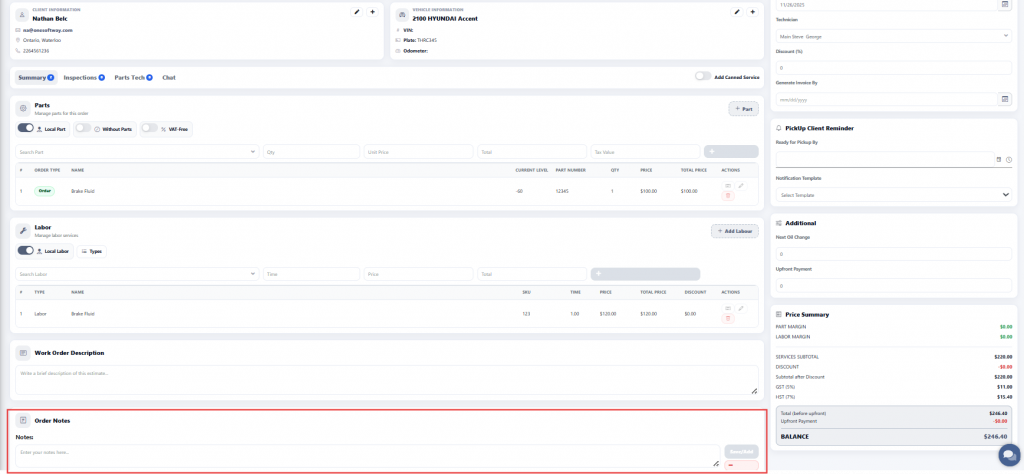
From client to invoice — in just a few clicks
Creating a car repair invoice with AutoSoftWay is simple and hassle-free. Pick your client, add the vehicle details, include parts and services, and your professional invoice is ready to send.
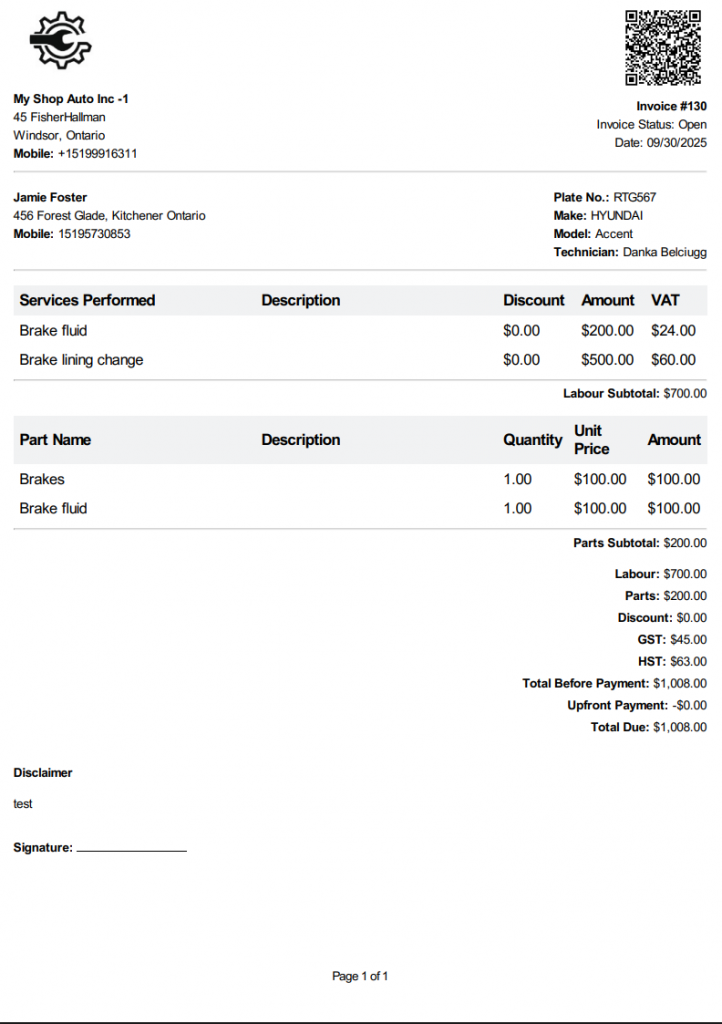
Review every invoice before it’s sent
In the auto repair business, precision and professionalism are non-negotiable. Clients expect transparency, accuracy, and attention to detail at every step — that’s why your invoices need to be clear, comprehensive, and error-free.
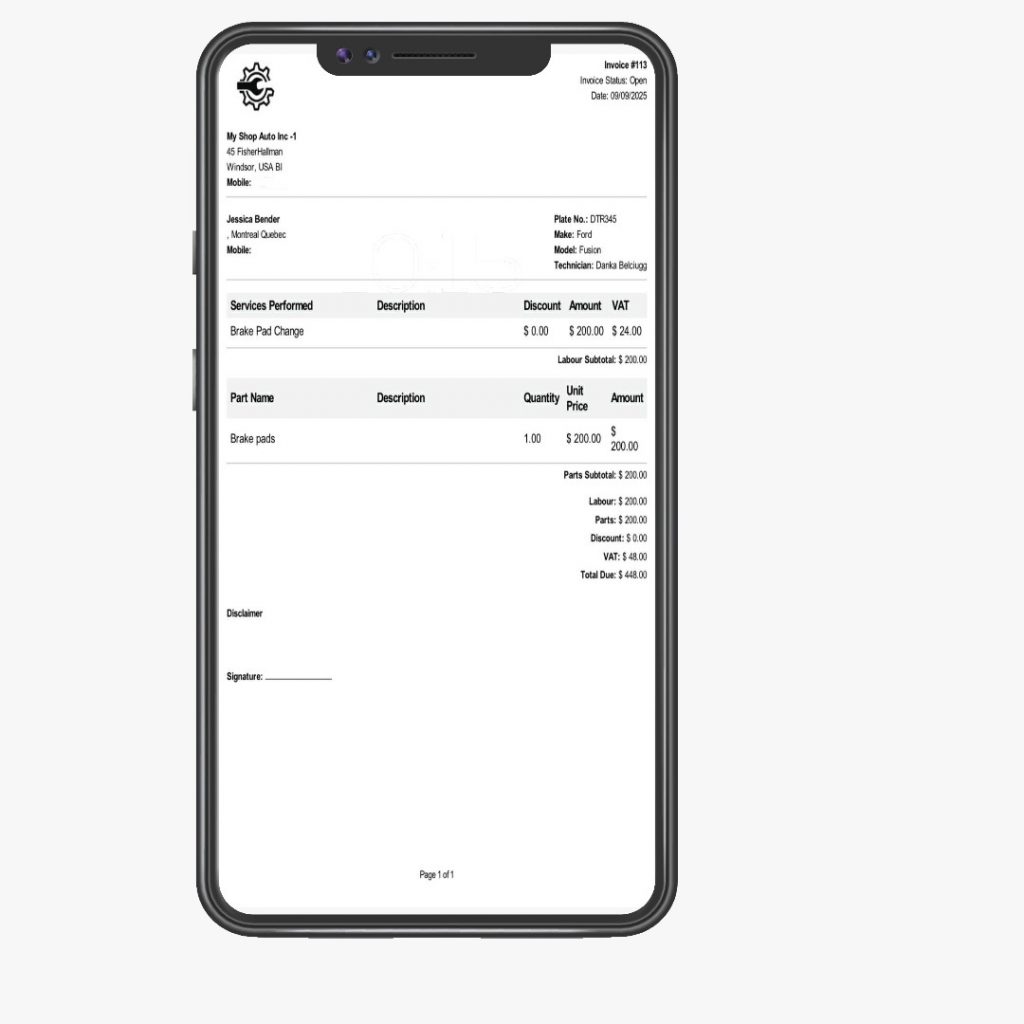
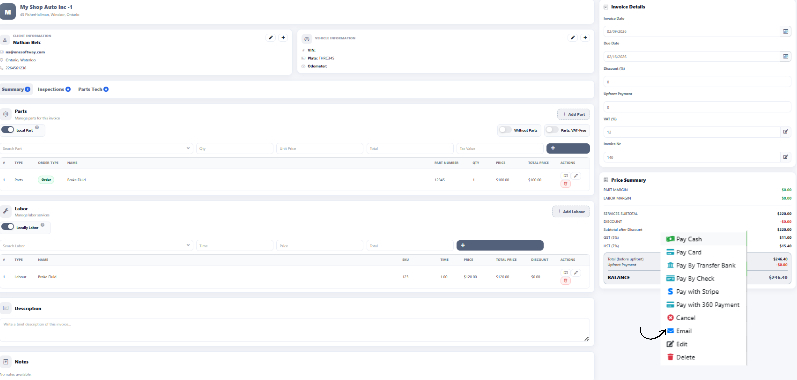
Make sure every invoice reaches your client
Even the most polished invoice has no value if it never reaches your client. With AutoSoftWay’s built-in email delivery, every invoice is sent, received, and accounted for.
Hear it from the people who use it every day
“We are 100% satisfied with this software — it has increased our efficiency by allowing us to send invoices and estimates directly to the customer.”
“Out of all online software tools we used, AutoSoftWay is the best performer — we highly recommend it.”
“Our technicians save hours every week, and our clients appreciate the professional reports and updates. Highly recommend it.”
“So far the experience has been great. The support and design team are always there to go the extra mile and tweak the software to adapt to customers’ needs.”
Try AutoSoftWay free for 60 days
Register your shop today and your free 60-day account activates as soon as our team verifies your details — usually within 24 hours.