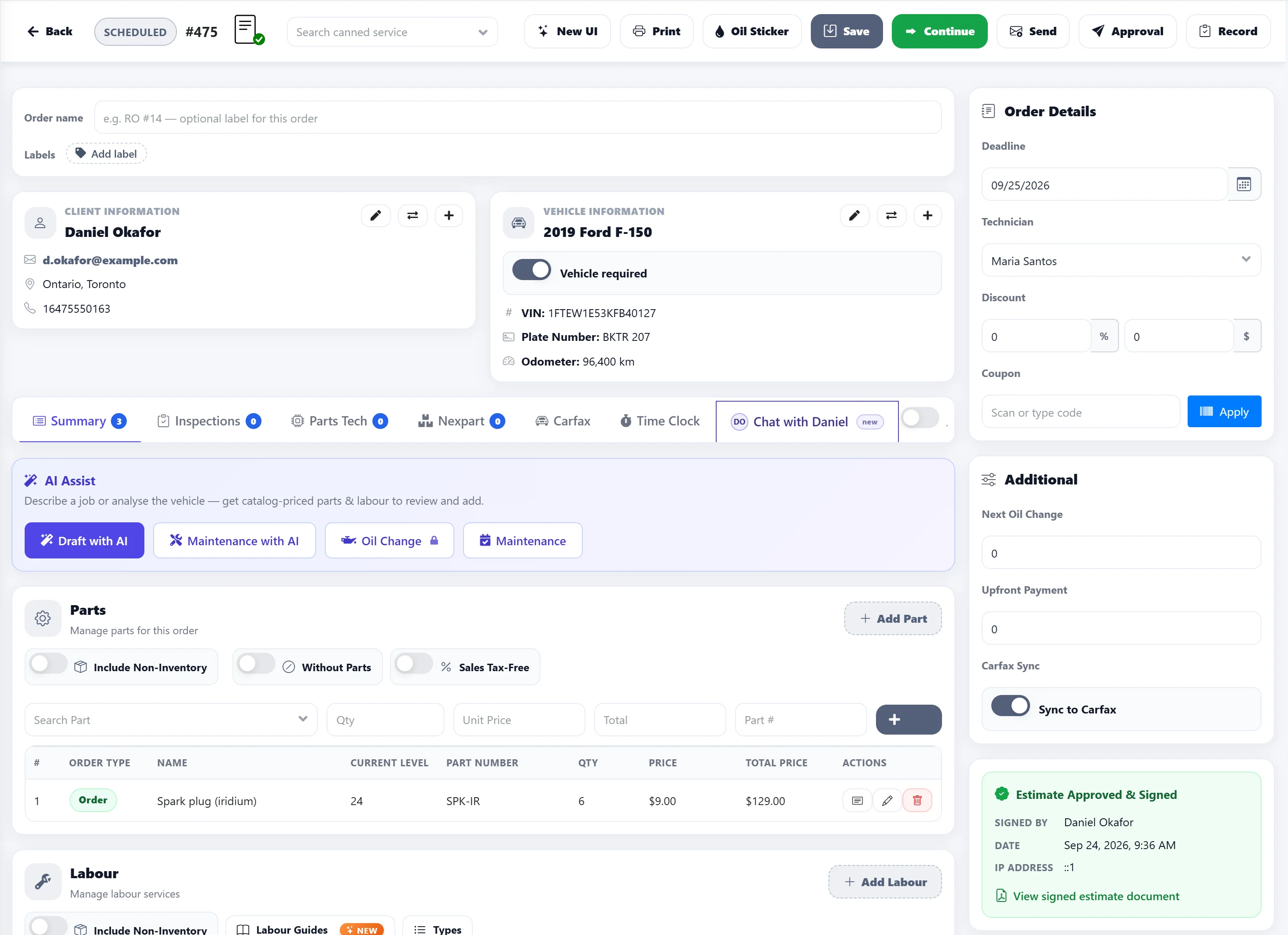
Online estimate approval lets repair shops send an estimate to the client by email or text message, so they can review it from their own device. Here’s how it works.
Step 1
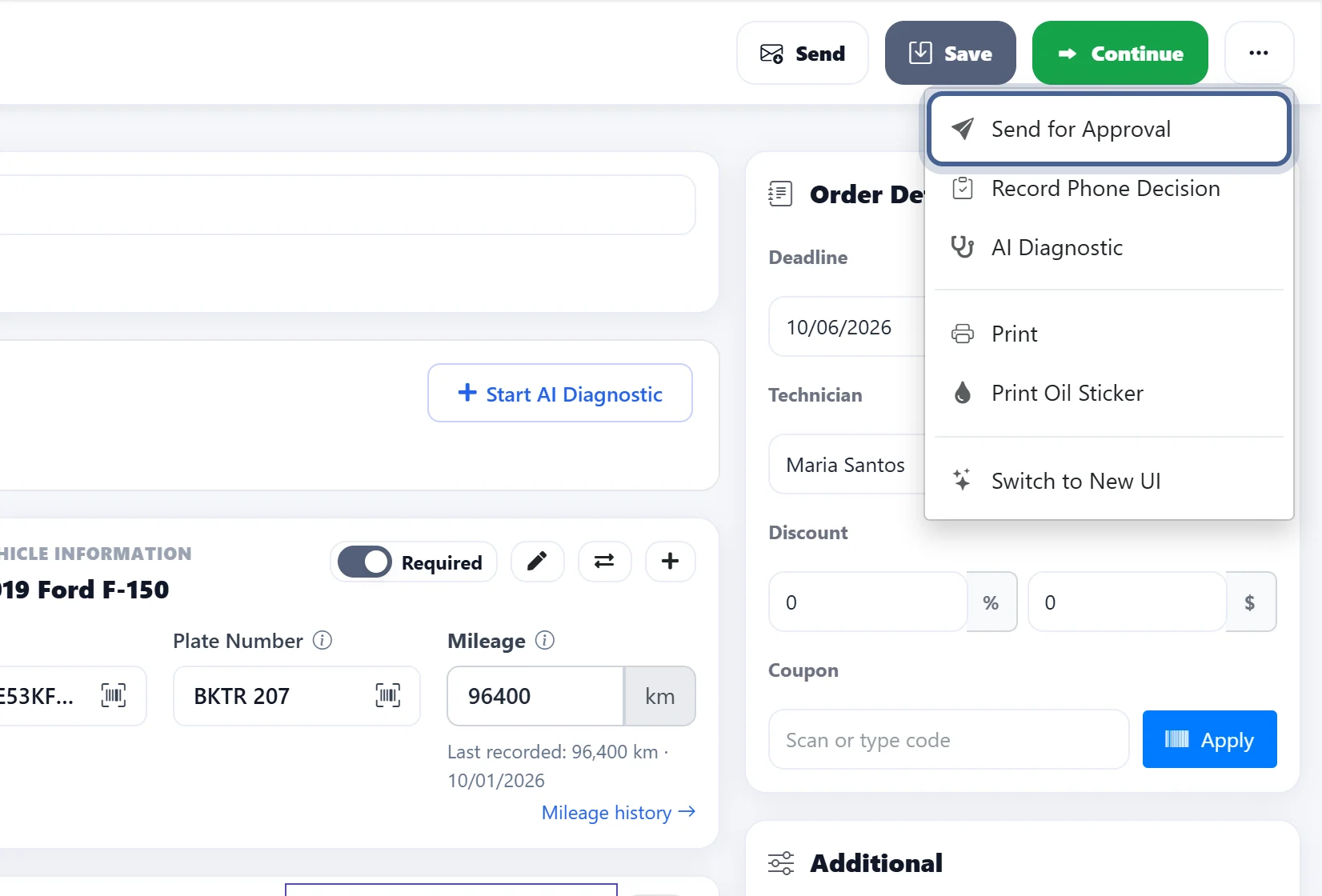
Click on “Send for Approval” to allow the client to review the estimate.
Step 2
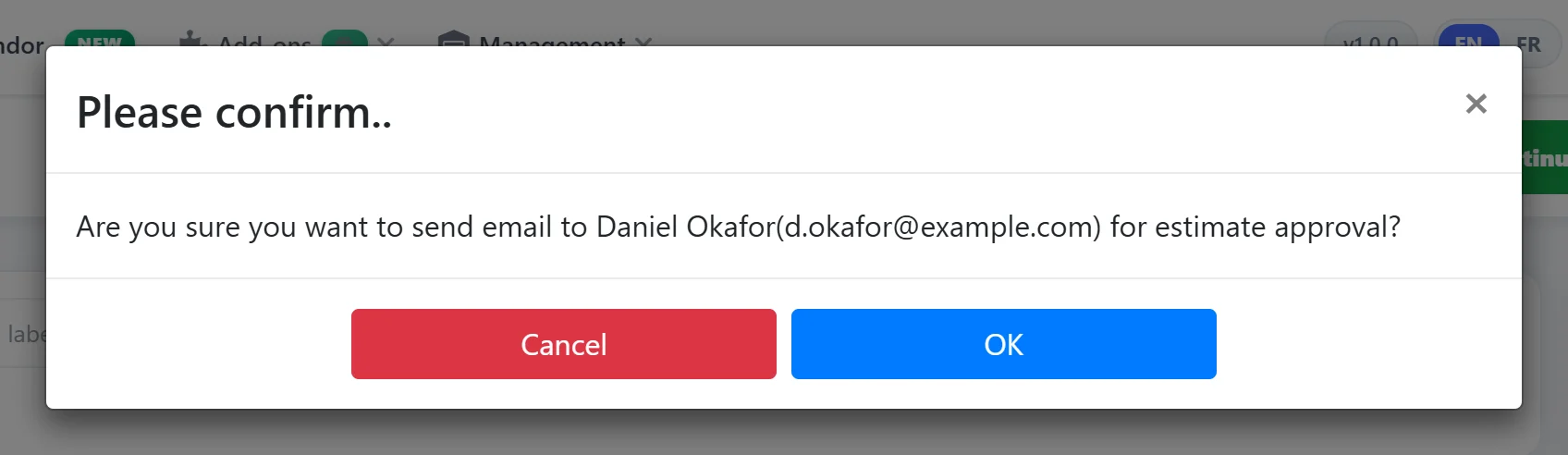
A pop-up window will appear to confirm the client’s email address. If the email is correct, click ‘OK’ to send the estimate for approval.
Step 3
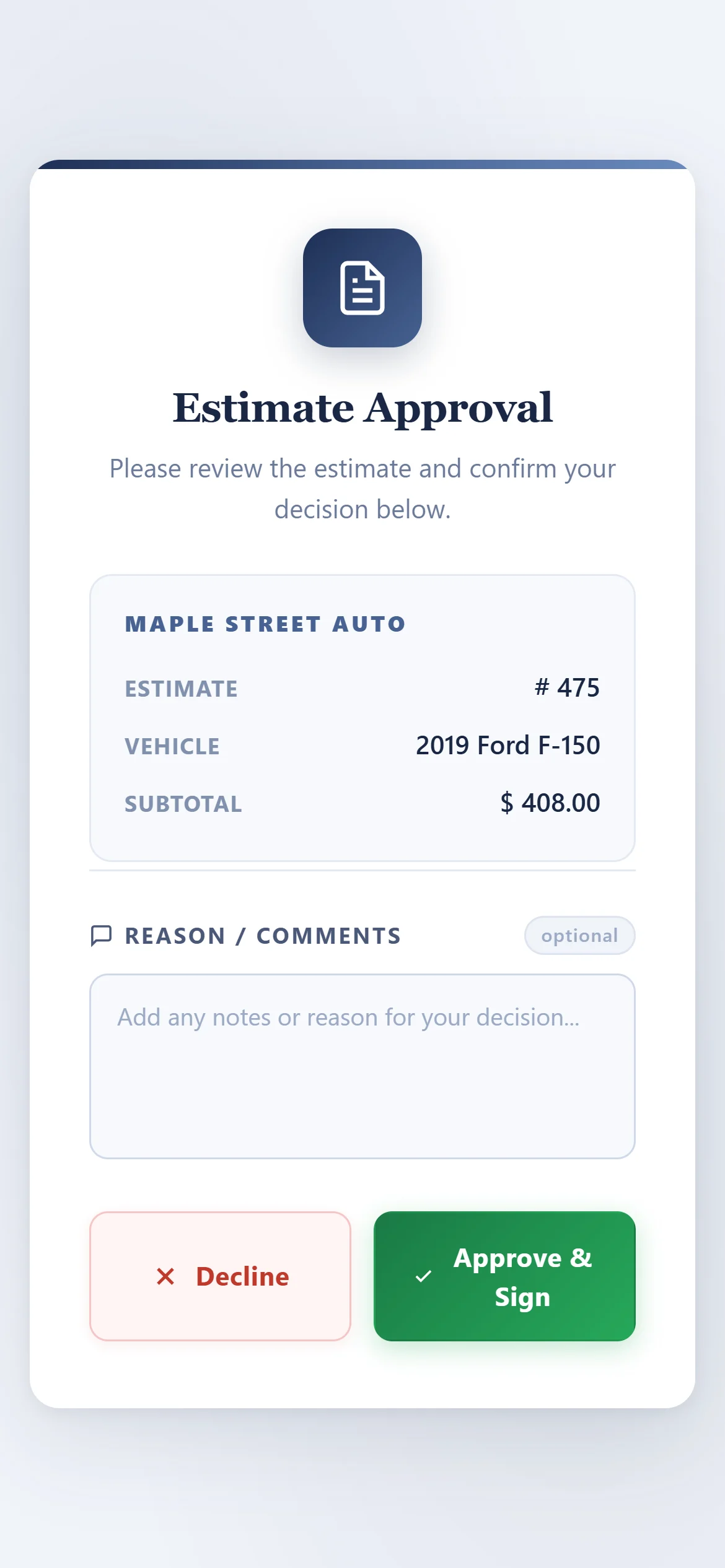
Once the approval request is sent, the client will receive an email or text message where they can review the estimate.
Step 4
The client will have the option to either ‘Approve‘ or ‘Decline‘ the estimate.
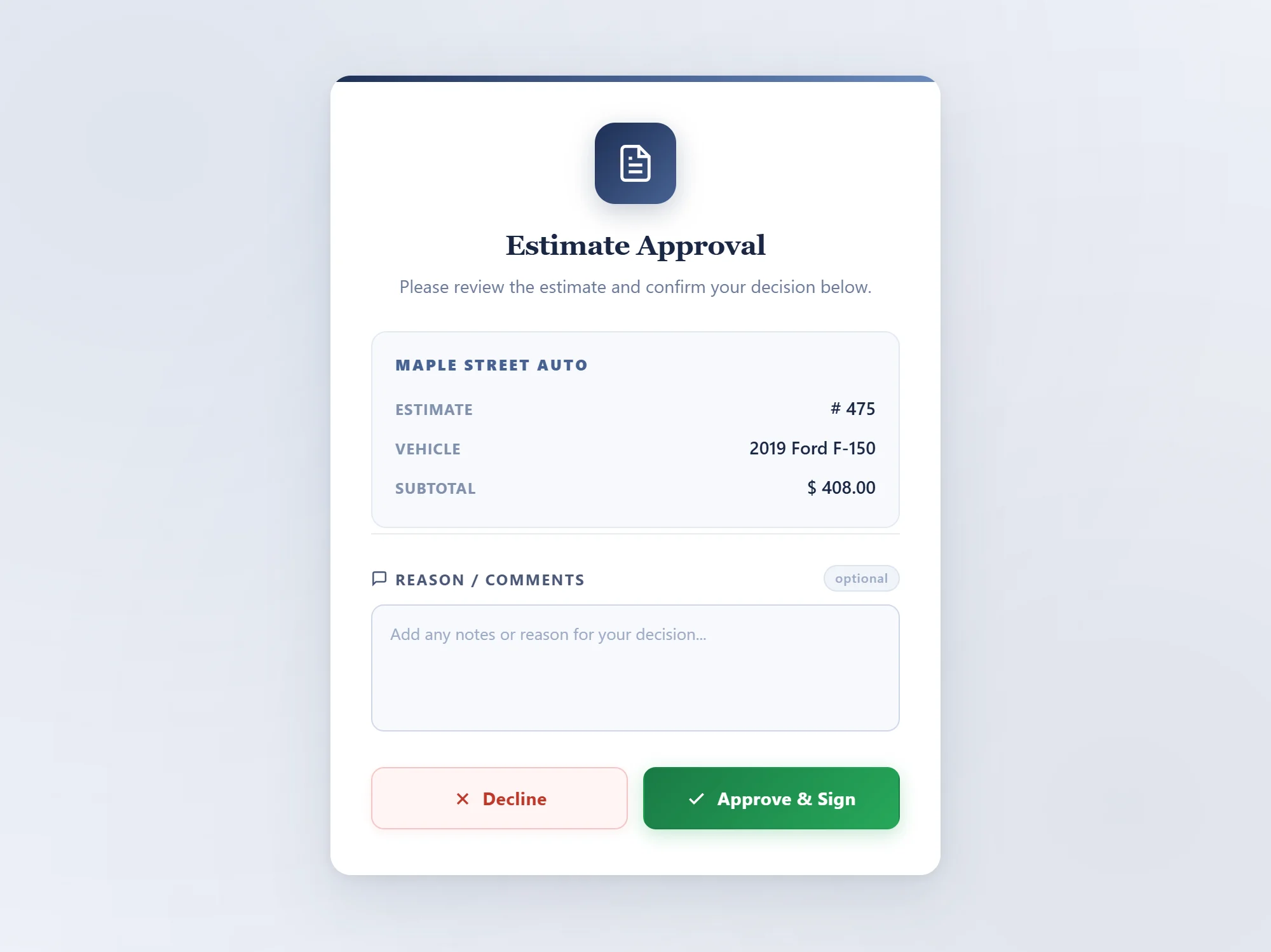
Once the client approves the estimate, the response will be sent to the technician.
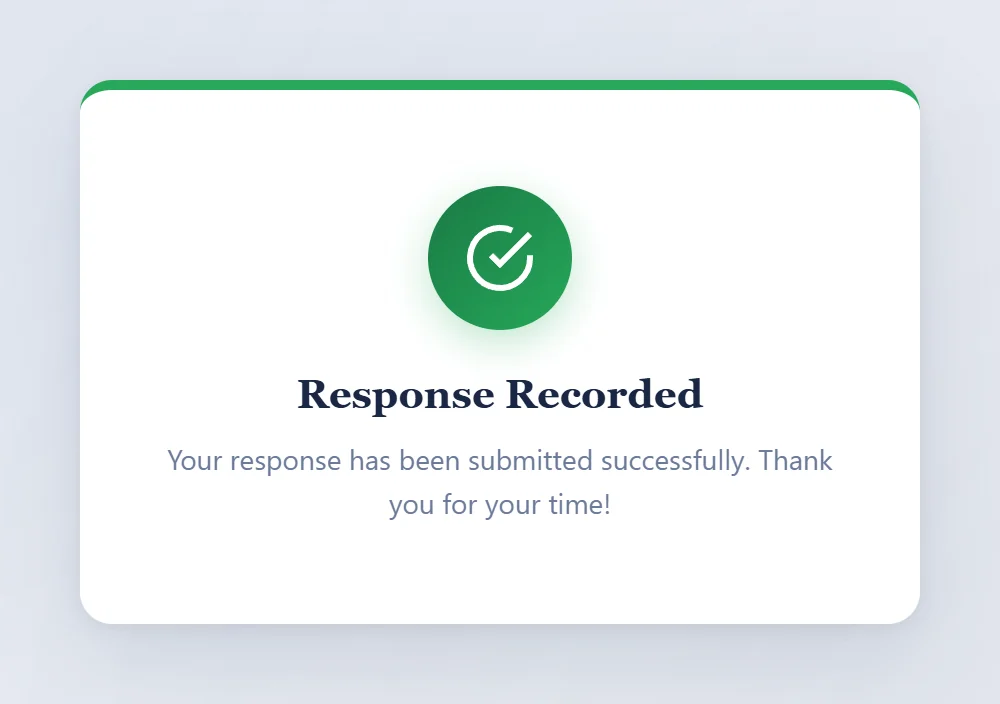
Step 4
After the client approves the estimate, the system will display it as shown below.