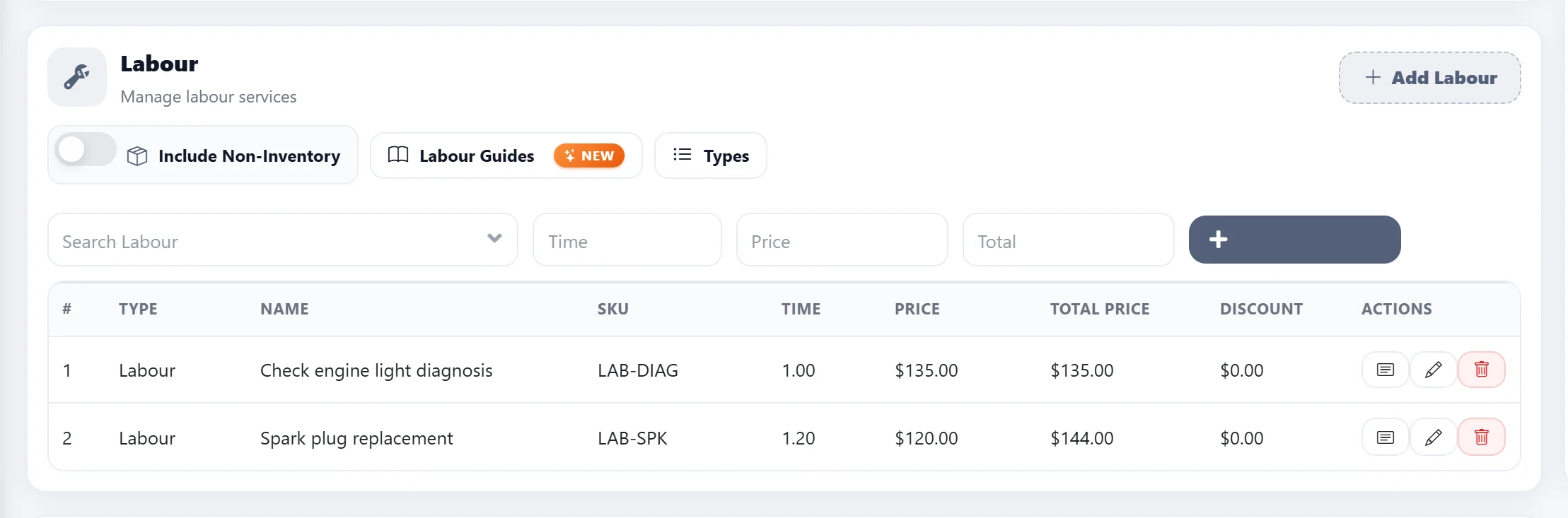
Step 1
From the Getting Started section in AutoSoftWay, navigate to the Job Board.
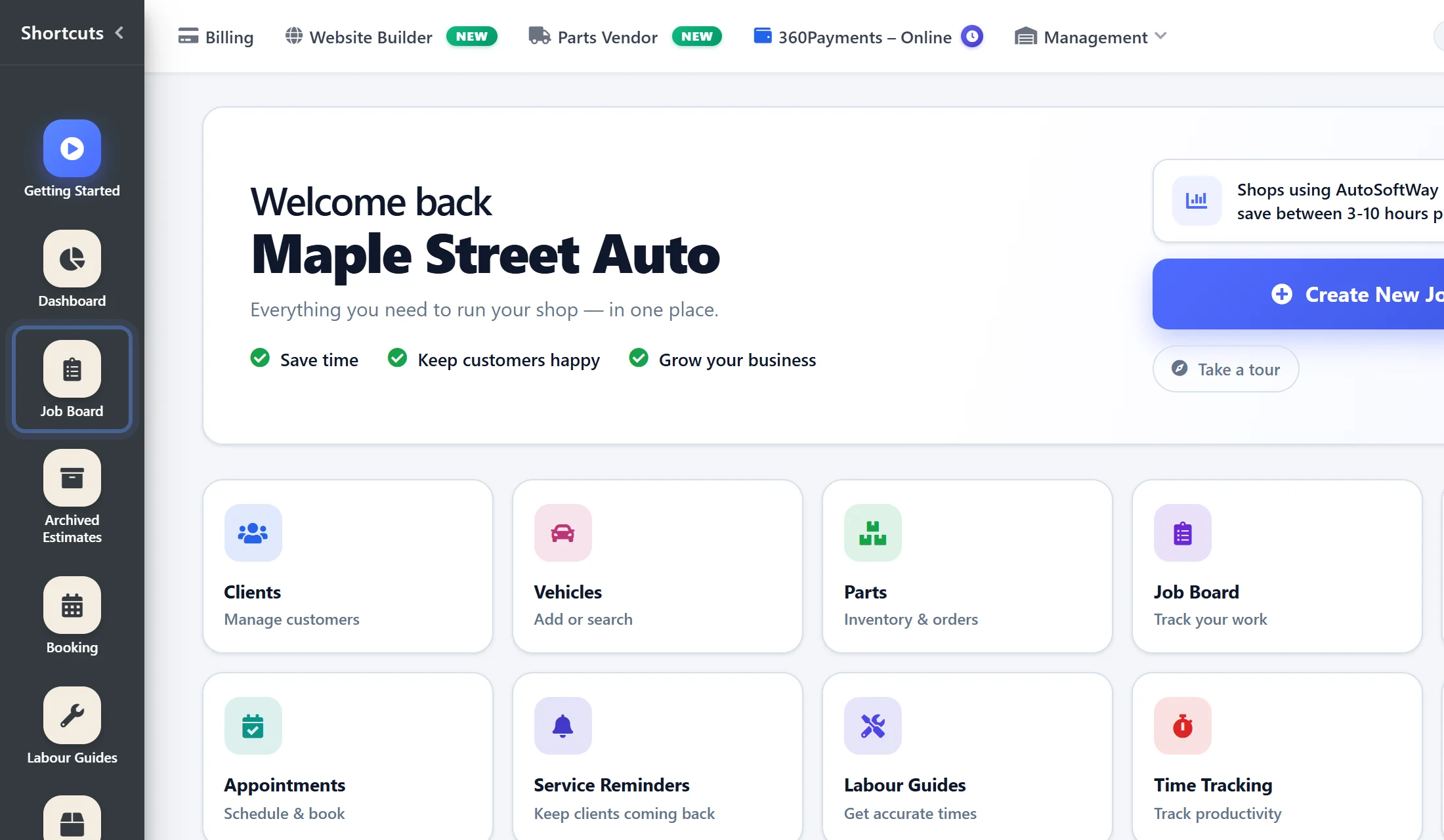
Step 2
Once you are in the Repair Workflow, click the “New Estimate” button located in the top-right corner to create a new estimate.

Step 3
A new estimate window will appear. Fill in all the necessary information, including the vehicle details, client information, parts, and other required fields.
Once you reach the Labor section, enable the Labor Guides option and select the vehicle engine.
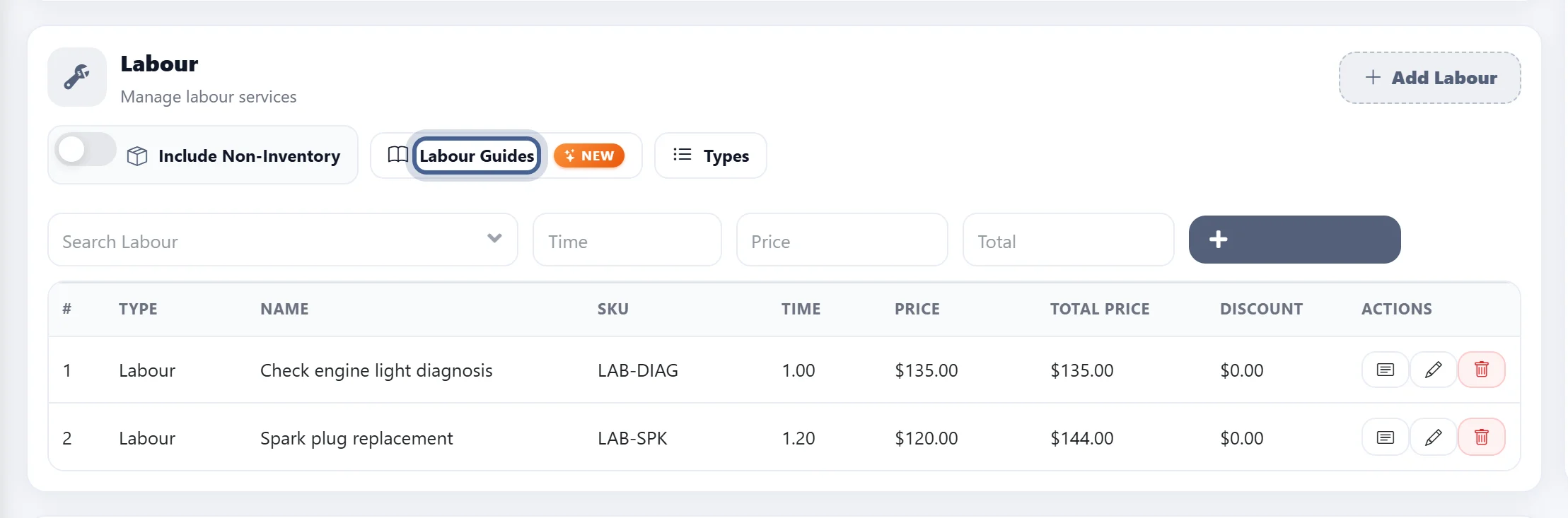
Step 4
After this is completed, the auto repair shop will be able to search and add labor operations through labor guides.
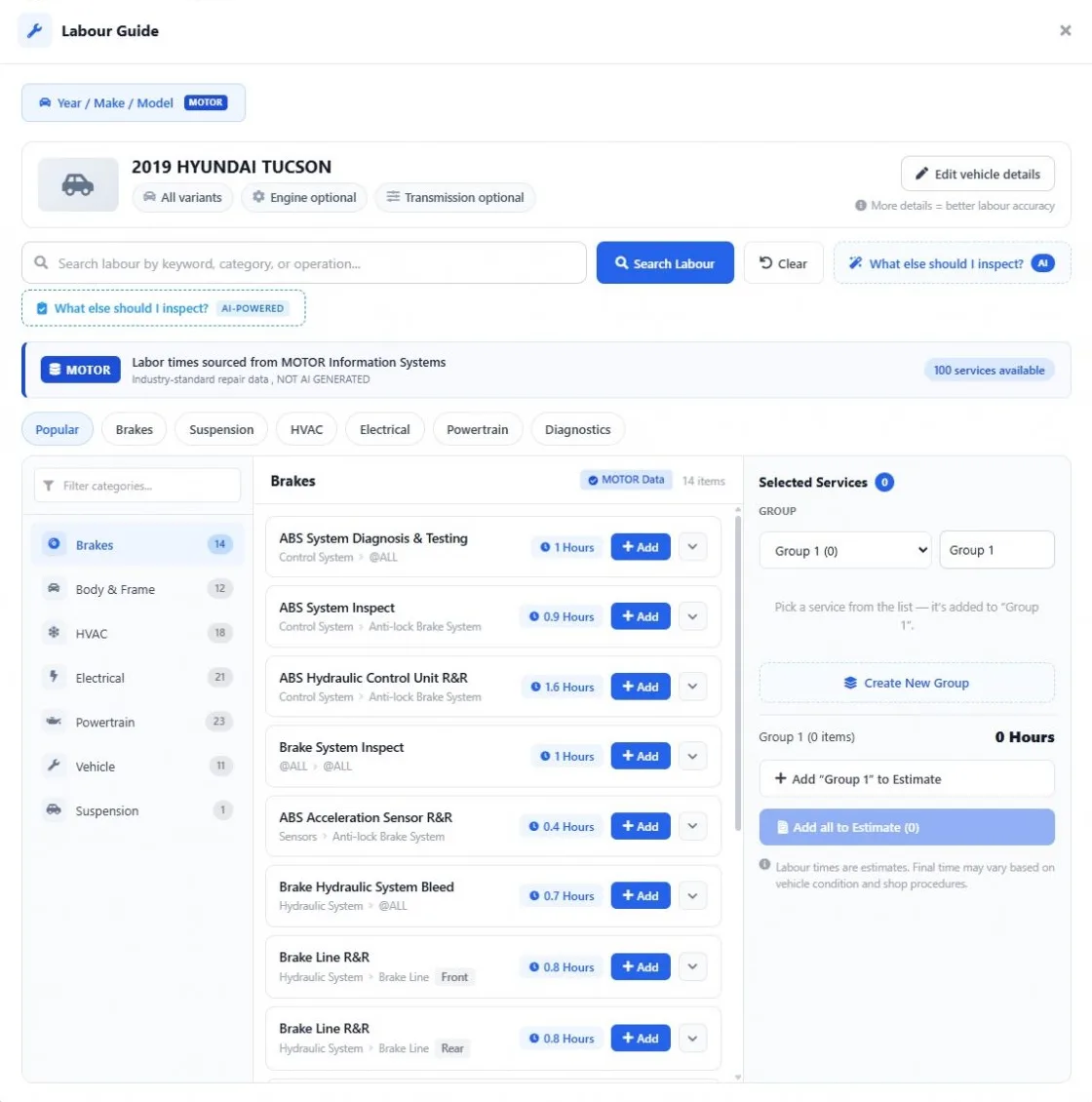
Step 5
Once all the necessary details have been added, including the labor operations, the auto repair shop can save the estimate.