Step 1
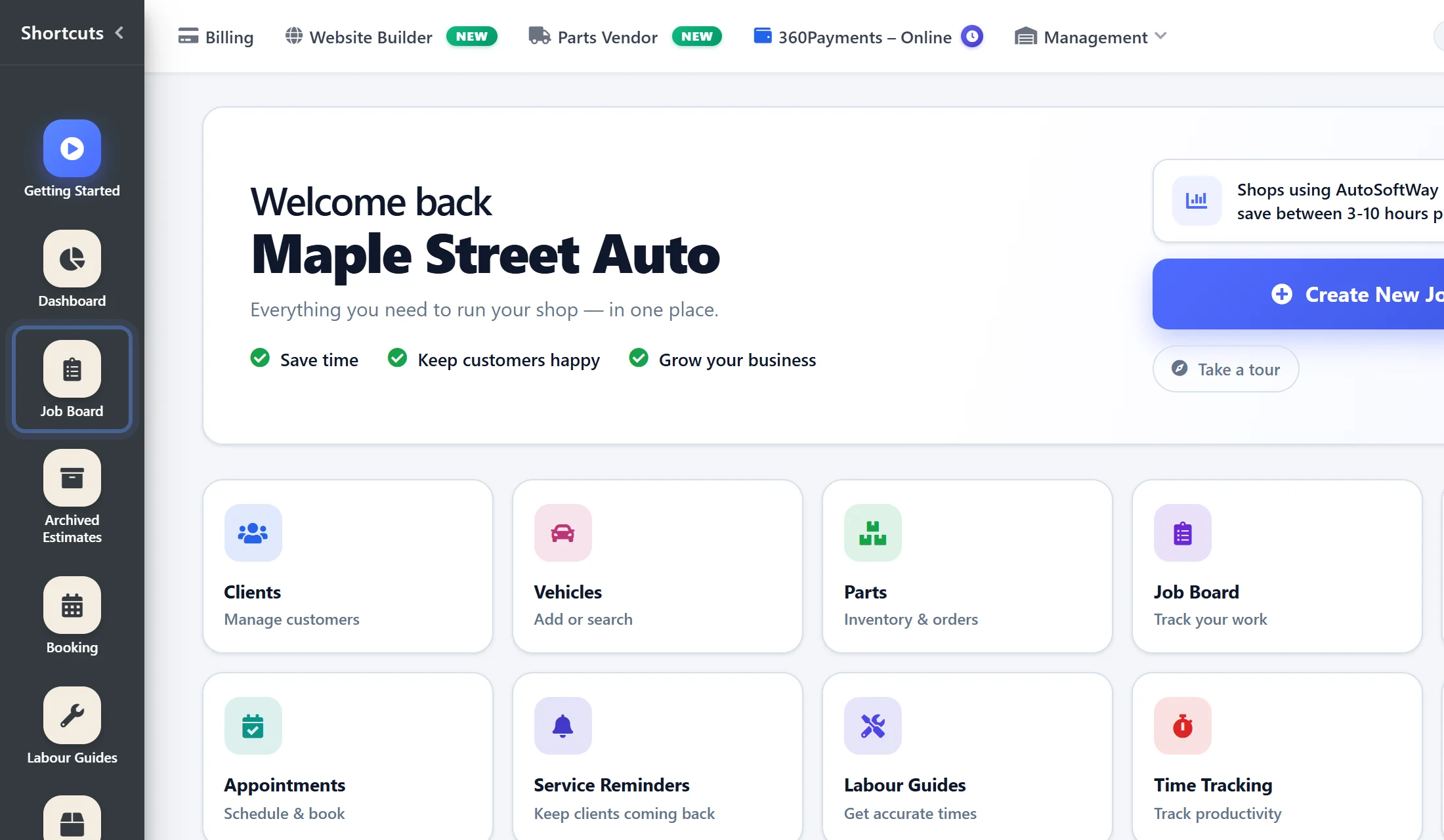
From the Getting Started page, navigate to the Job Board section.
Step 2
Then click New Estimate. To use AI Assistance, a new estimate must first be created.

Step 3
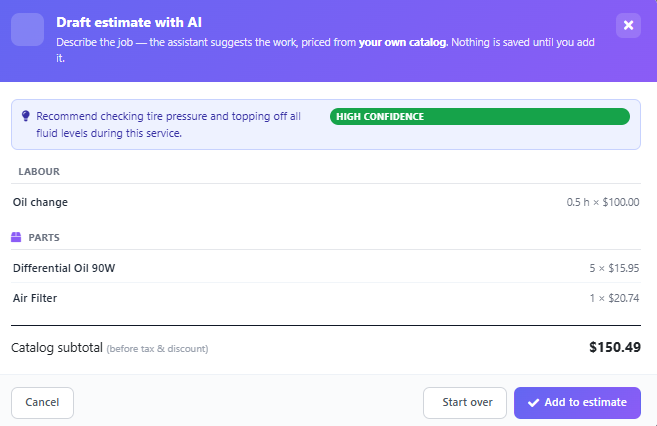
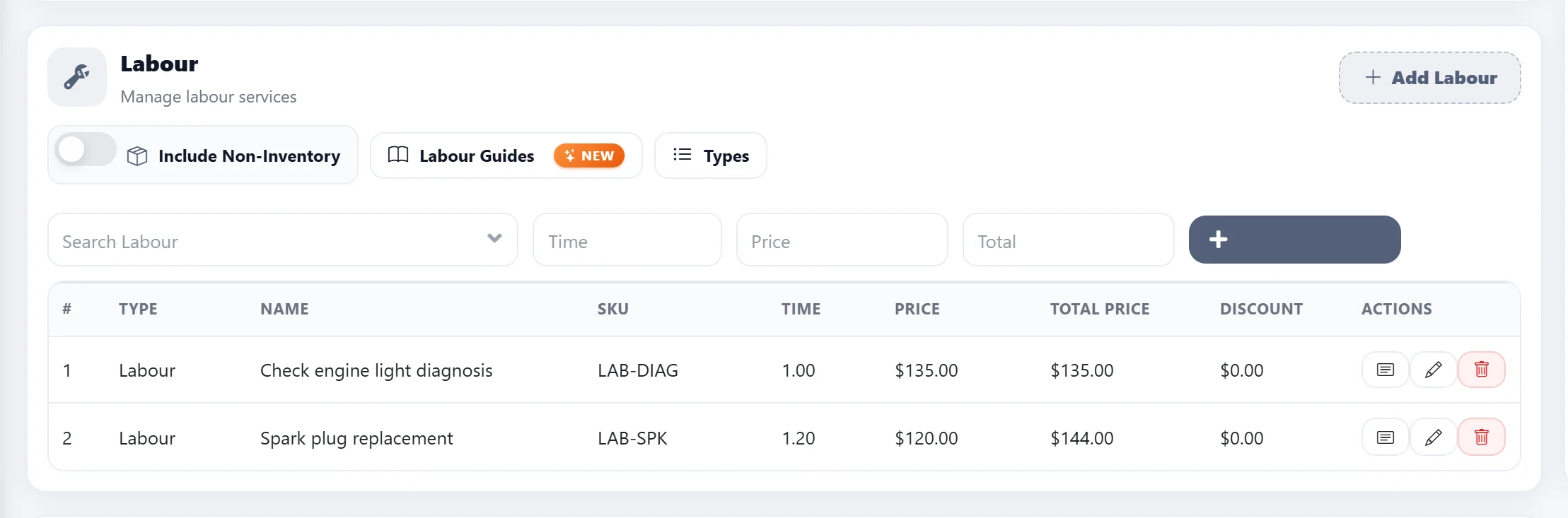
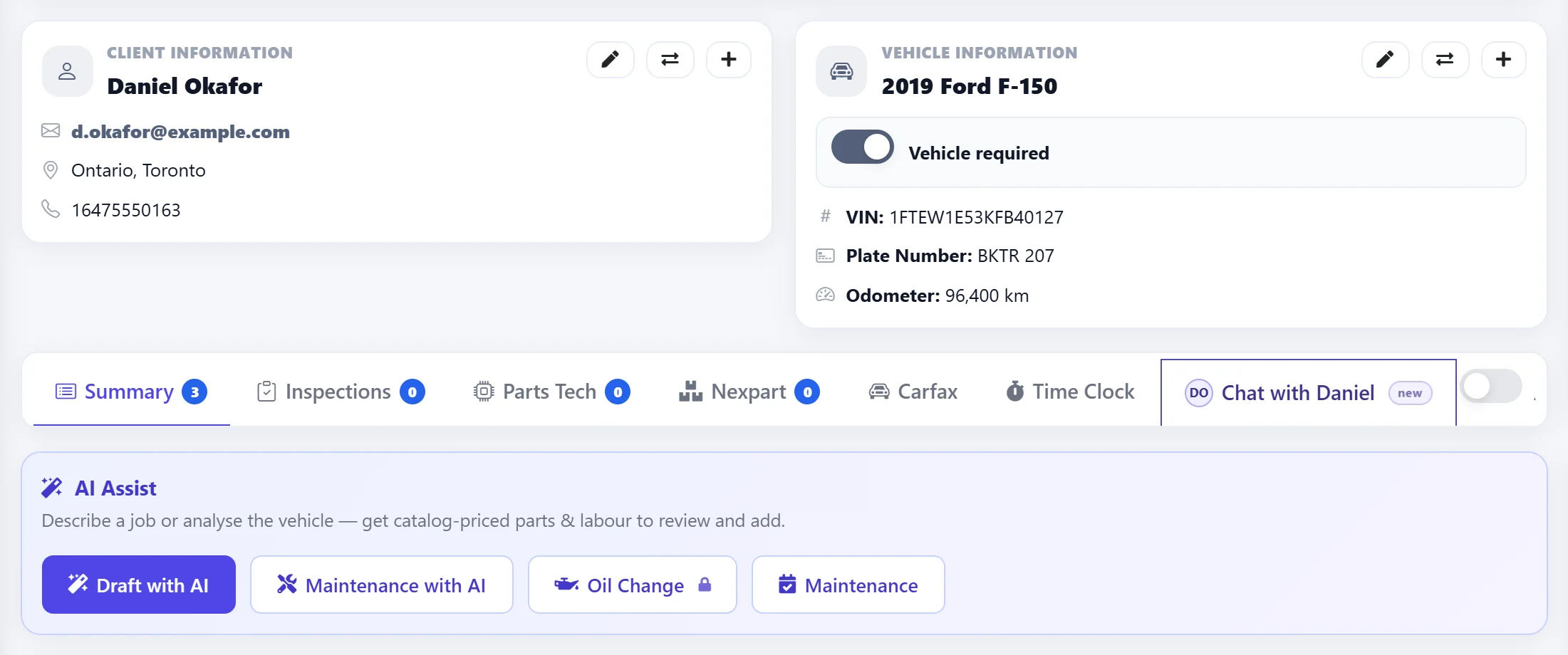
Fill in the vehicle and customer information, then click Draft with AI. AI Assistance will automatically generate and add suggested parts and labor to help speed up estimate creation. This is how AI Assistance simplifies the estimating workflow.
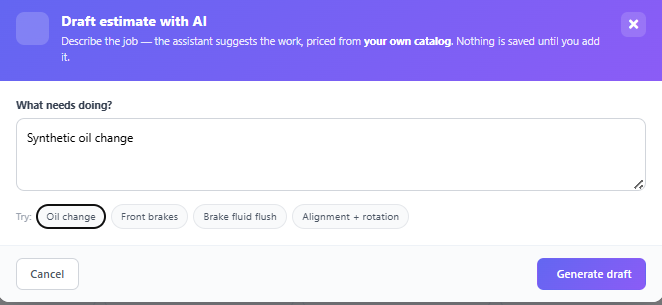
Step 4
The AI will automatically generate suggestions, and if the auto repair shop is satisfied with the results, they can add them directly to the estimate.