


-
Every vehicle, by VIN
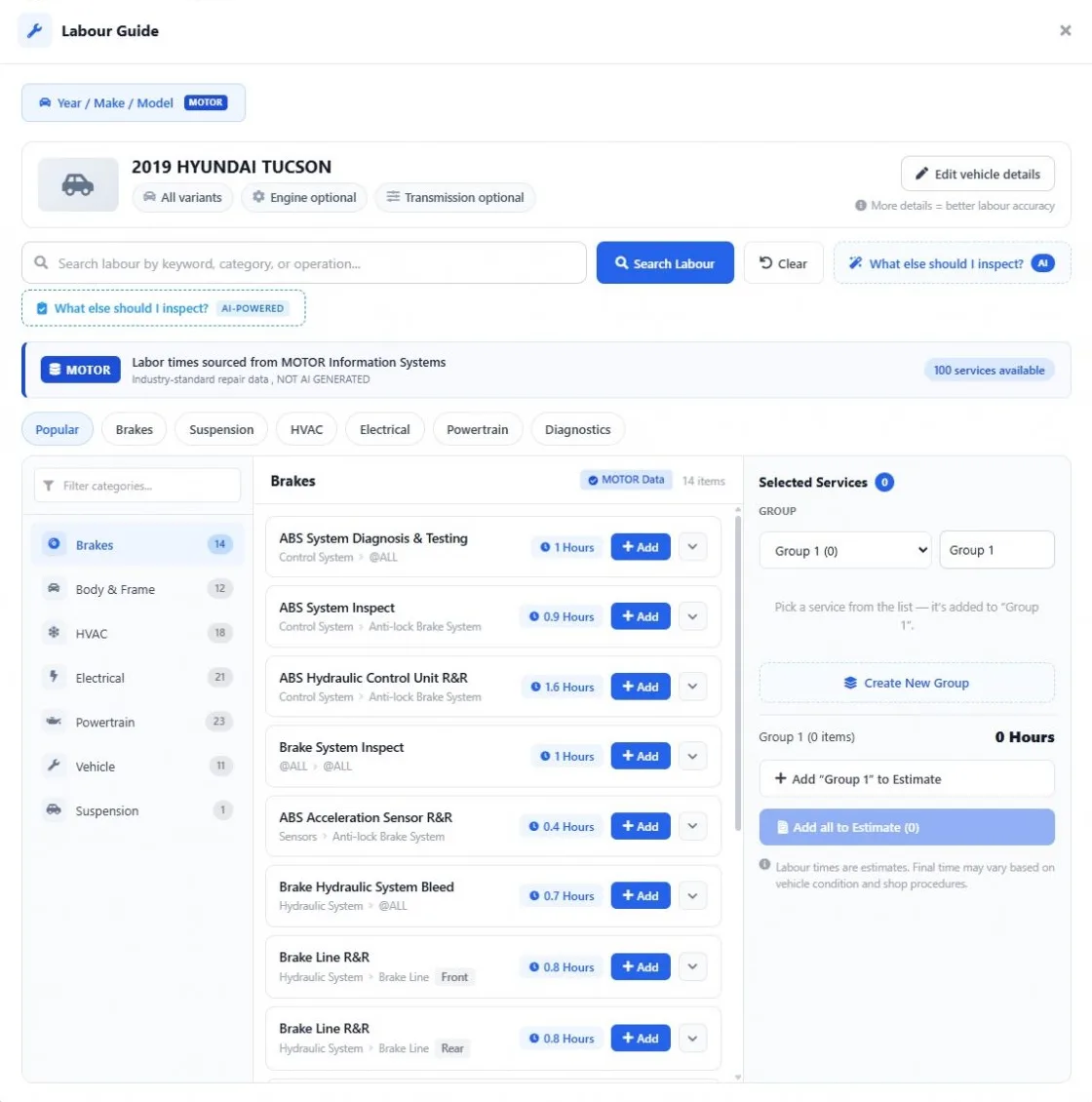
Search by VIN or Year / Make / Model and add the engine and transmission for accurate times.
-
MOTOR book times
Labor hours for each operation from MOTOR, the repair data used across the automotive industry.
-
Straight to the estimate
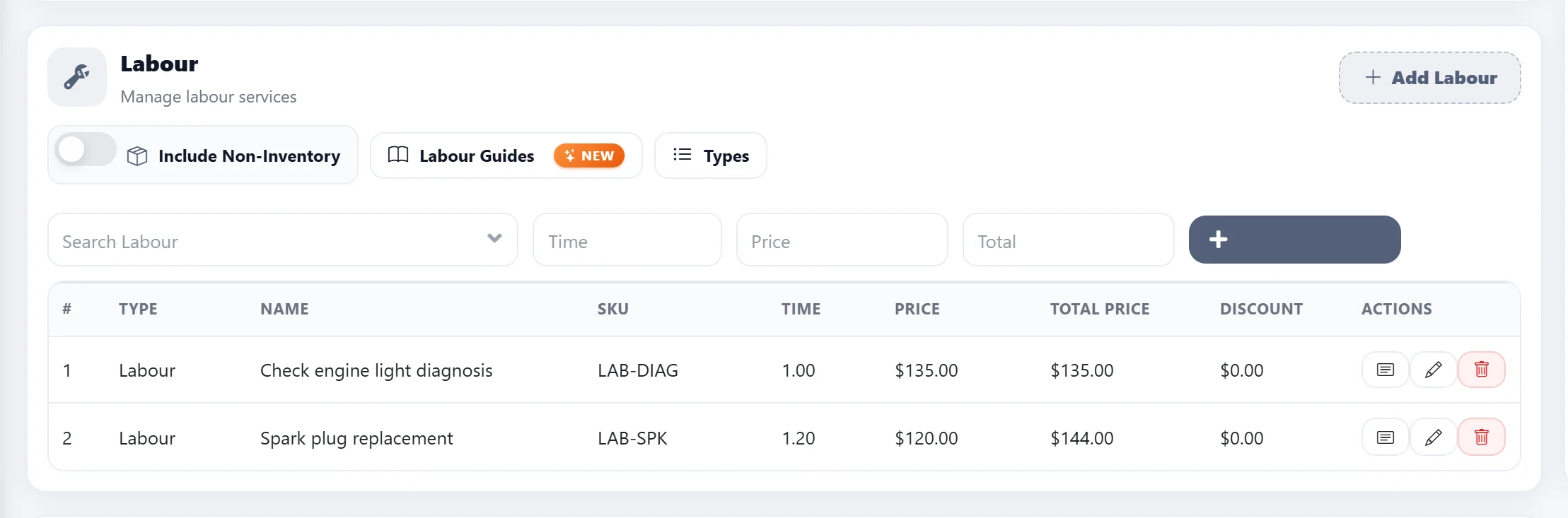
Pick the operations and add them as labor lines — no retyping hours from another site.
Why a labor guide
Stop quoting labor from memory
An automotive labor guide gives every repair operation a standard book time for the exact vehicle. Quote from it and the same job costs the same at the front counter, whoever writes the estimate — and hours stop slipping away on jobs priced too low.
Why MOTOR inside AutoSoftWay
The guide lives where you write the estimate
A separate labor guide website means looking up hours in one tab and retyping them in another. In AutoSoftWay the MOTOR labor guide opens from the estimate, and the hours you pick become labor lines on it — then the work order and the invoice.
Find the vehicle
The exact vehicle, by VIN or Year / Make / Model
Open the labor guide from the estimate and the customer’s vehicle is already there. Add the engine and transmission so the book times match the car in your bay.
- VIN lookup or Year / Make / Model
- Engine and transmission for better accuracy
- Every result labelled as MOTOR data
Browse the MOTOR labor guide
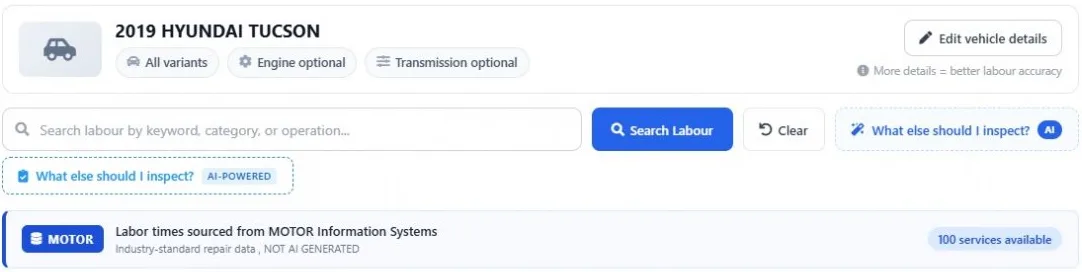
Every repair operation with its book time
Browse by category — brakes, HVAC, electrical, powertrain, suspension — or search by keyword. Each operation shows its MOTOR hours and the details behind them.
- Popular jobs one tap away
- Search by keyword, category or operation
- Side, full labor and description on each line
Build the job
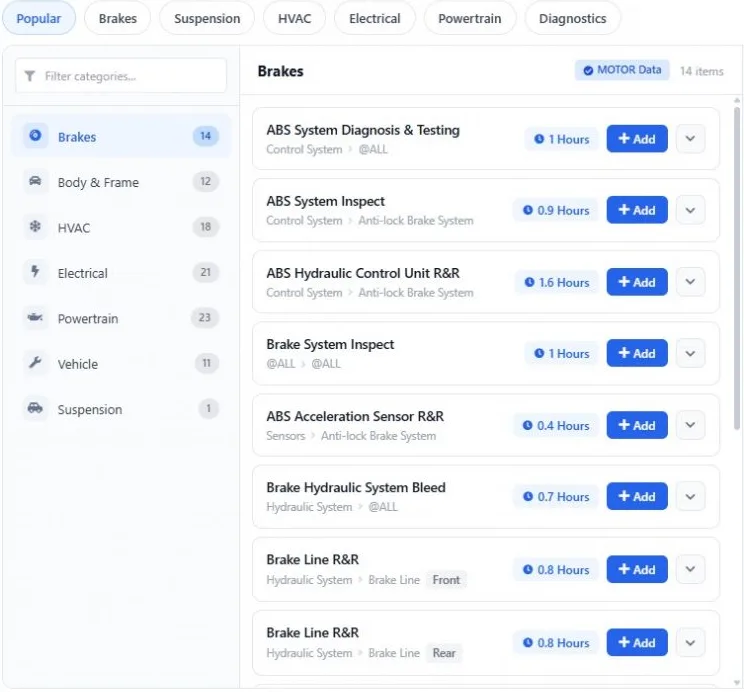
Group the work, add it in one click
Pick everything the vehicle needs, group it — “Front brakes”, “Diagnosis” — see the total hours and add one group or all of them to the estimate.
- Name and group the selected operations
- Total hours per group
- Add a group or everything at once
Faster repair estimates
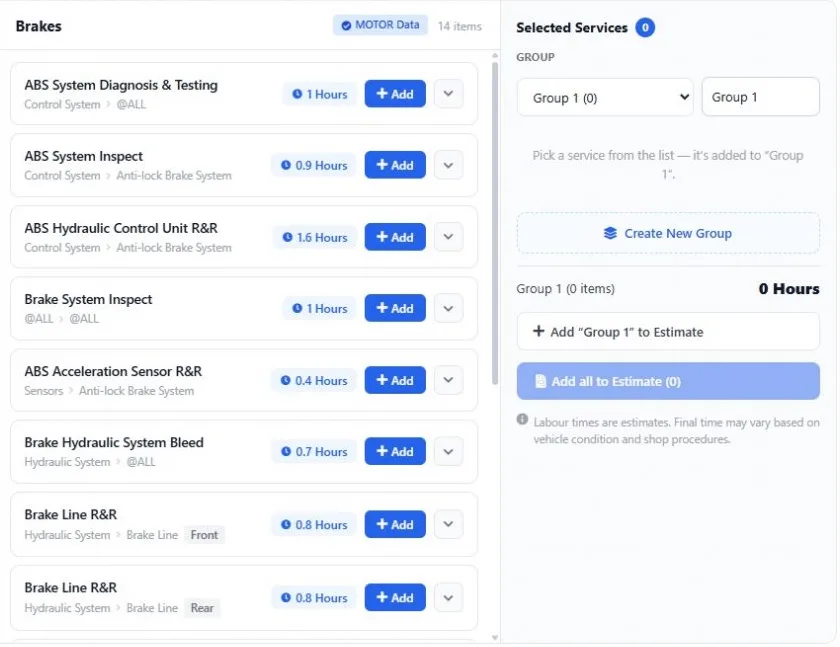
Accurate hours at your labor rate
The book times land on the estimate as labor lines priced at your shop’s labor rate. Adjust any line, send it for approval, then turn it into a work order and an invoice.
- Your labor rate from Settings
- Edit hours or price on any line
- Same lines from estimate to invoice
Get started
Quote your next repair from MOTOR book times
- 1
Start your AutoSoftWay trial
10 days free, no charge during the trial. Or book a demo and see it on your own vehicles.
- 2
Turn on Labor Guides
Add it from the Add-ons page for $50 USD/month — included in Enterprise once the plan is paid. Want to try it first? Ask us and we turn it on for your shop.
- 3
Quote from MOTOR times
Open Labour Guides on any estimate, pick the operations and add them with their book hours at your labor rate.
Questions
What is an automotive labor guide?
An automotive labor guide lists the standard time — the book time — for each repair operation on each vehicle. Shops multiply those hours by their labor rate to price the labor on an estimate, so every advisor quotes the same job the same way.
What is the MOTOR labor guide?
MOTOR Information Systems publishes automotive repair data, including labor times, used by dealer groups, manufacturers and insurance estimators. The labor times in AutoSoftWay Labor Guides come from MOTOR.
How much does the labor guide cost?
Labor Guides is an add-on to your AutoSoftWay plan for $50 USD/month. It is included in the Enterprise plan once the plan is paid.
Can I try it before I subscribe?
Yes. Start the 10-day AutoSoftWay trial and ask us to turn Labor Guides on for your shop — trials of the labor guide are approved on request because every MOTOR lookup has a cost. You can also book a demo.
Can I look up labor times by VIN?
Yes. Search by VIN or by Year / Make / Model, then add the engine and transmission for more accurate times.
Are the labor times AI generated?
No. Labor times come from MOTOR and are labelled as MOTOR data in the app. The separate “What else should I inspect?” assistant is clearly marked as AI.
Do I need AutoSoftWay to use it?
Yes. The labor guide is part of the AutoSoftWay shop management software — that is why the hours go straight onto your estimates, work orders and invoices.
Does it include wiring diagrams, specs or TSBs?
No. The Labor Guides add-on is for labor times — the book hours for each repair operation.