


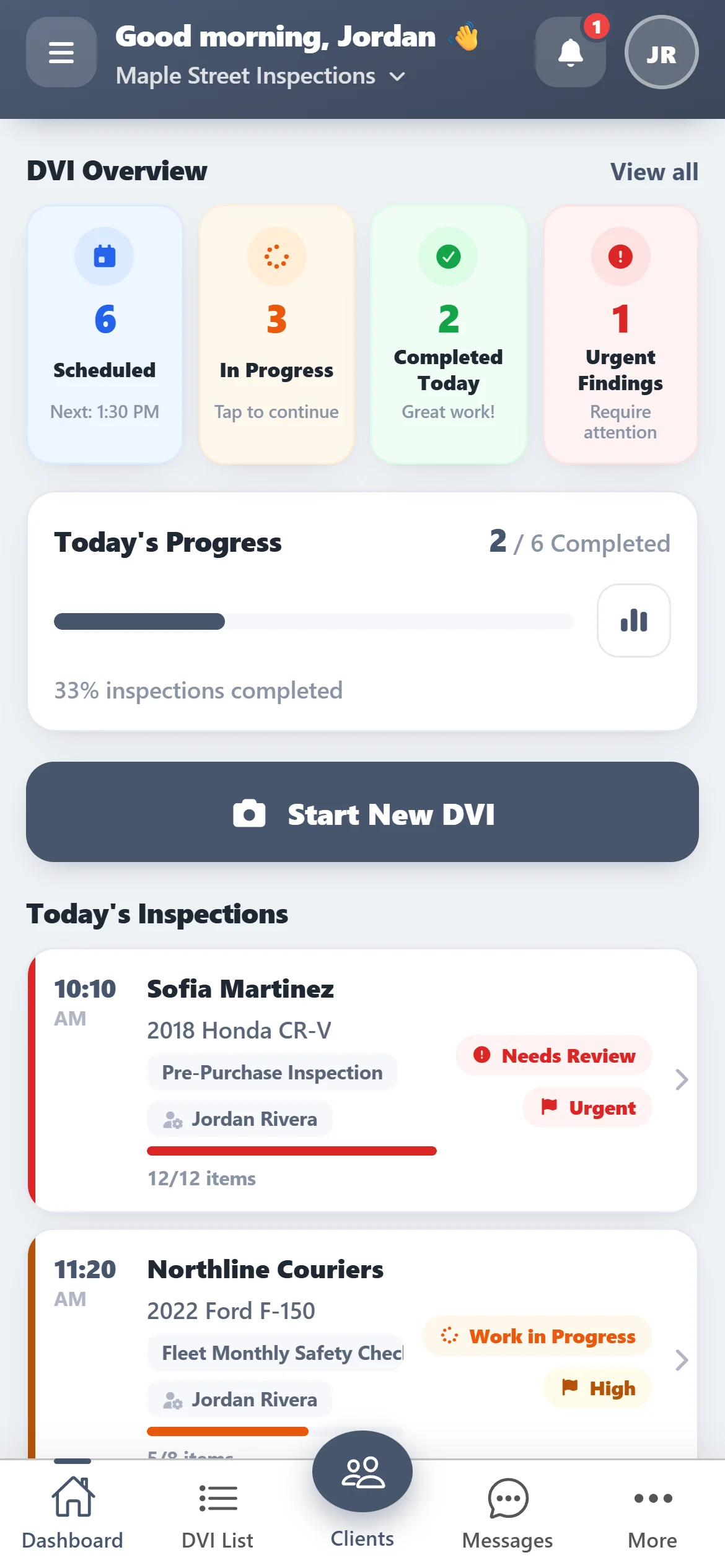
One item at a time
Big buttons, made for greasy hands
Every checklist item has clear condition buttons, a note and a photo button. Work down the list at the car, then mark the whole inspection complete.
- OK, Attention, Immediate or N/A on every item
- Photos from the camera on any item
- Save and finish later
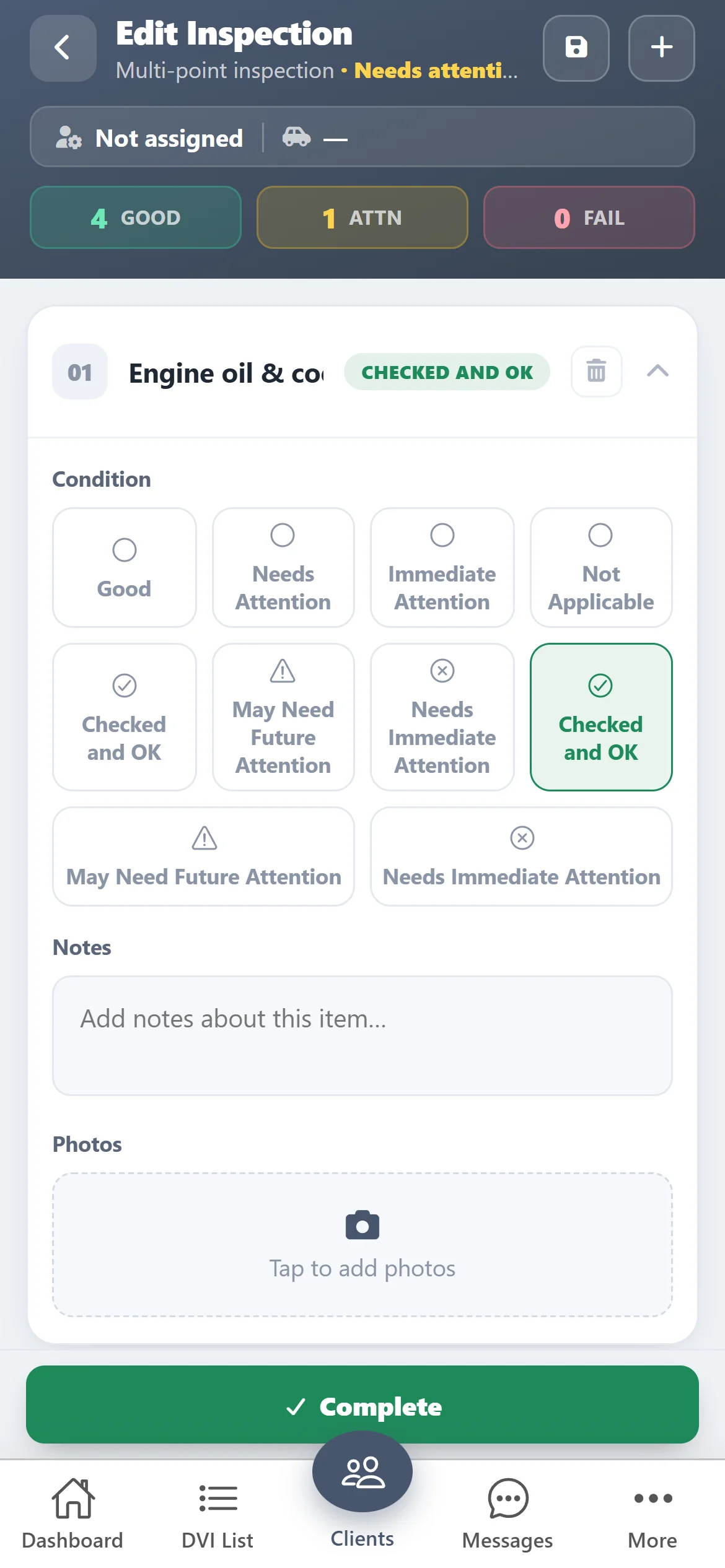
Your checklists
Pick a template and start inspecting
Start New DVI, pick the customer and vehicle, choose a saved template — multi-point, pre-purchase, rental return — and assign the technician.
- Build your own templates once
- Or build a one-off checklist on the spot
- Assign the inspection to a technician
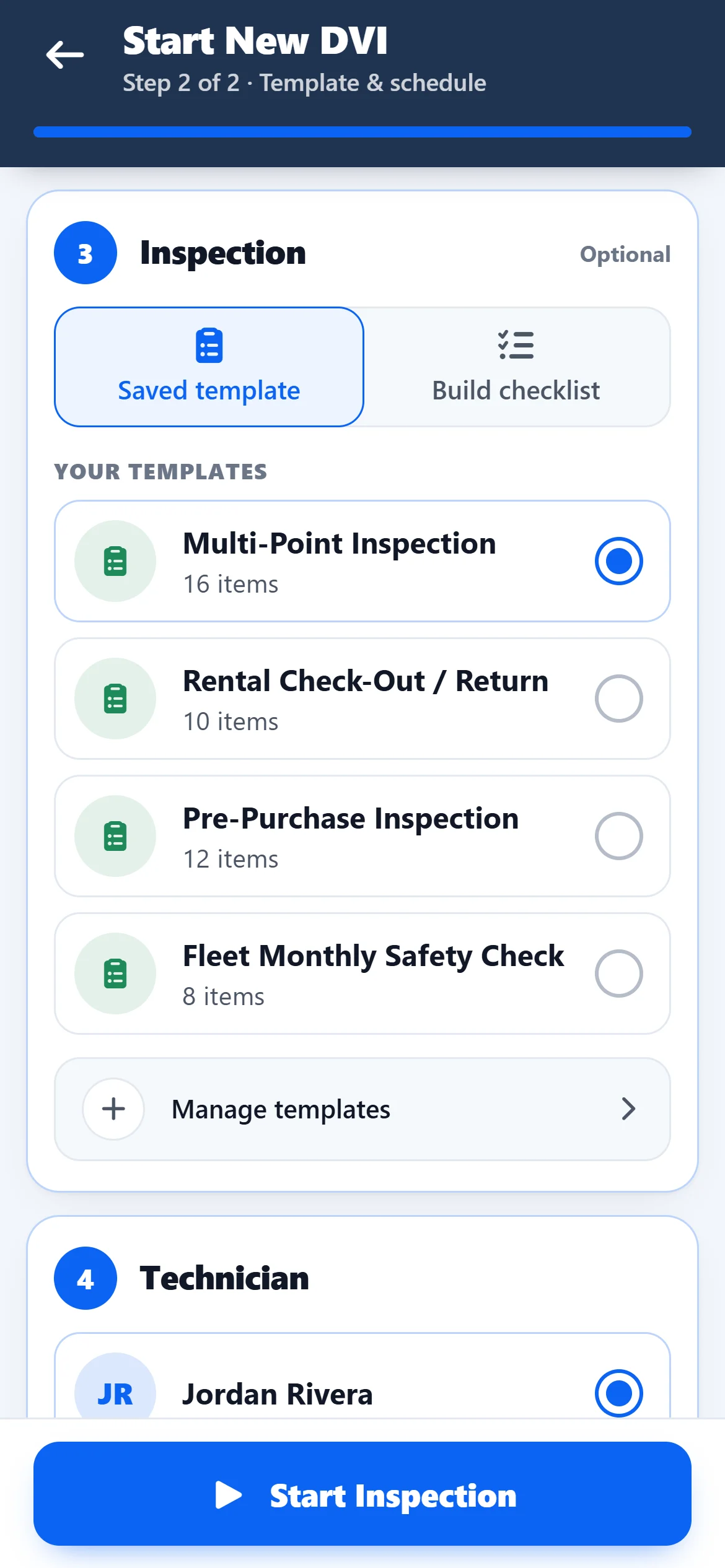
Vehicles
Scan the VIN instead of typing it
Add the vehicle by scanning its VIN with the phone camera. Every inspection is saved against the vehicle and the customer.
- VIN scanner built in
- Search by plate, make or model
- Inspection history per vehicle
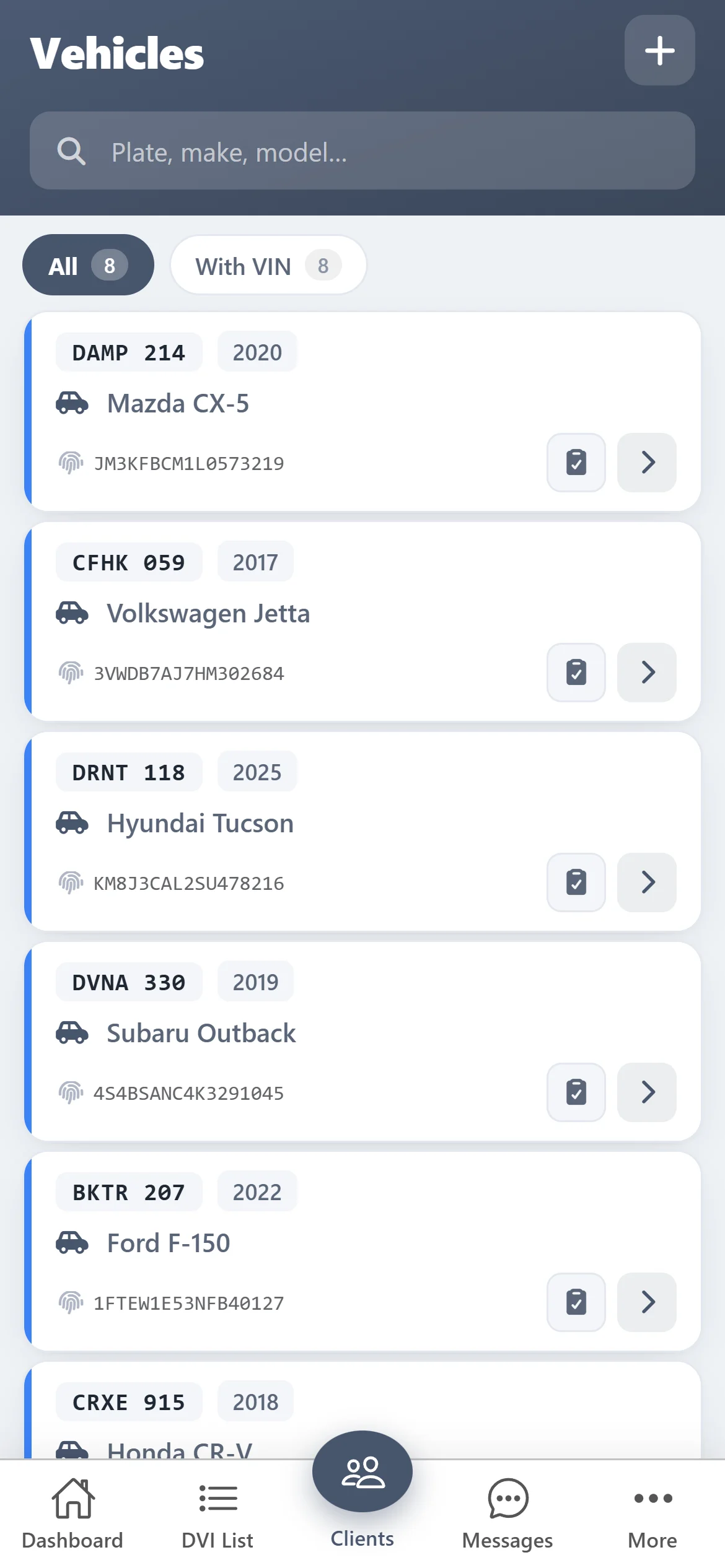
Reports
A report the customer understands
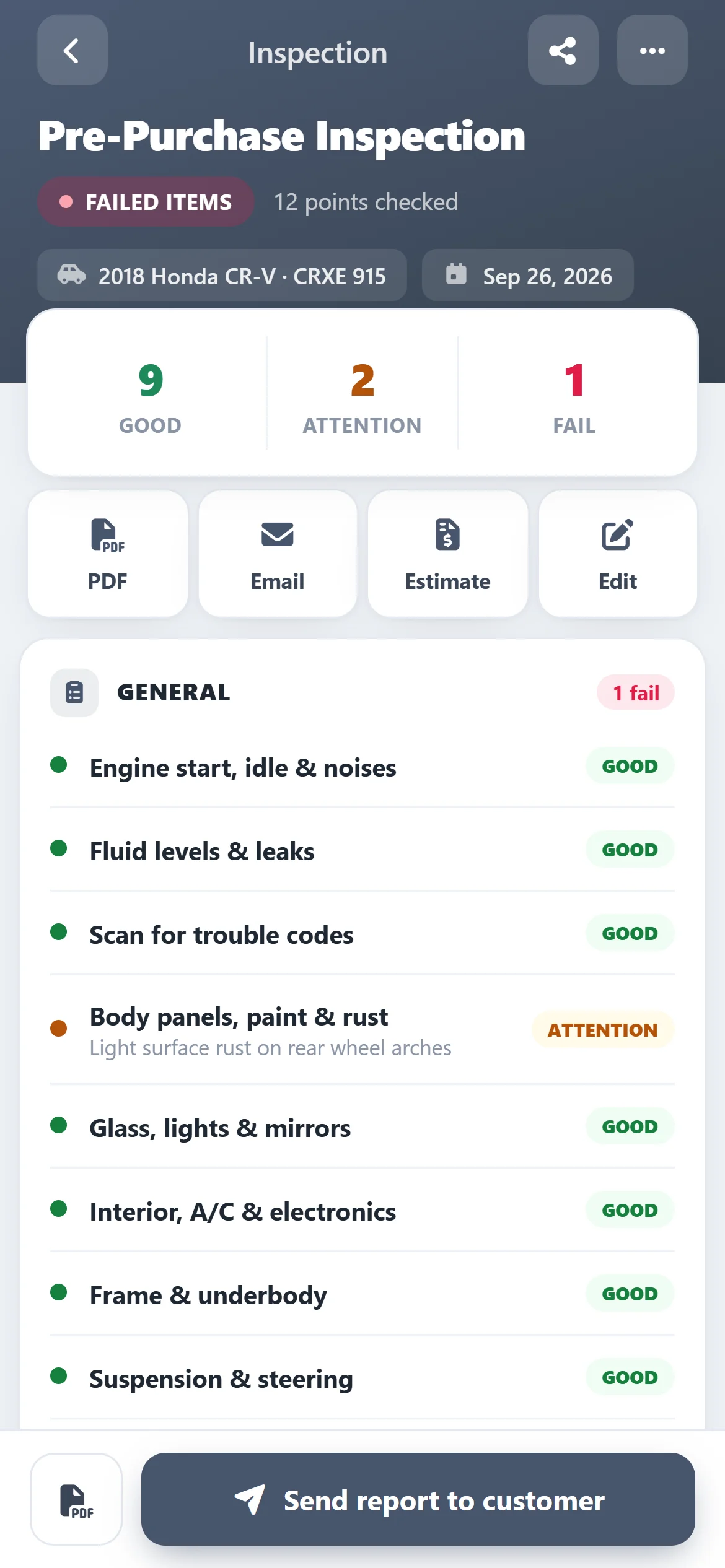
Good, attention and failed items at a glance, with your notes and photos. Download the PDF or email it to the customer from the app.
- PDF report with findings and photos
- Email it to the customer in one tap
- Failed items stand out on the dashboard
Get started
Start your free trial from your phone
- 1
Download ASW DVI
Free on the App Store and Google Play — on a computer, scan the QR code with your phone.
- 2
Create your account in the app
It takes a minute. Card verification is required, but you aren’t charged during the trial. The same login works on the web.
- 3
Inspect free for 10 days
Every feature is on. When the trial ends, keep going for $100 CAD/month.

Questions
How much does ASW DVI cost?
Free for 10 days with every feature, then $100 CAD/month. Card verification is required when you register, but you are not charged during the trial.
Does it work on iPhone, Android and computers?
Yes. ASW DVI is on the App Store and Google Play, and the same account signs in on the web at app.autosoftway.com.
Do I need AutoSoftWay shop software to use it?
No. ASW DVI works on its own and is made only for inspections. Shops that also want estimates, work orders and invoices can use AutoSoftWay, where inspections are part of the repair order.
Can I make my own inspection checklists?
Yes. Build templates with your own sections and items and reuse them on every vehicle, or build a one-off checklist when you start an inspection.
Can the customer see photos of the problem?
Yes. Photos you add to an item go on the PDF report next to the finding, so the customer sees what you saw.