


-
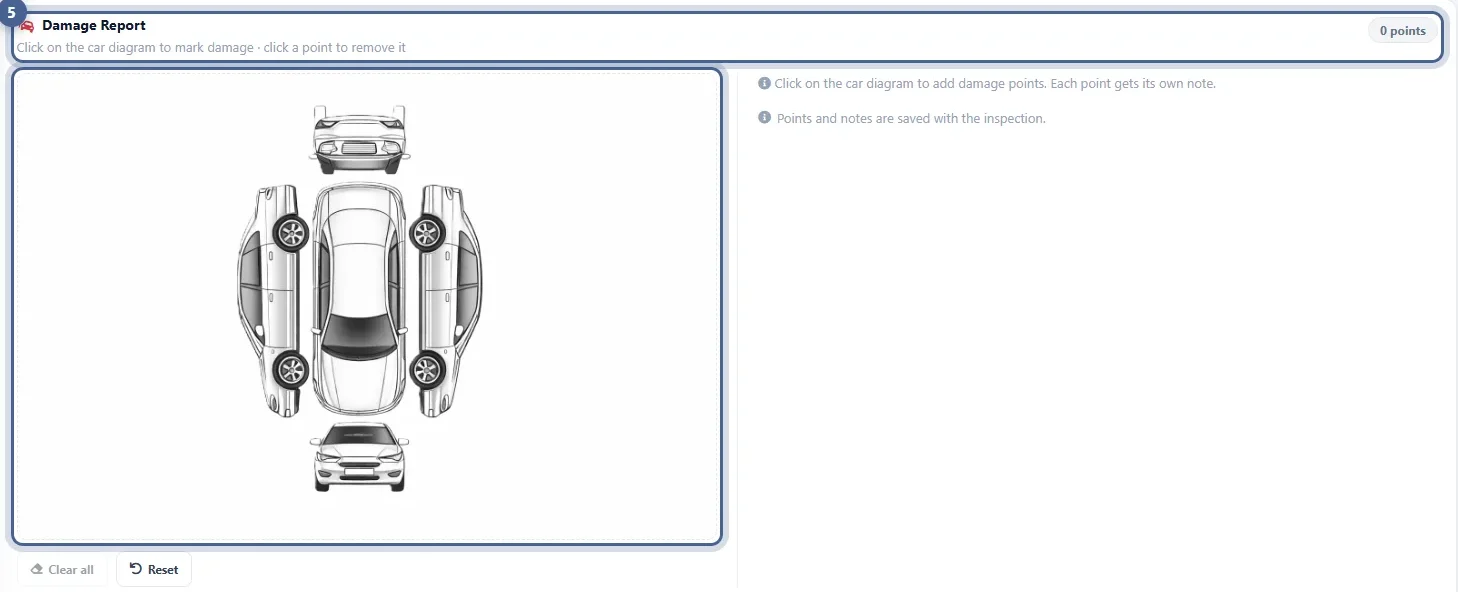
Click the car where the damage is
The diagram shows the front, the back, both sides and the top. Click inside the car outline to add a numbered point; click it again to remove it.
-
A note and photos for every point
Describe each point — “scratch on rear bumper, driver side” — and add its own photos, so there is no question later about what was already there.
-
On the PDF the customer gets
The Damage Report prints on the inspection PDF as a numbered list with each description and its photos. You can hide it in the PDF settings.
One inspection
Damage and condition in the same visit
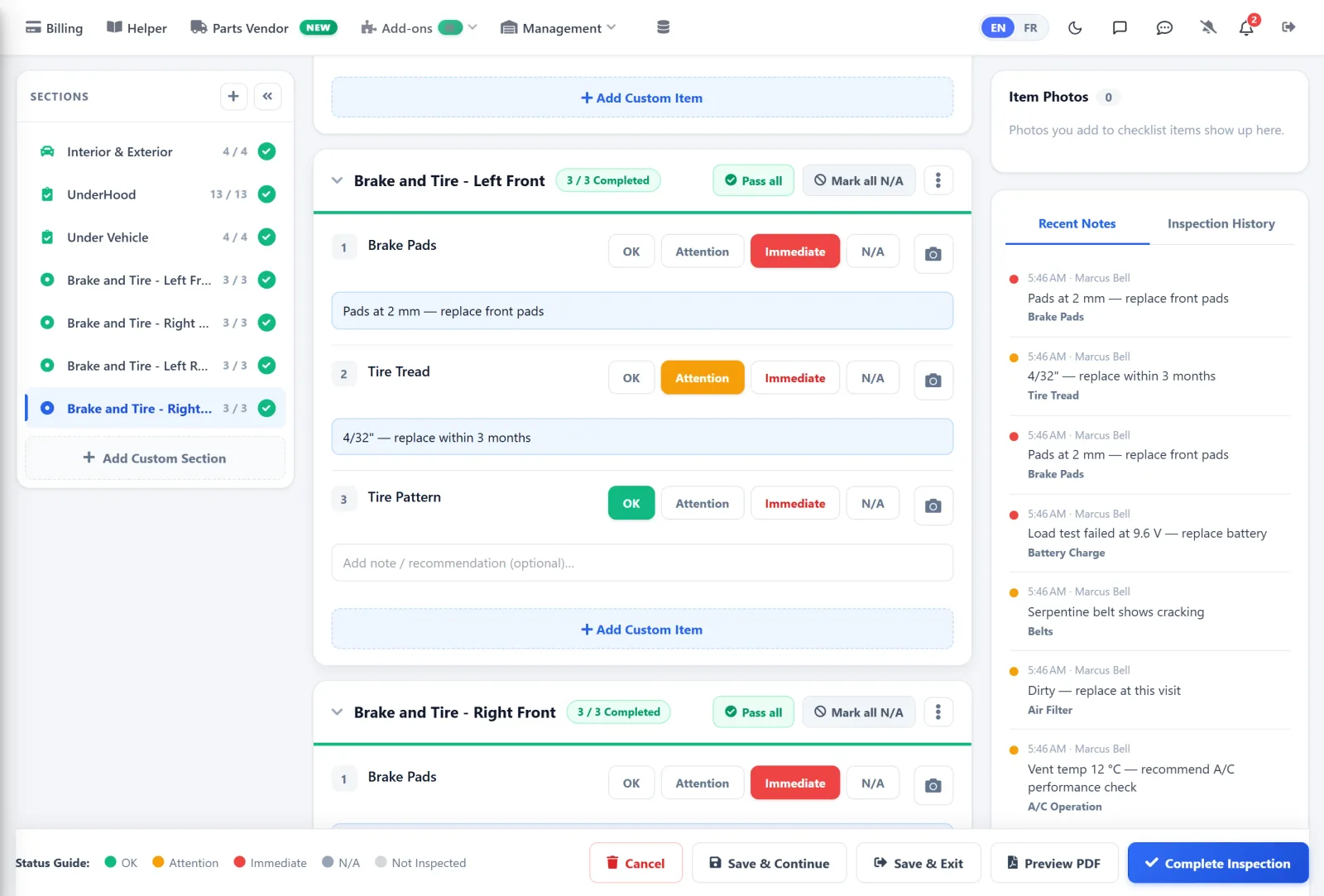
The Damage Report is part of the inspection. Record the existing damage, then work through the checklist — OK, Attention, Immediate or N/A on every item.
- Damage points saved with the inspection
- Checklist sections with progress
- Notes and photos on any item
At check-in
From the phone, at the car
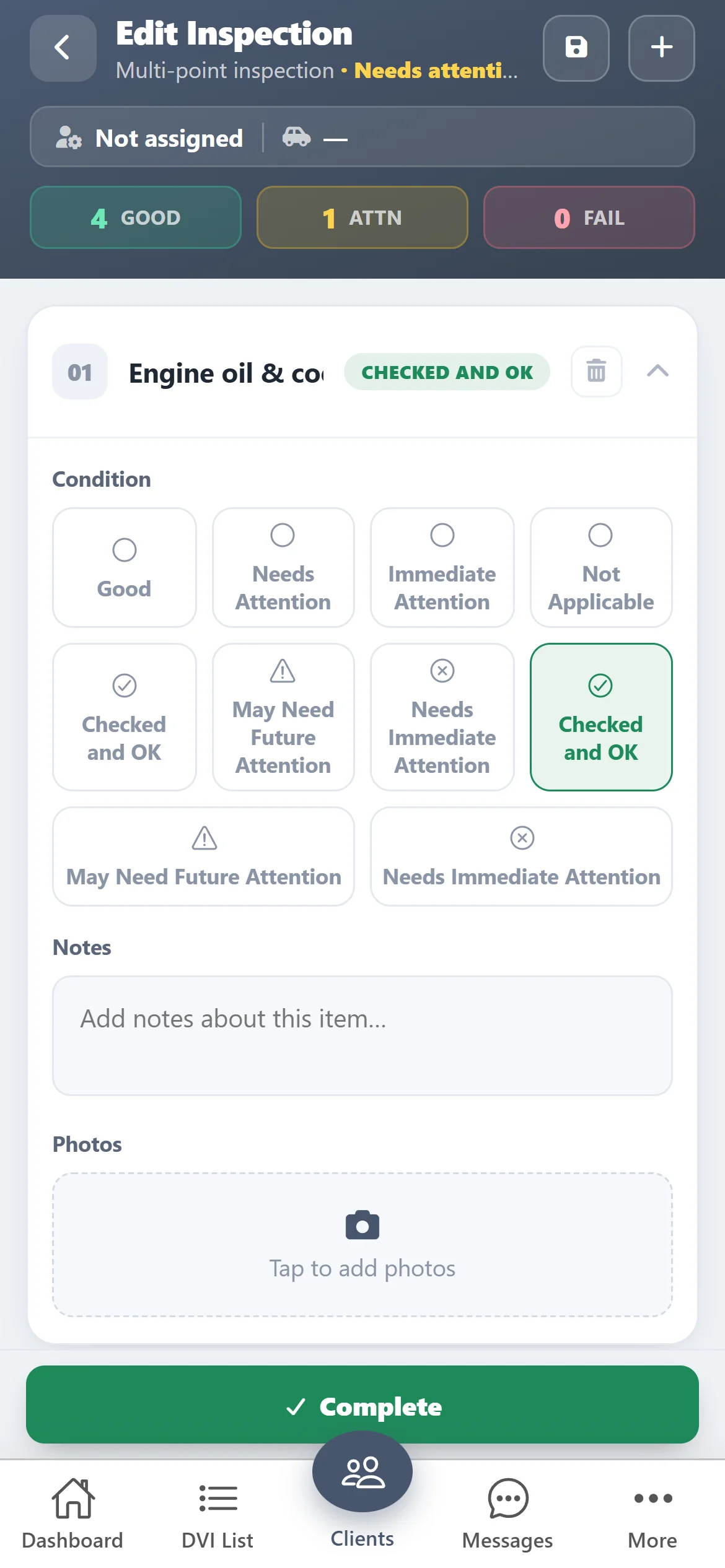
Walk around the vehicle with the ASW DVI app, photograph what you see and save the inspection before the keys go on the board.
- Photos from the camera
- Save and finish later
- Same inspection on the web
The report
One PDF for the customer
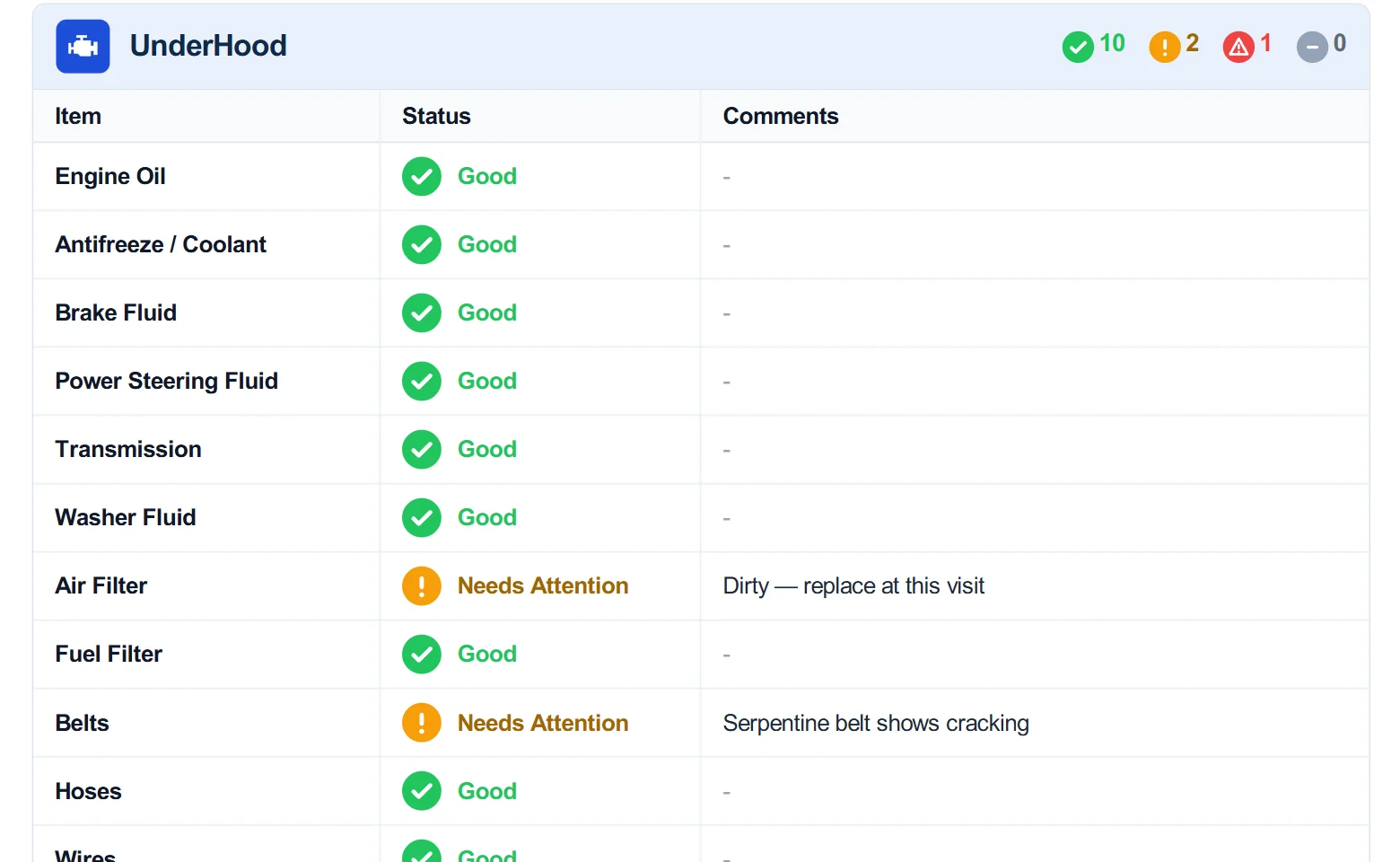
Damage points, checklist results, comments and photos go out together in the inspection PDF, by email.
- Numbered damage list with photos
- Status and comments on every item
- Choose what the PDF shows
Get started
Try the damage diagram on your next check-in
- 1
Download ASW DVI
Free on the App Store and Google Play. Card verification, no charge during the trial.
- 2
Start an inspection
Pick the customer and vehicle, then open the Damage Report and click where the damage is.
- 3
Send the report
The damage points go on the PDF with the inspection. Free for 10 days, then $100 CAD/month.

Questions
What is a vehicle damage diagram?
A vehicle damage diagram is an outline of the car — front, back, sides and top — where you mark existing dents, scratches and chips when the vehicle comes in, so everyone agrees on its condition before the work starts.
Can I add photos to a damage point?
Yes. Every point has its own description and its own photos.
Does the damage diagram show on the PDF report?
Yes. The Damage Report prints on the inspection PDF as a numbered list of points with their descriptions and photos. You can hide it in the DVI PDF settings.
Is the damage diagram in the app and on the web?
Yes. It is part of the inspection in the ASW DVI app and in AutoSoftWay on the web.
Is it useful for rental returns and fleet vehicles?
Yes. Mark damage at check-out and again at return, and the two inspections show what changed.
How much does ASW DVI cost?
Free for 10 days with every feature, then $100 CAD/month. Card verification is required when you register, but you are not charged during the trial.