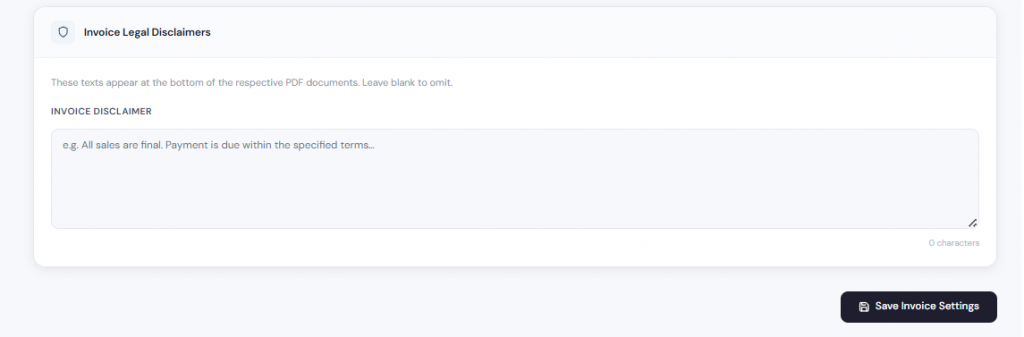
Step 1
From Getting Started, go to Settings.
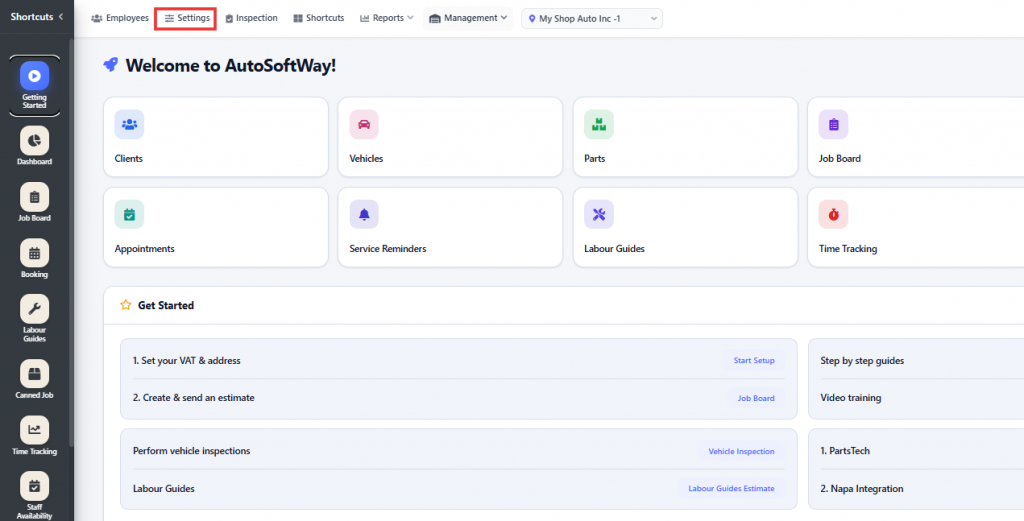
Step 2
Starting from Invoice & Documents, click on Template to choose the invoice layout that best fits your auto repair shop.
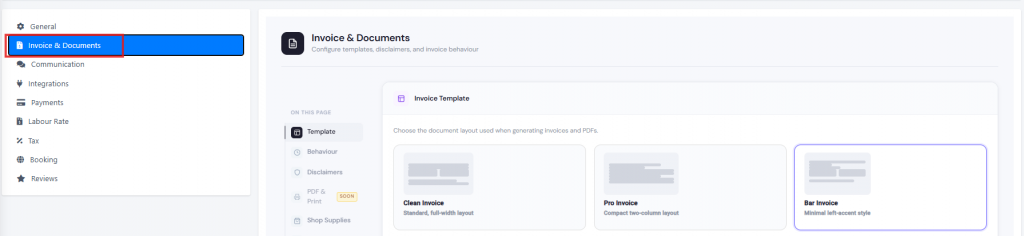
Click on Disclaimer to add custom text that will appear at the bottom of your invoices, then save your invoice settings.