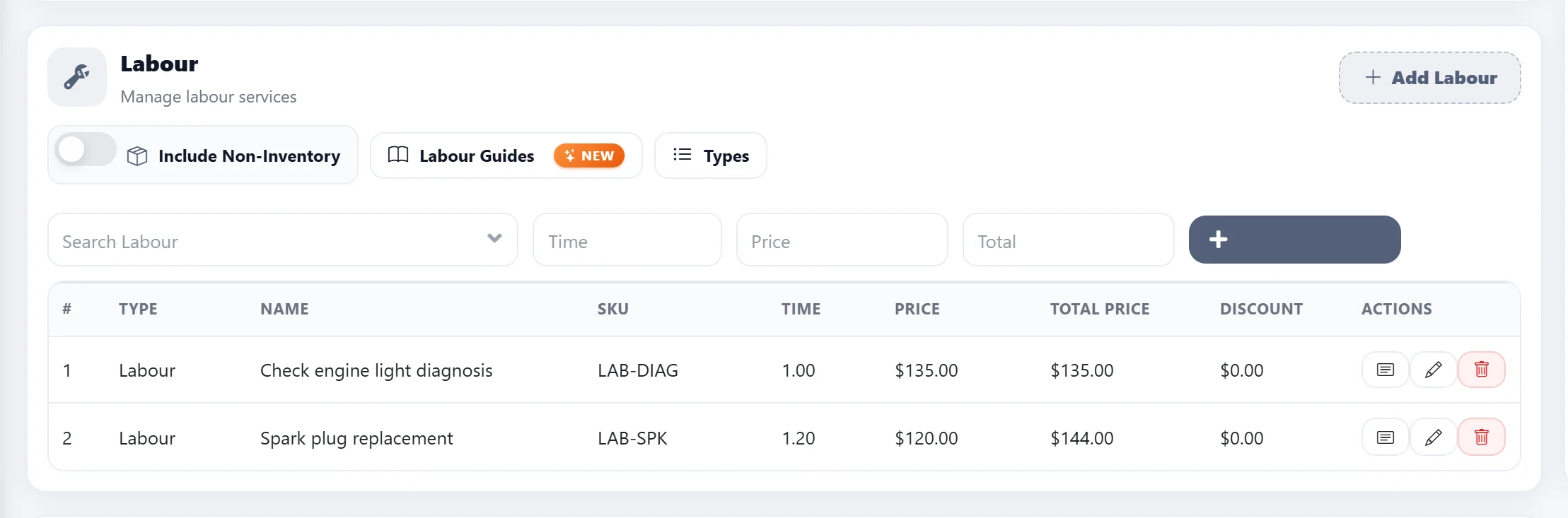
Step 1
Starting from Getting Started, open the Management menu and click Settings.
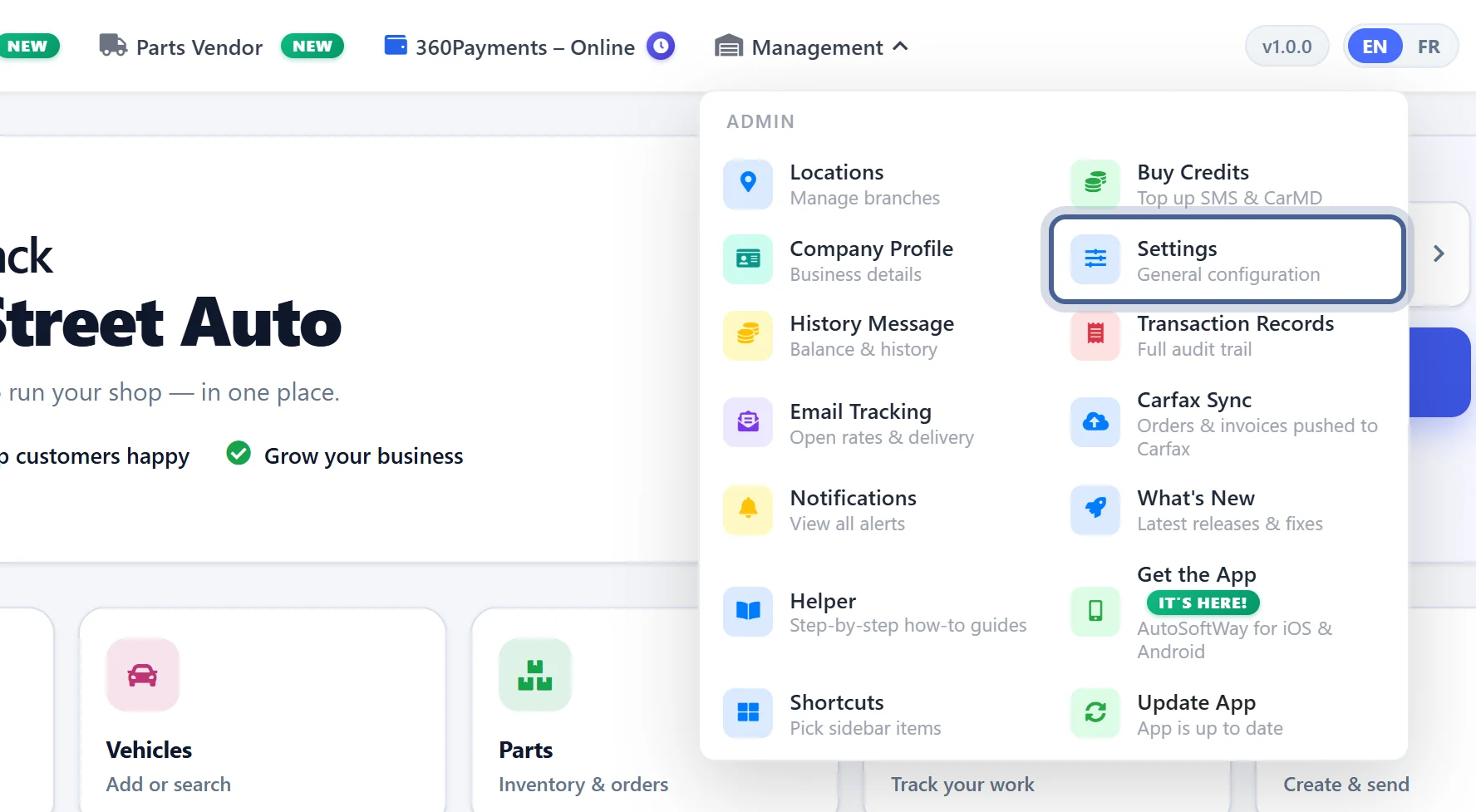
Step 2
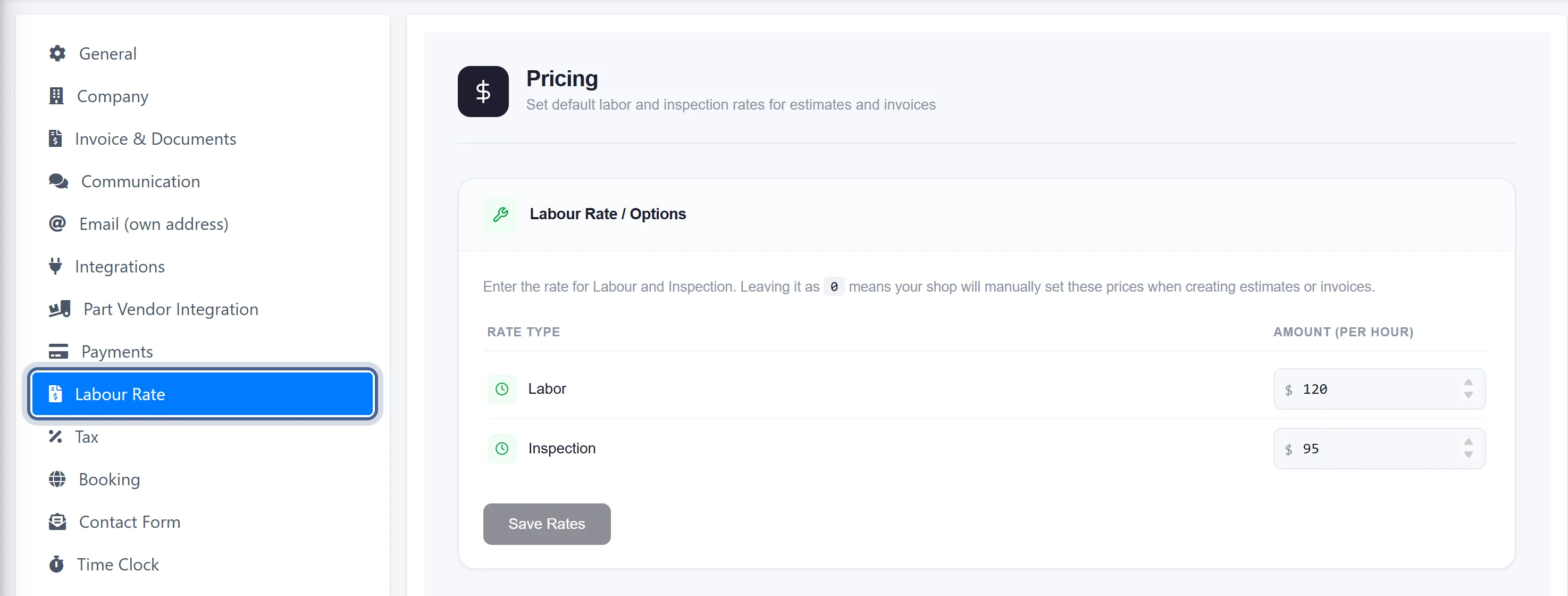
Click on Labor Rate. Here, you can set your shop’s labor rates for both labor services and inspections.
Step 3
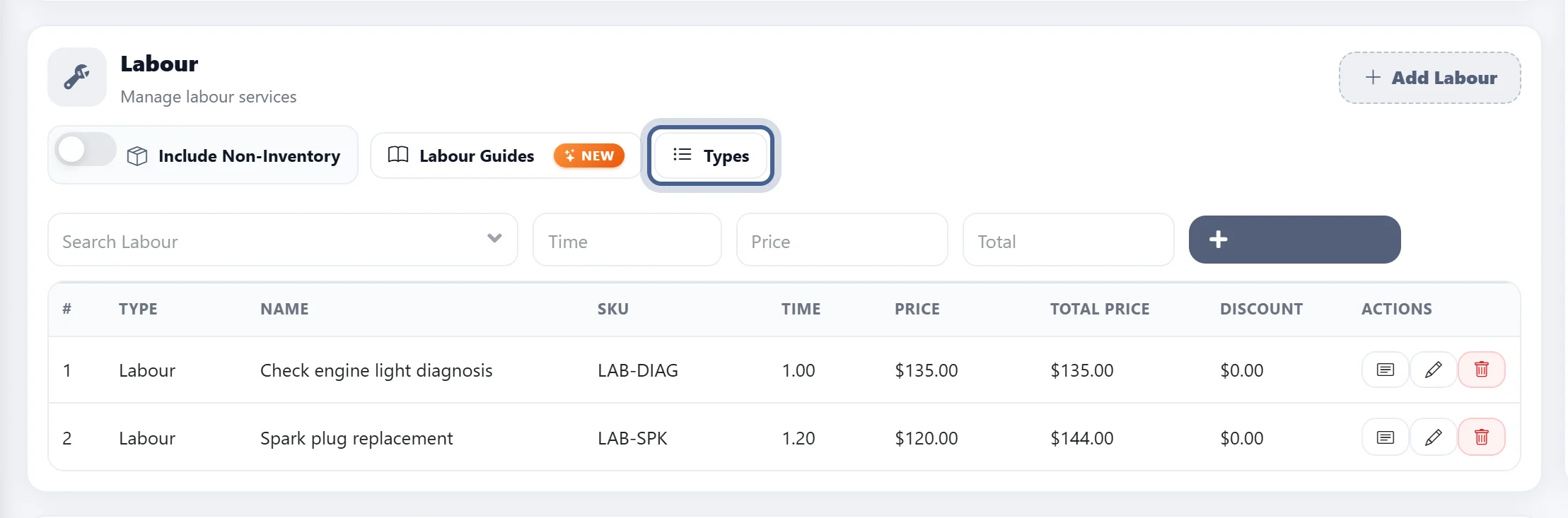
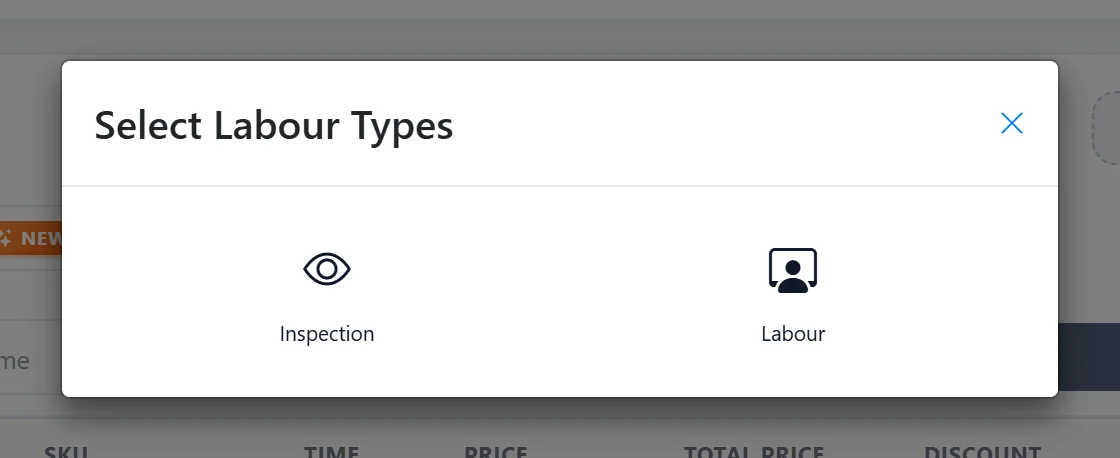
To have these labor rates appear automatically, the Motor Integration feature must first be enabled in the Settings section of AutoSoftWay. Once enabled, create a new estimate and go to the Labor section. Enable Labour Guides, then select the vehicle engine and labor type. Under the Type option, you can choose either Labour or Inspection based on the service you would like to add.
Step 4
Once you select either Labor or Inspection, the corresponding pricing rate will be automatically applied.