Step 1
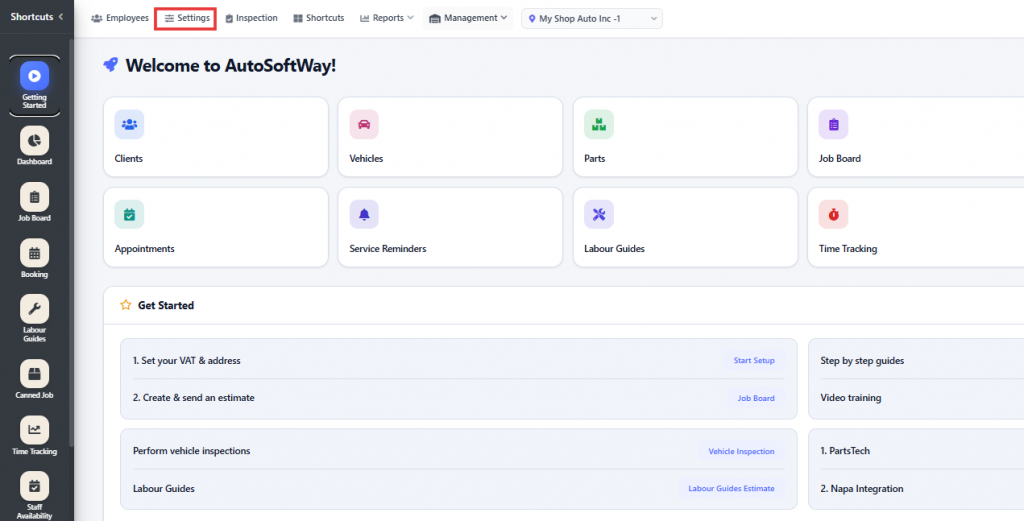
From Getting Started, go to Settings.
Step 2
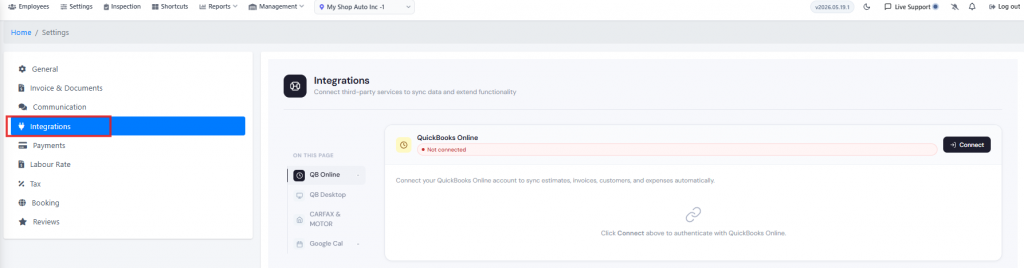
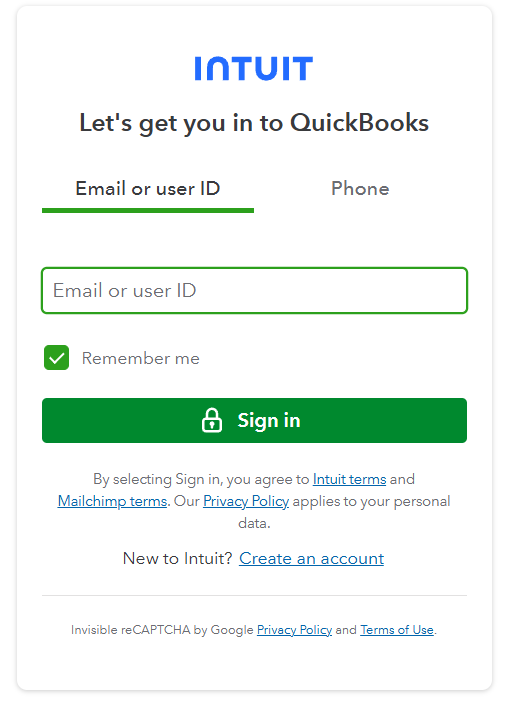
Click Integrations in the Settings area. From there, you can connect your QuickBooks Online account. Once you click Connect, you will be redirected to sign in to your QuickBooks Online account and complete the connection.