
Step 1
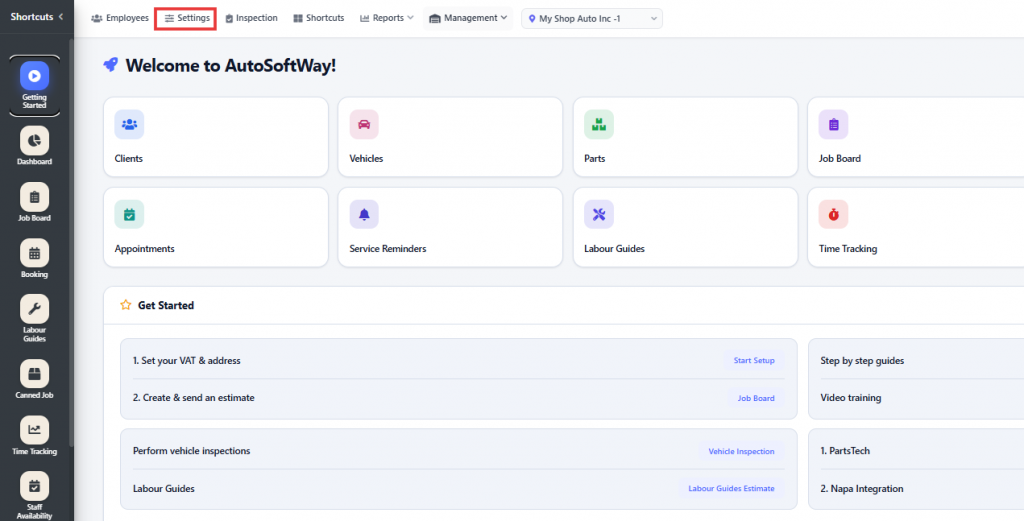
From Getting Started, go to Settings.
Step 2
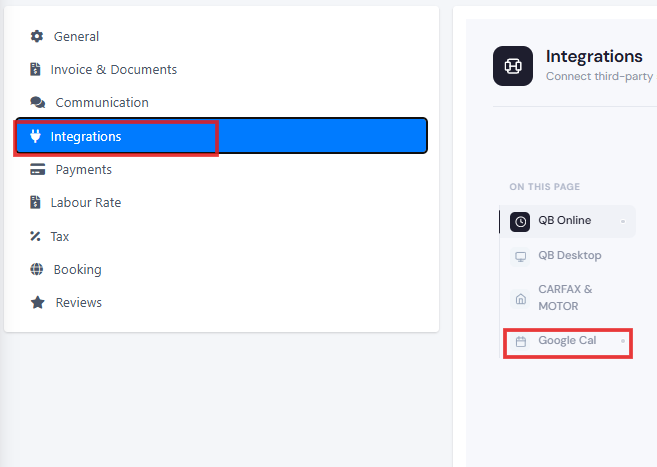
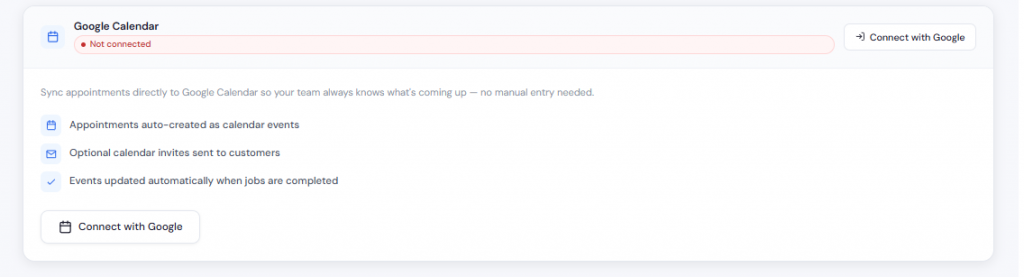
Click on Integrations, then scroll down to the Google Calendar section where you can easily connect your Google Calendar with AutoSoftWay to sync appointments and schedules.
From Getting Started, go to Settings.
Click on Integrations, then scroll down to the Google Calendar section where you can easily connect your Google Calendar with AutoSoftWay to sync appointments and schedules.
