

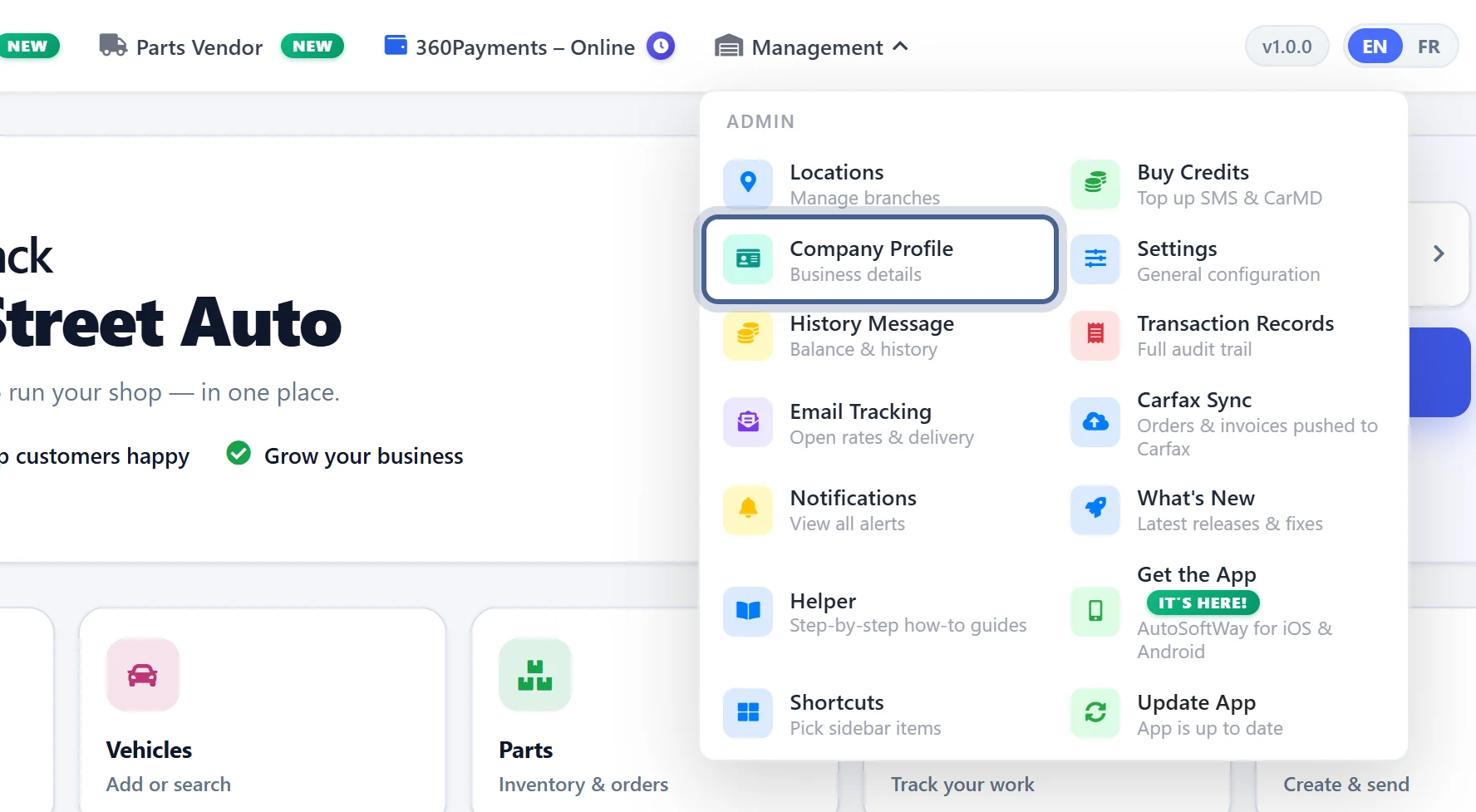
Step 1
Starting from ‘Getting Started’ page, click on ‘Management’ and then click on ‘Company Profile’.
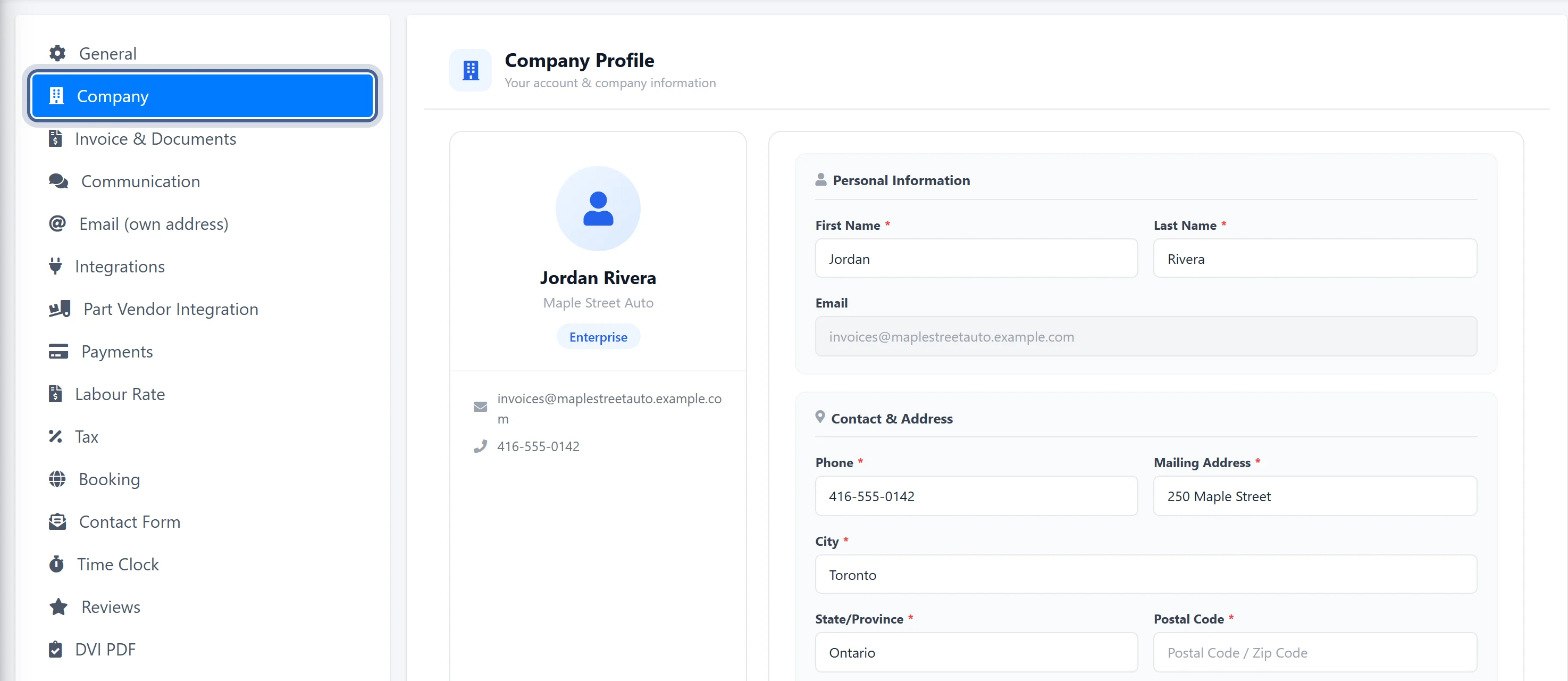
Step 2
Your Company Profile opens in Settings. Then click ‘Booking’ in the Settings list to find your Work Request URL.
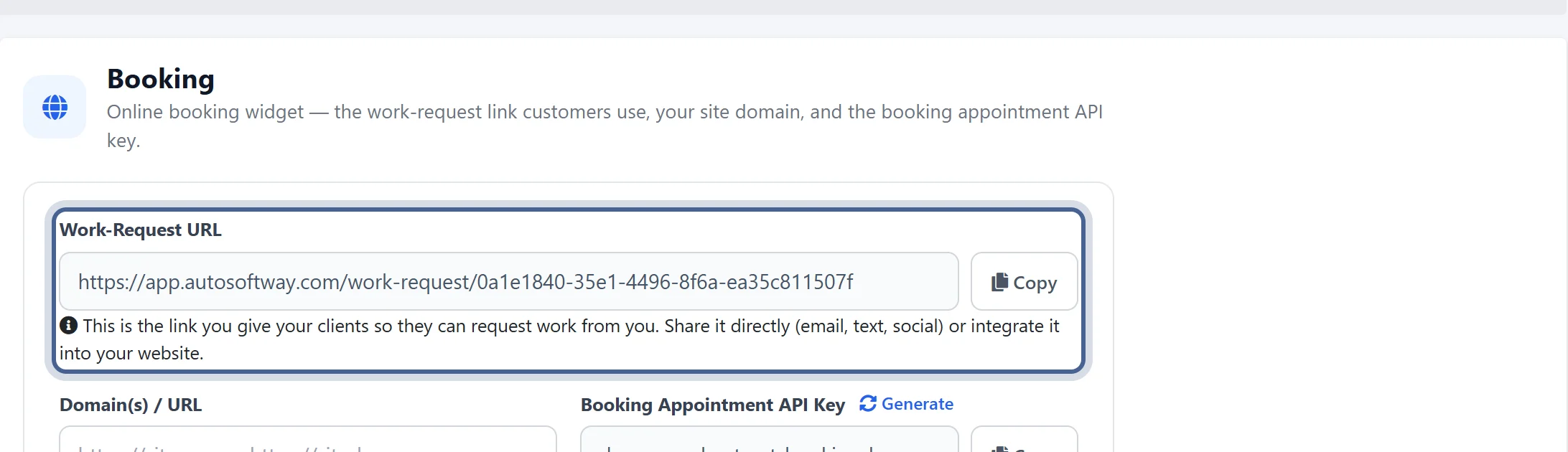
Step 3
Copy the link to add to your shop’s website, enabling clients to request services online instantly.
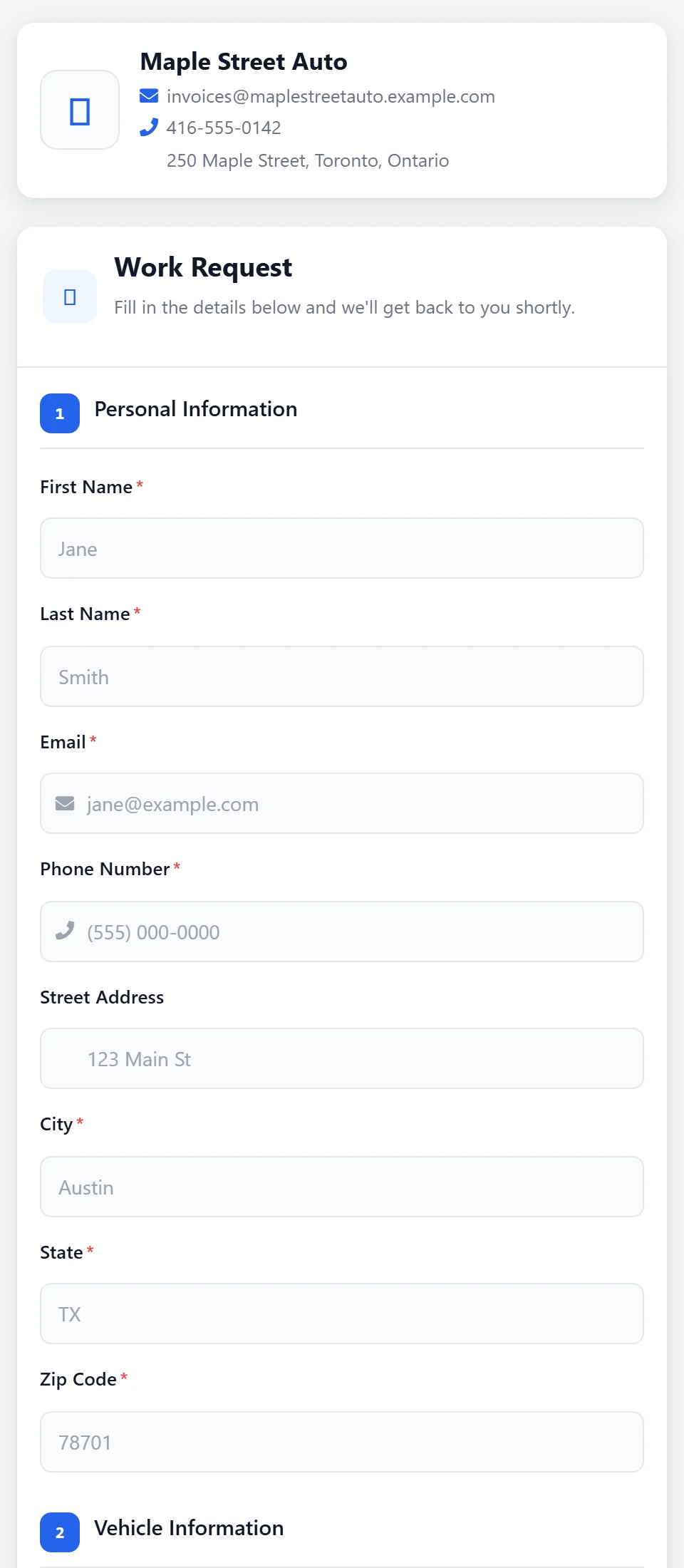
Step 4
Clients can now request services directly from the auto repair shop.