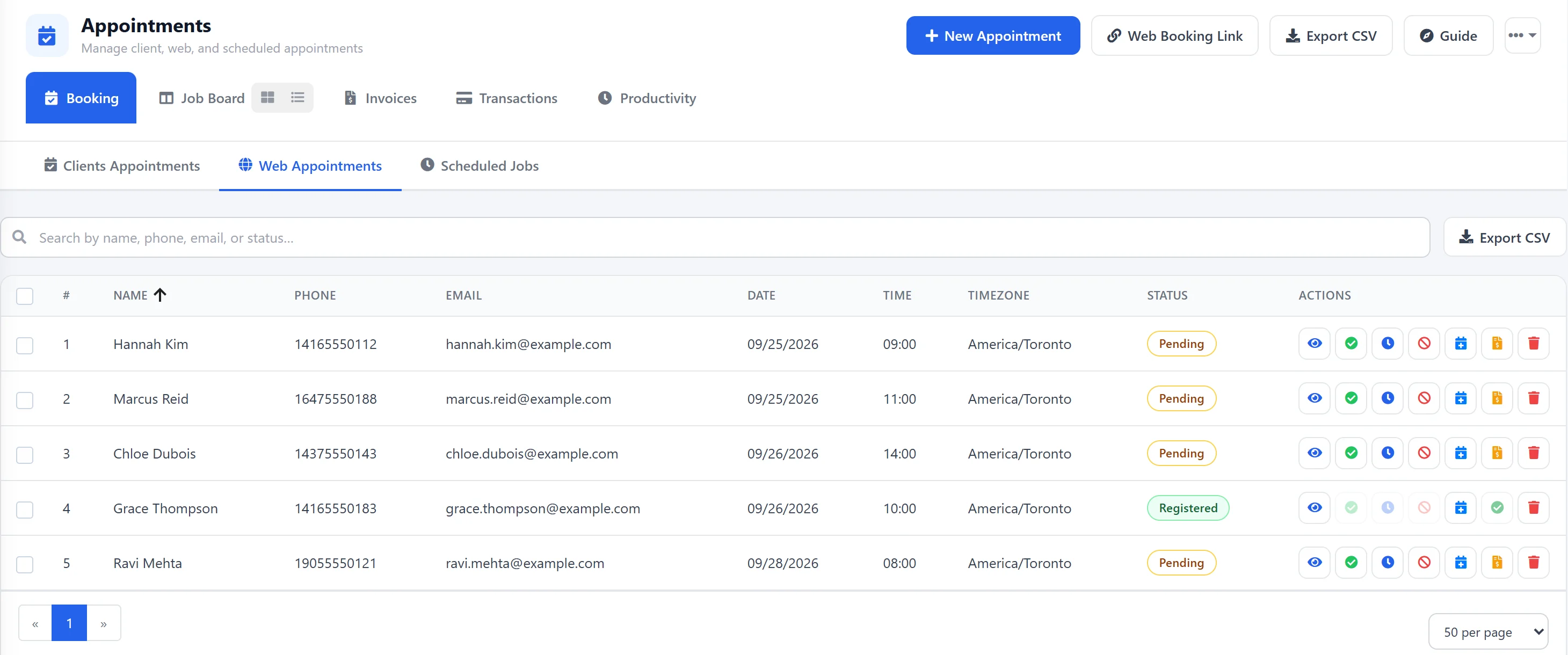


Use the Job Board to track client jobs that come in as online work requests, so everyone in your auto repair shop can tell them apart from regular work orders.
Step 1
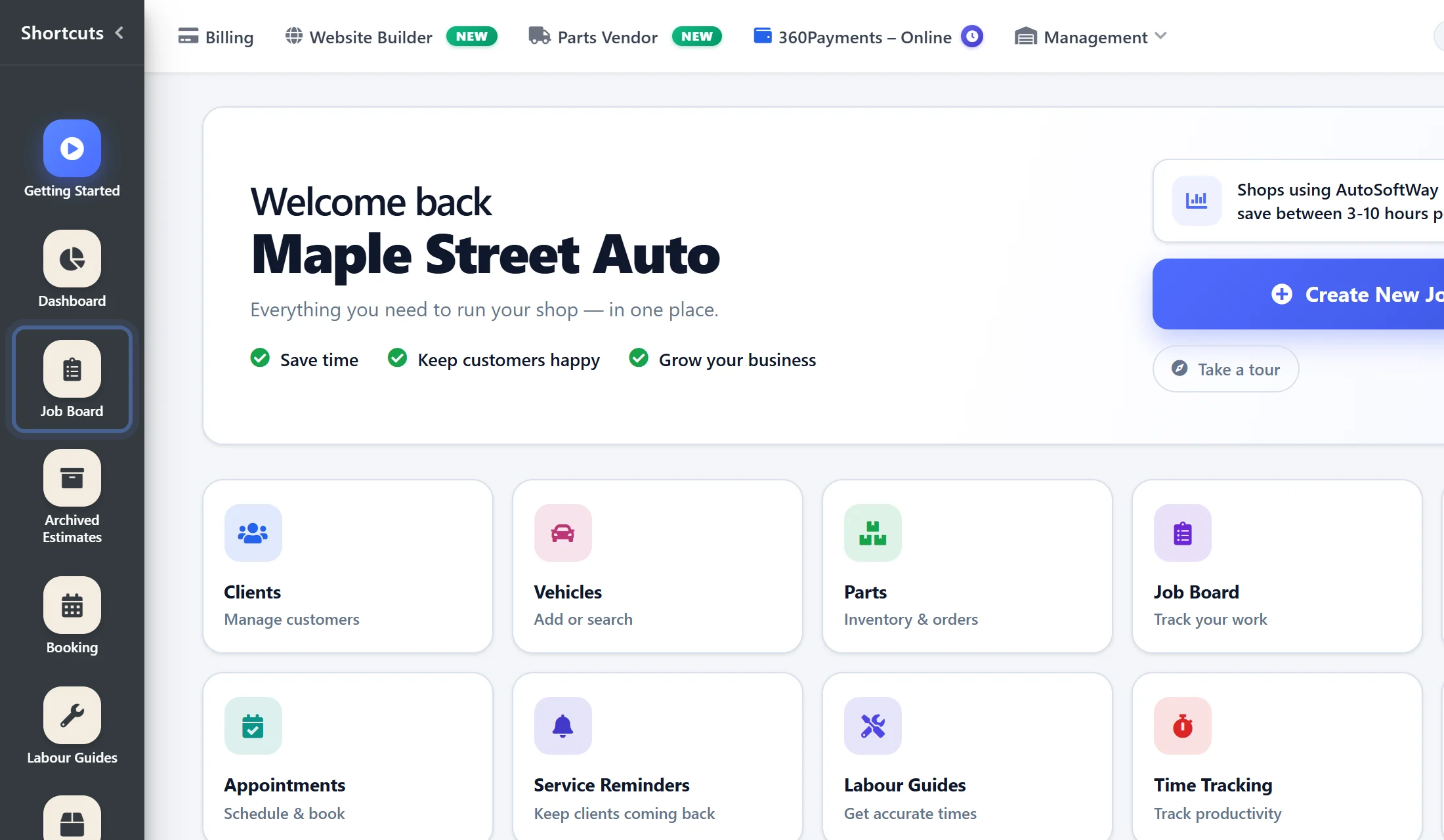
Starting from ‘Getting Started’ page, navigate to sidebar menu and click on the ‘Job Board’ tab.
Step 2
Work orders requested by clients on the web will be labeled with “WR”. Regular work orders will not include this label.