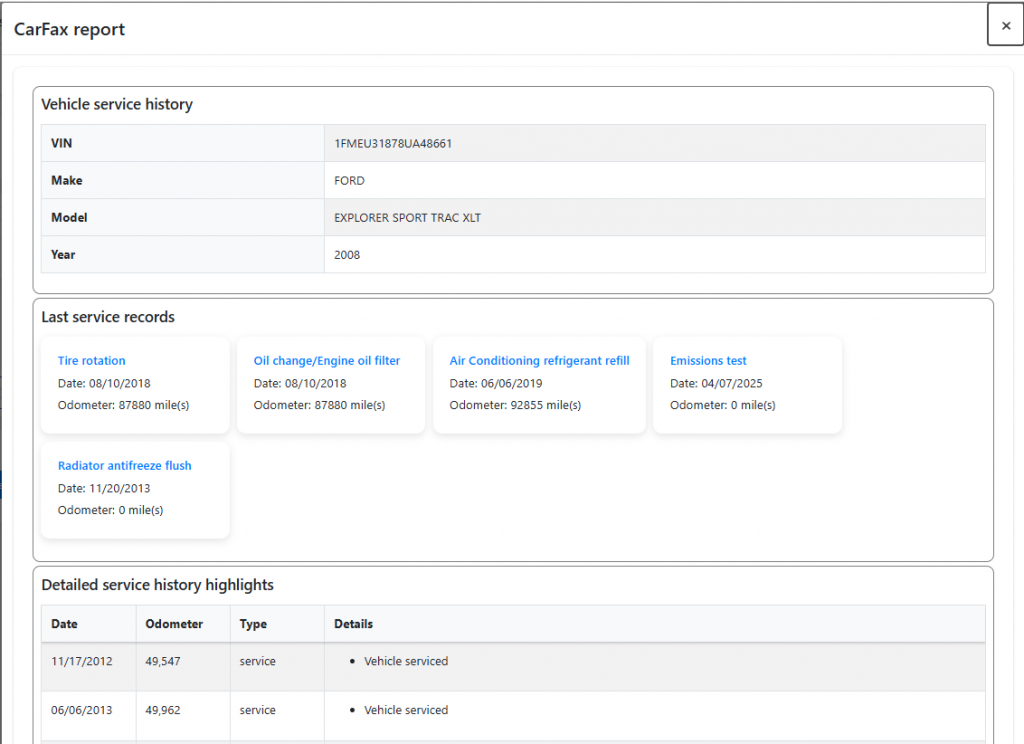
Follow these steps to enable the CARFAX integration and run vehicle history reports in AutoSoftWay. Entering an accurate VIN on each estimate keeps CARFAX reporting and history lookups working properly.
Step 1
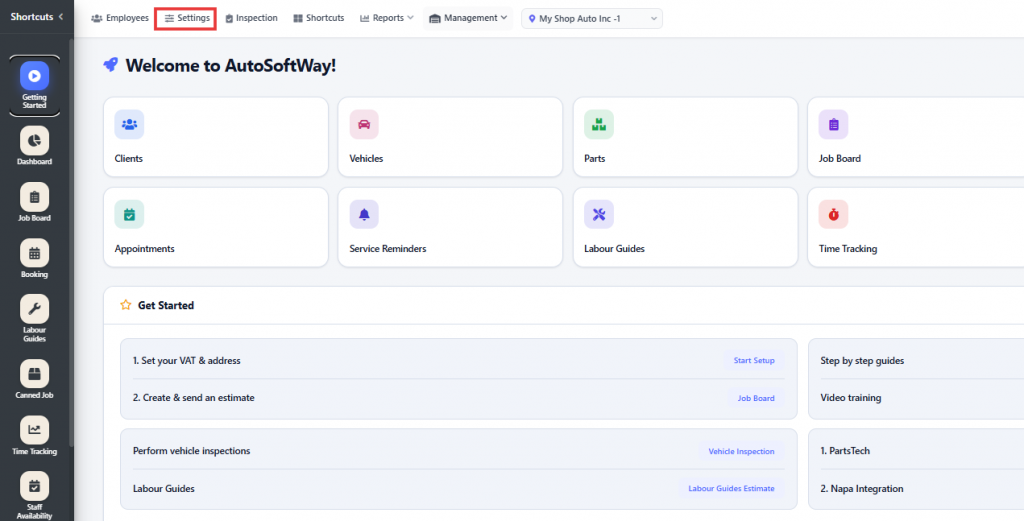
Starting from the ‘Getting Started’ section, navigate to Settings.
Step 2
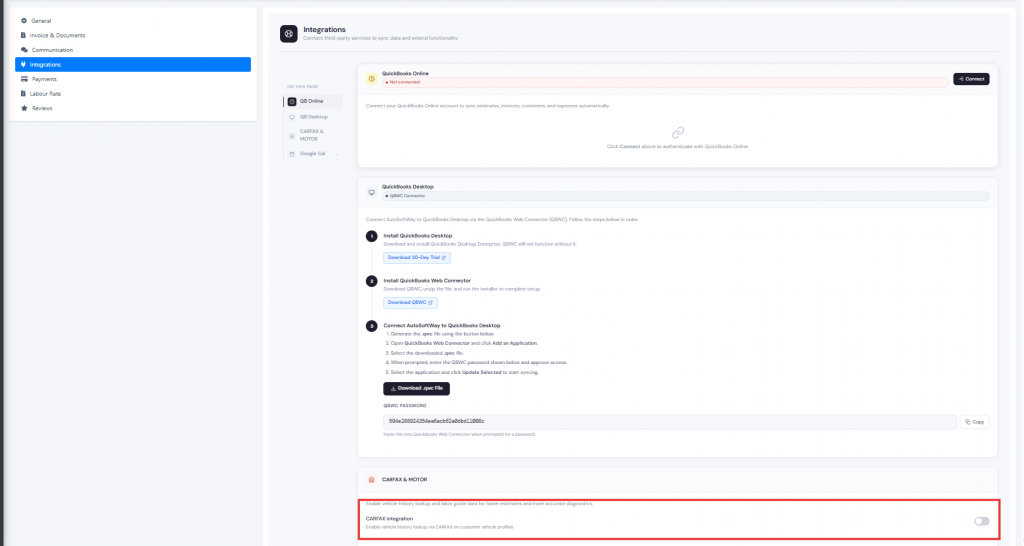
Navigate to Integrations, then enable the CARFAX integration.
Step 3
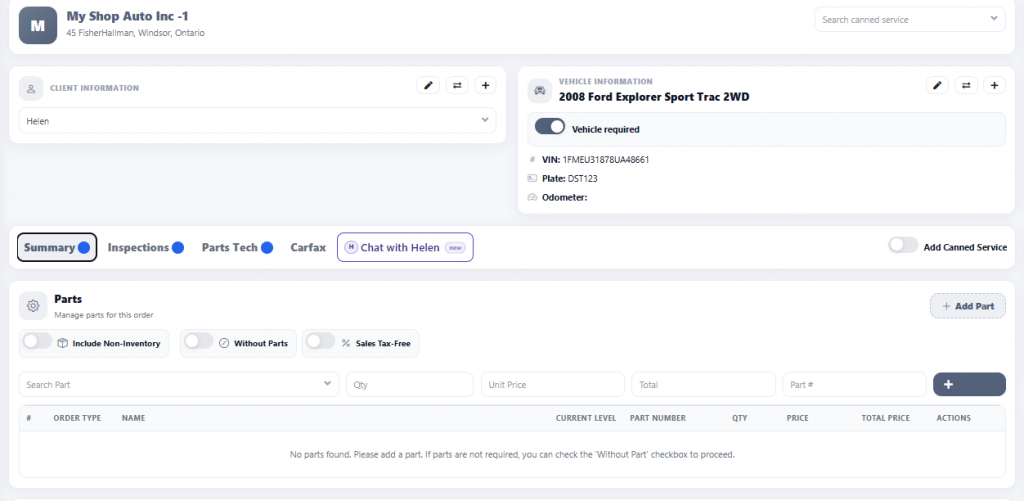
Go to the Job Board and click New Estimate to create a new estimate.
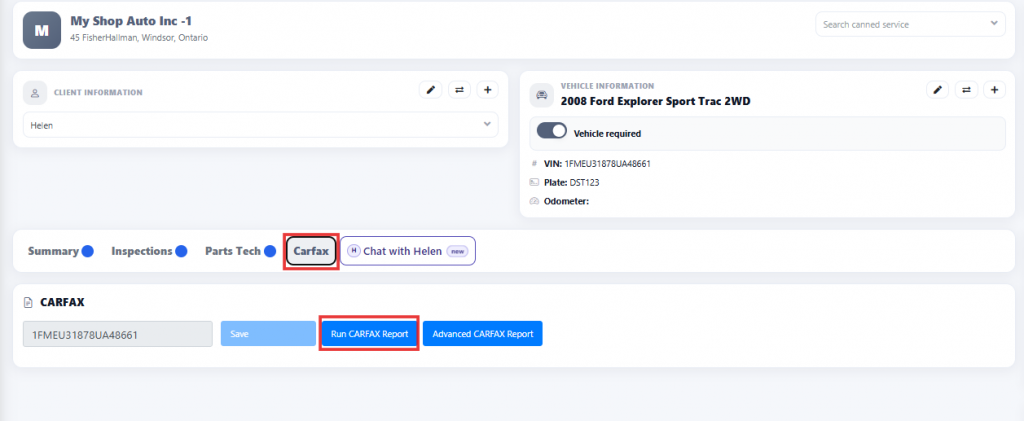
Make sure to enter the vehicle’s VIN number, as it is required for the CARFAX report and vehicle history lookup to be processed properly.
Step 4
Then click CARFAX and select Run CARFAX Report to generate the vehicle history report for that vehicle.
Step 5
Once the CARFAX report is generated, it will display the vehicle’s history, including previous service records, maintenance history, and other available vehicle information.