

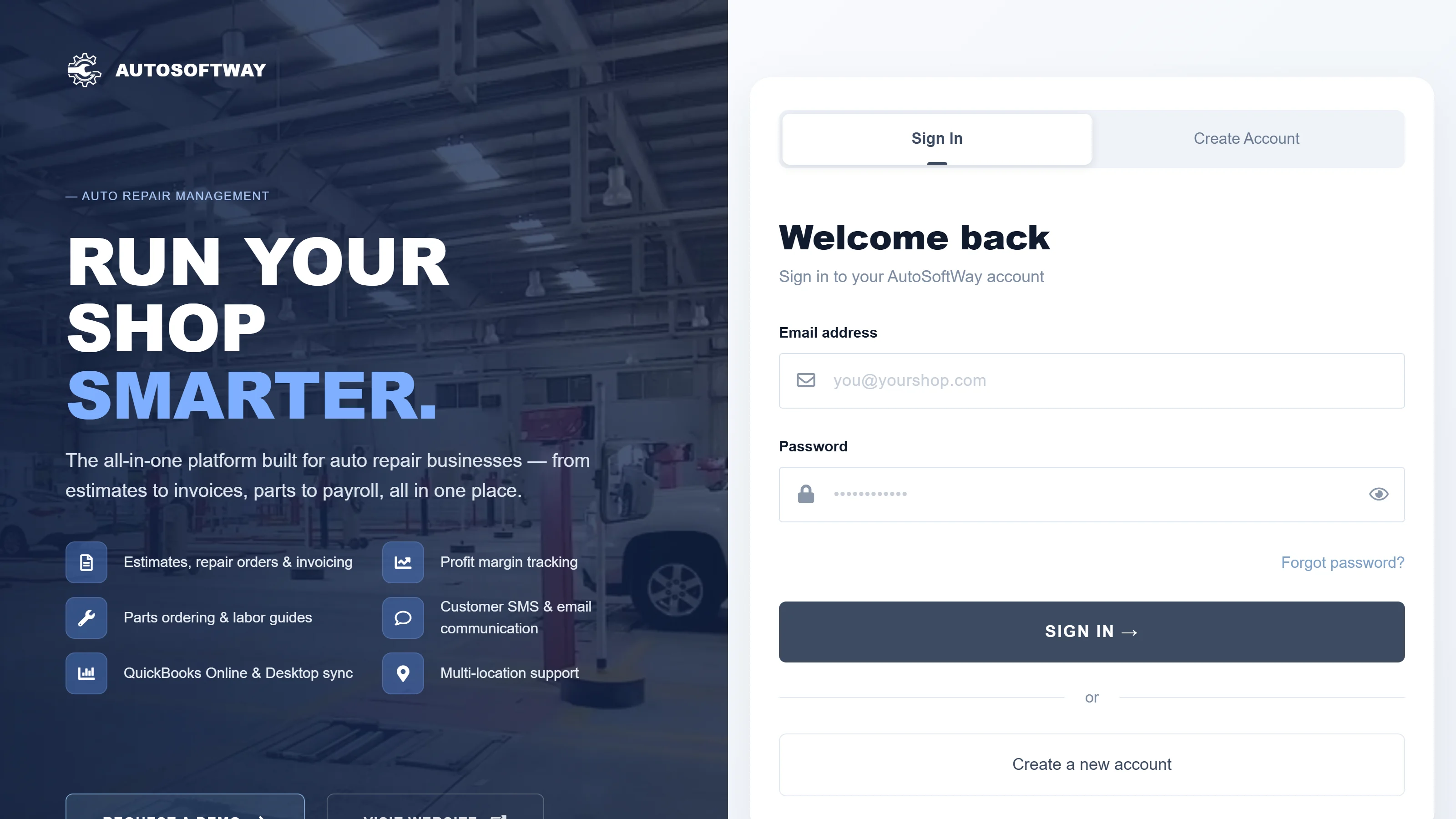
Step 1
To sign in, technicians must use the account assigned to them by the auto repair shop manager.
Step 2
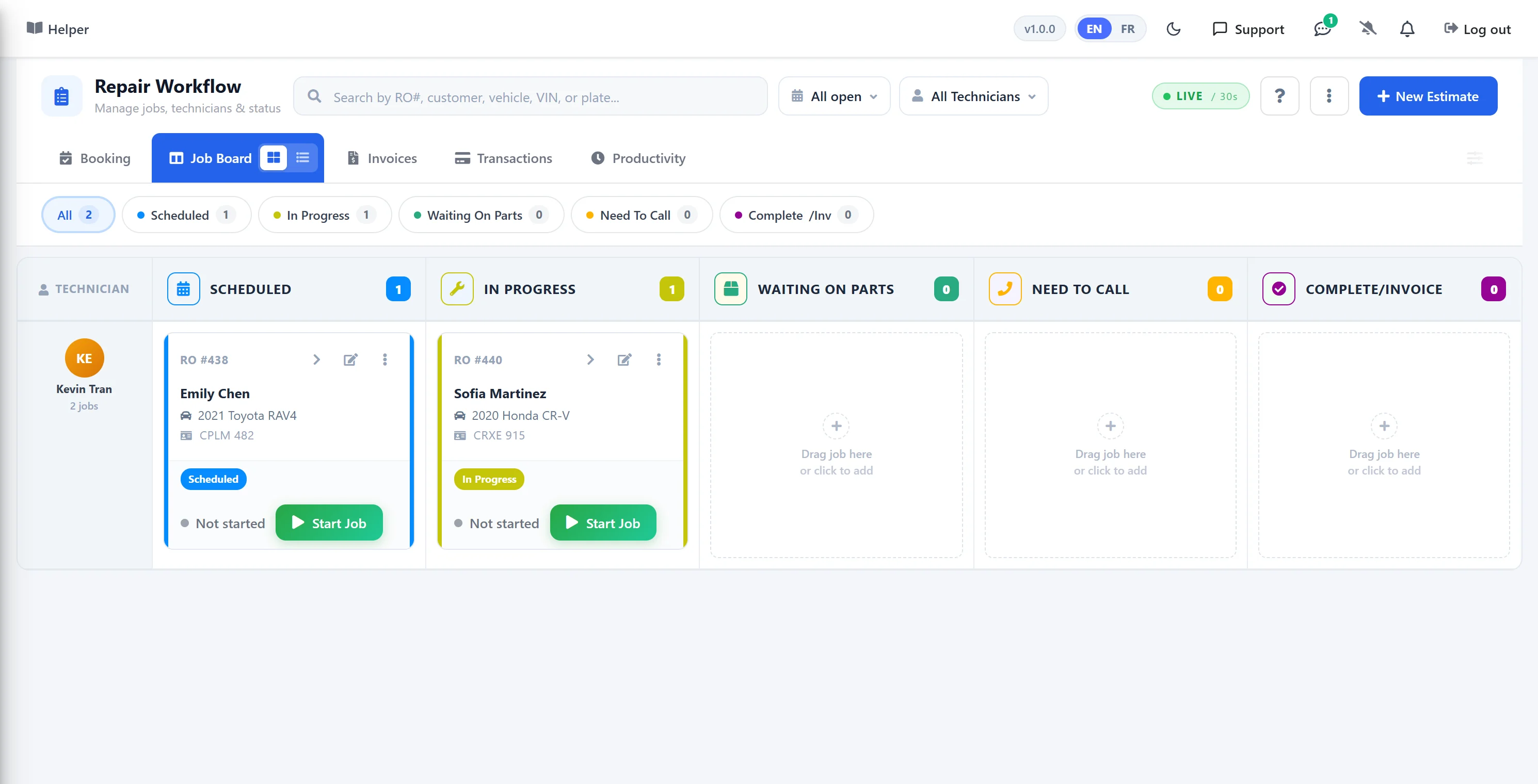
After logging in, the technician can access only the work orders and tasks assigned to them, providing a focused and secure workspace. After completing all assigned tasks, the technician can drag the order to the “Completed” section to update its status.
Step 3
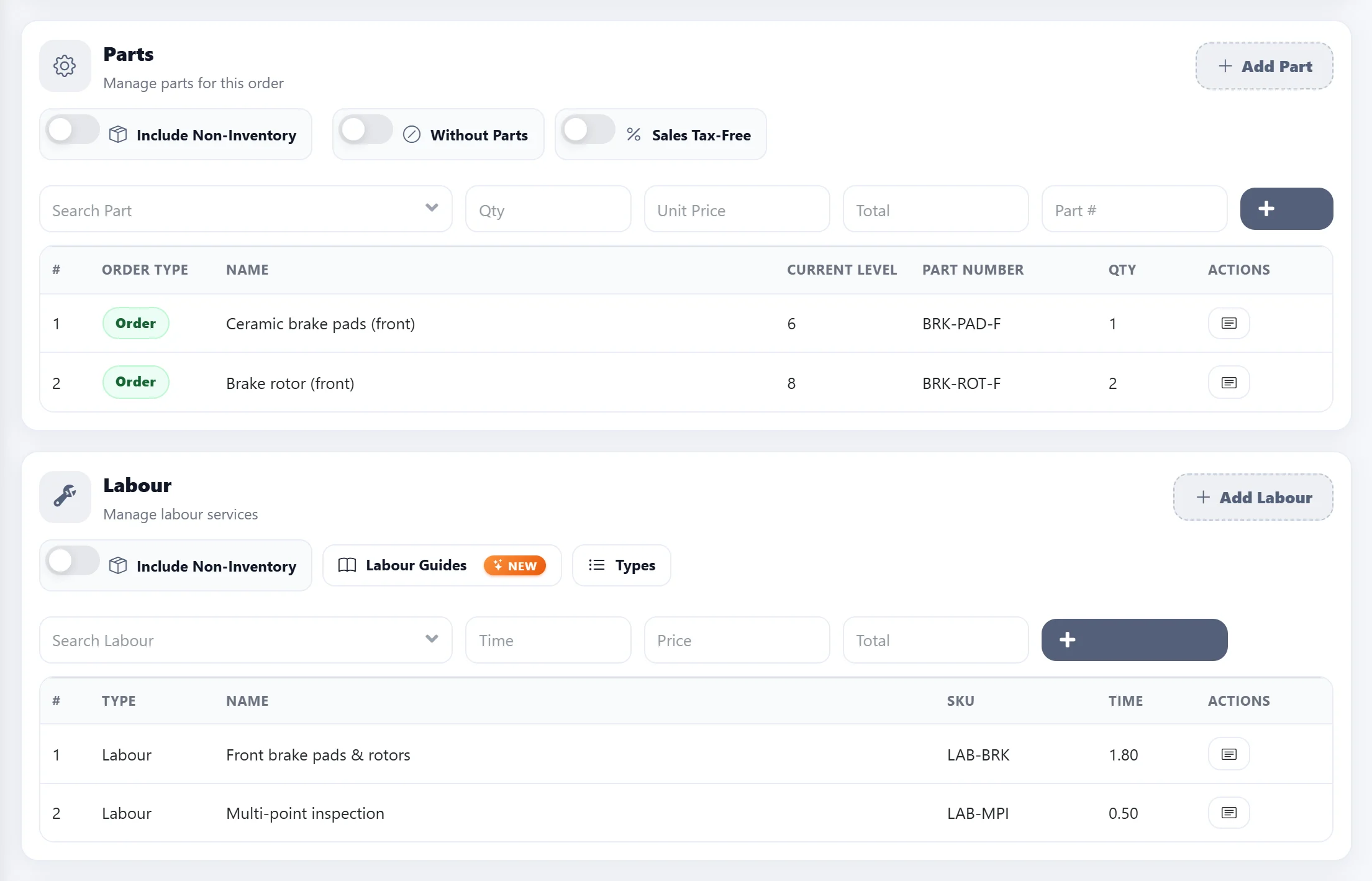
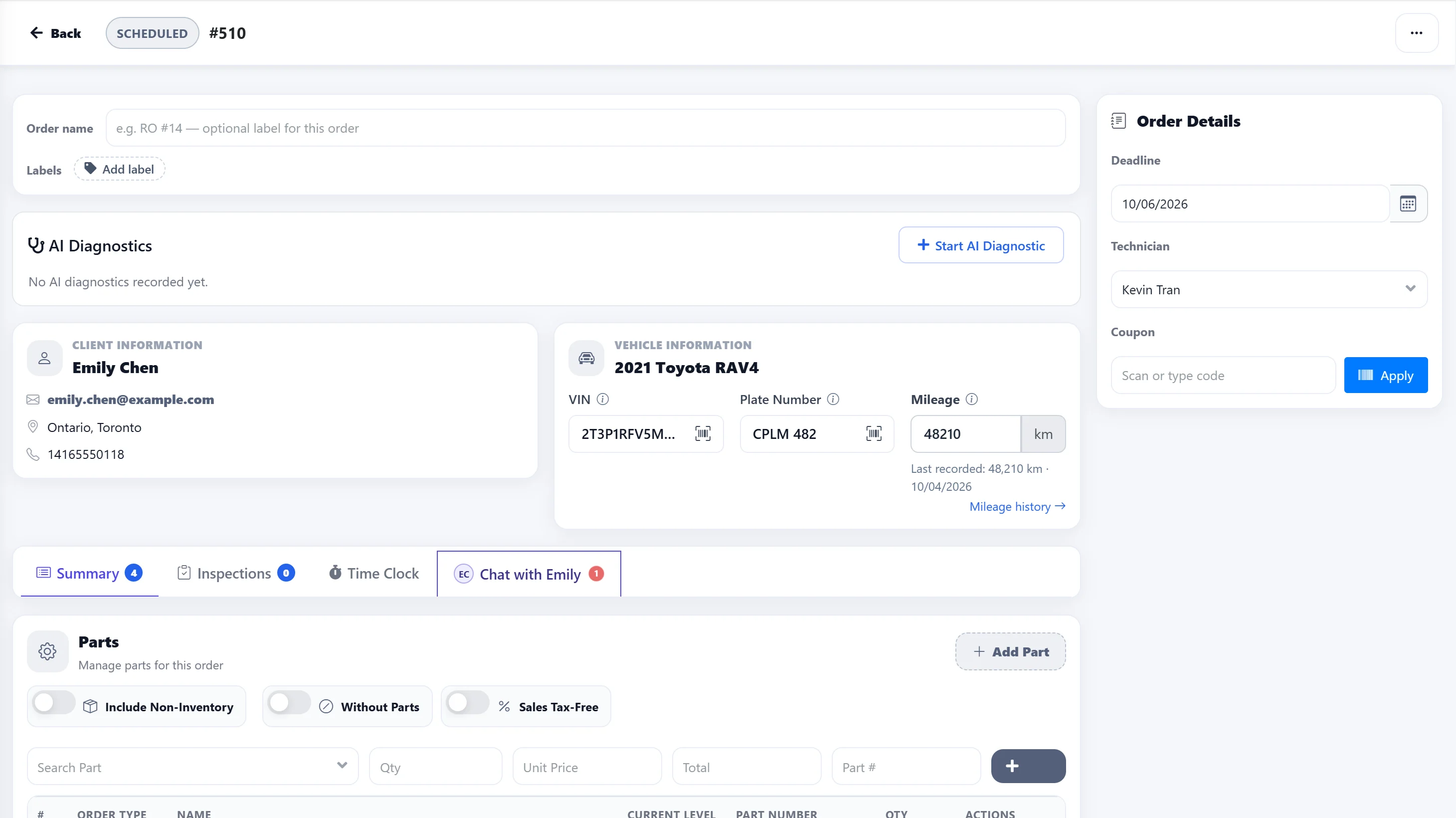
While technicians can view job estimates, they do not have access to pricing information and cannot modify the estimate.
Step 4
The technician has the ability to easily create and add a new client and vehicle directly within the system at any time.
Step 5
At the final stage, technicians can make changes to vehicle information but are restricted from editing parts or labor; these sections are view-only.