
Run your shop from anywhere
AutoSoftWay in your pocket. Digital inspections, work orders, invoices, VIN scanning and the full customer file — all on your iPhone or Android, right from the bay.
- Multi-point inspections with photos, condition and notes
- Scan VINs by camera or barcode — no typing
- Create work orders and invoices in seconds
- Track every vehicle, invoice and inspection from one app
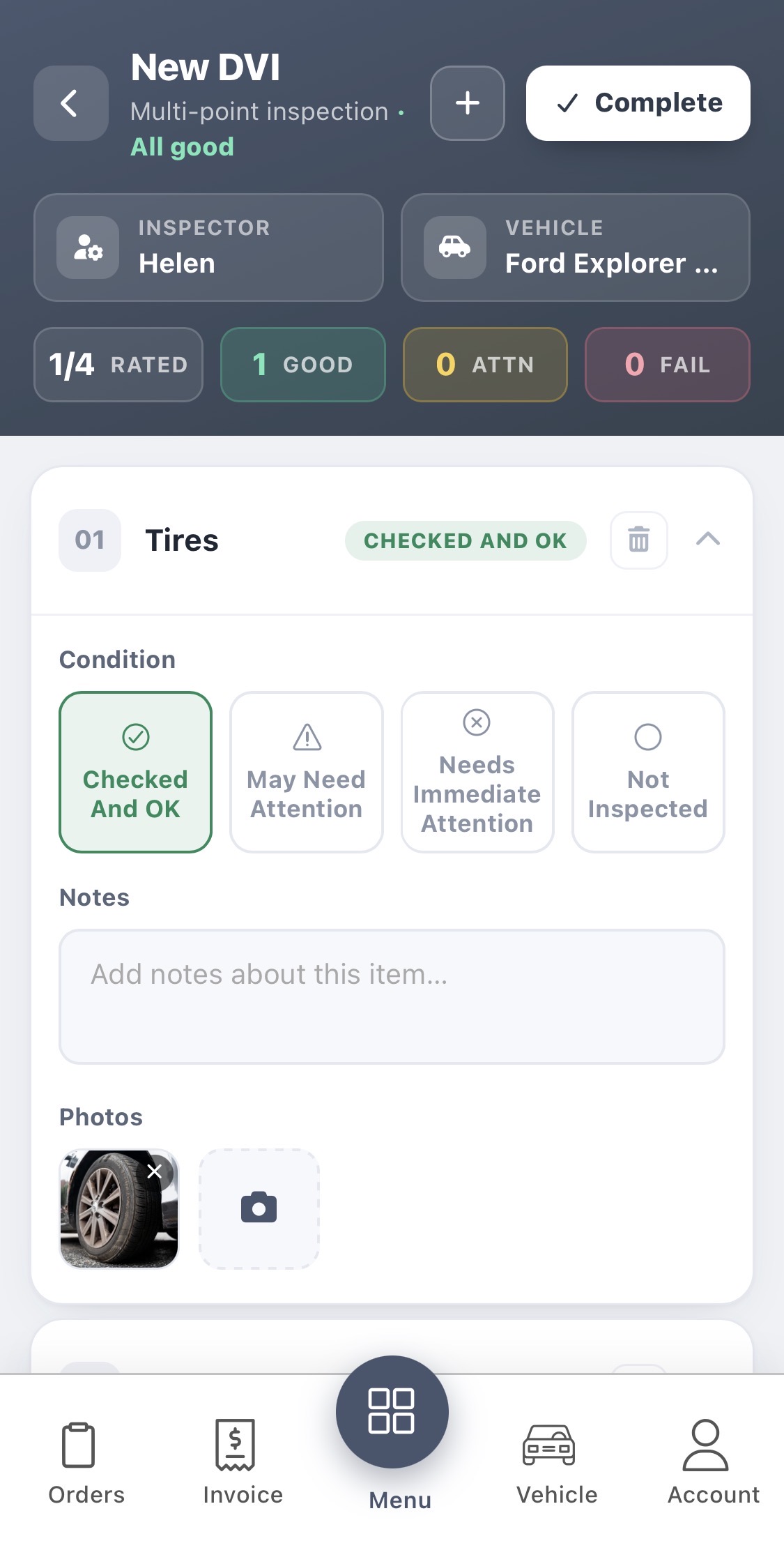
Multi-point inspections — from the bay
Run a full DVI directly from your phone. Rate each item as Checked & OK, May Need Attention, Needs Immediate Attention, or Not Inspected. Add notes and snap photos for every line — the report is ready to send the moment you tap Complete.
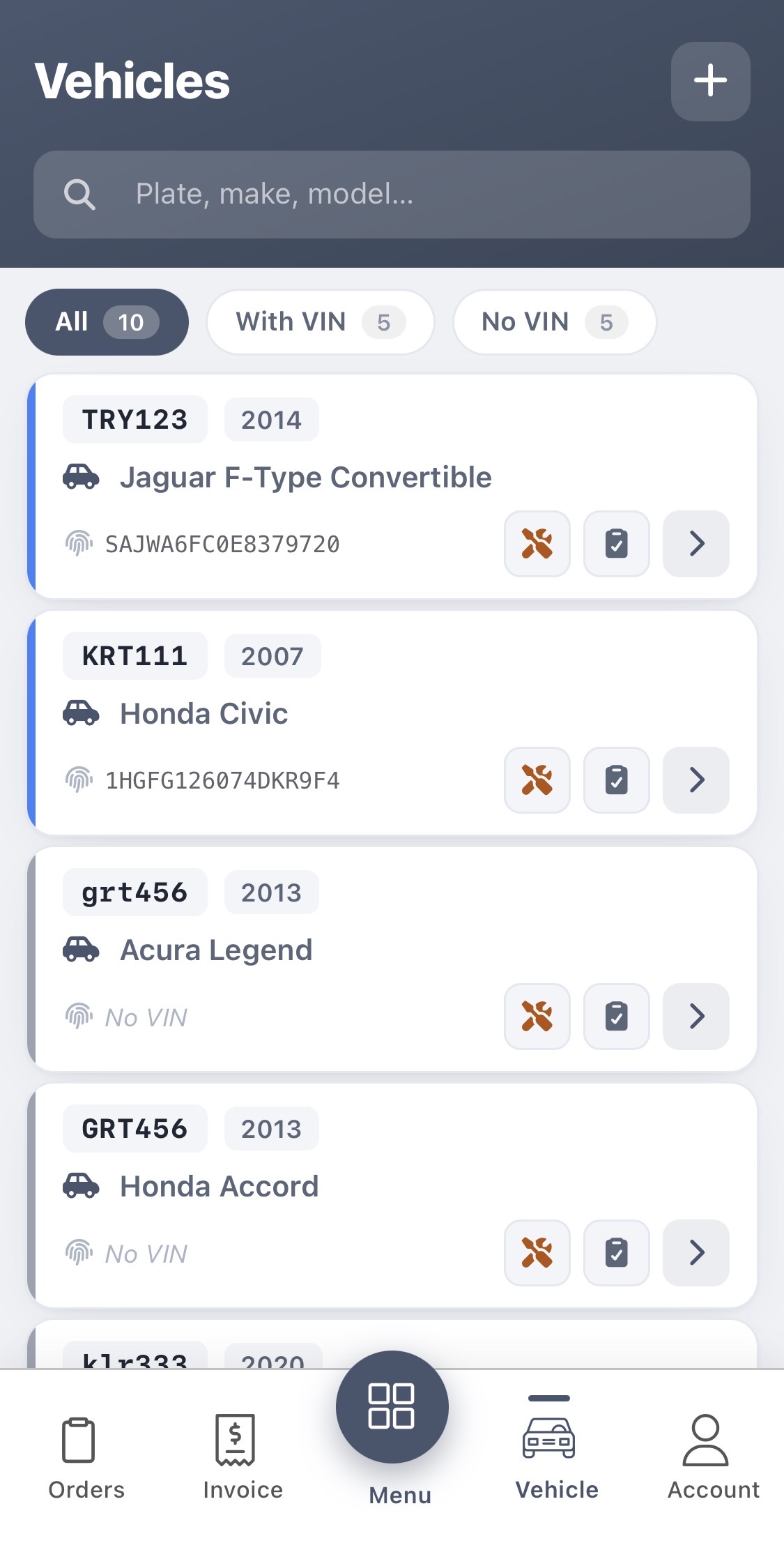
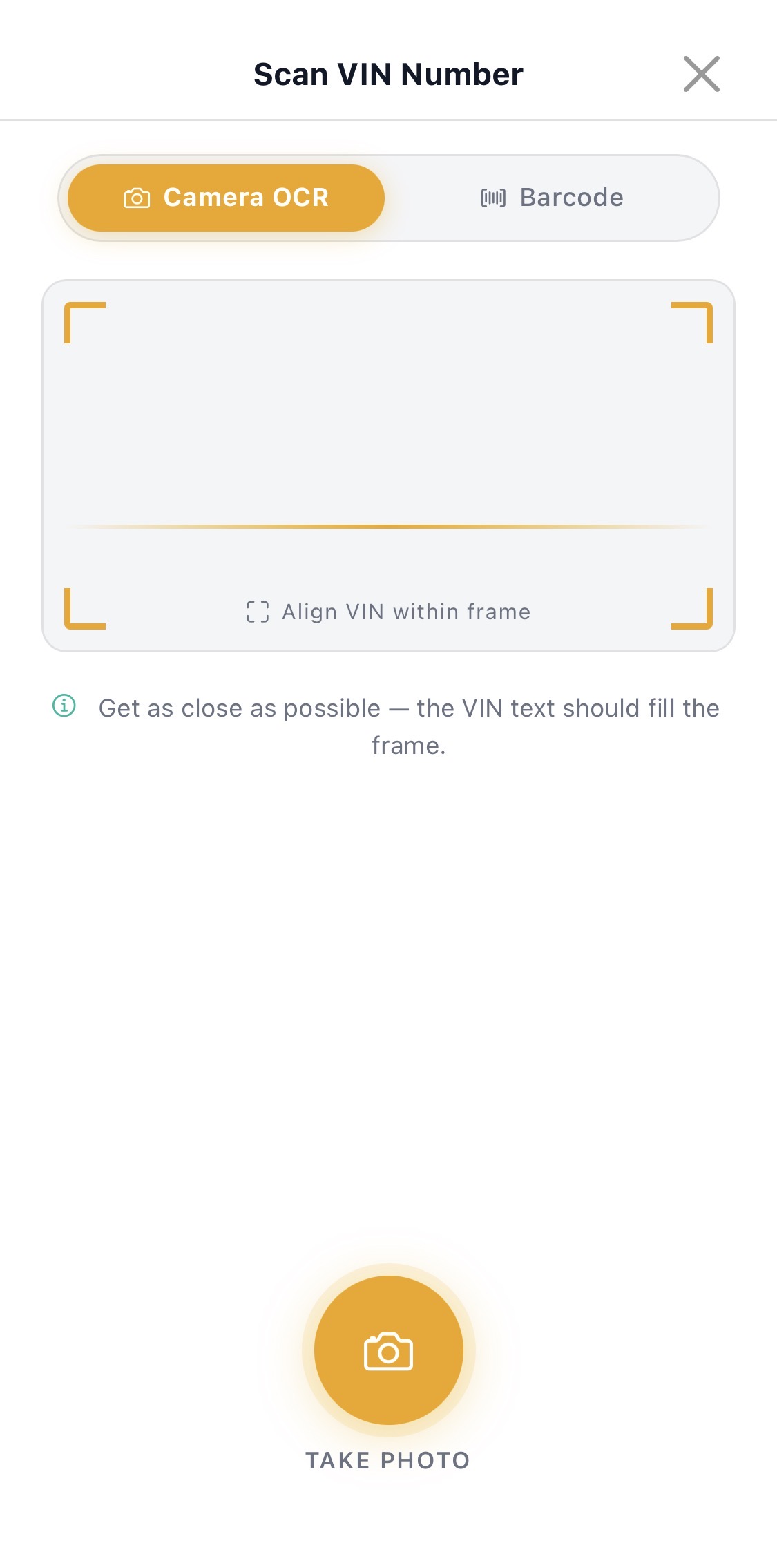
Scan a VIN. Add a vehicle. Move on.
Every vehicle you’ve ever touched, indexed in one place — search by plate, make or model, filter by With VIN / No VIN, and add new vehicles by scanning the VIN with your phone camera or barcode reader.
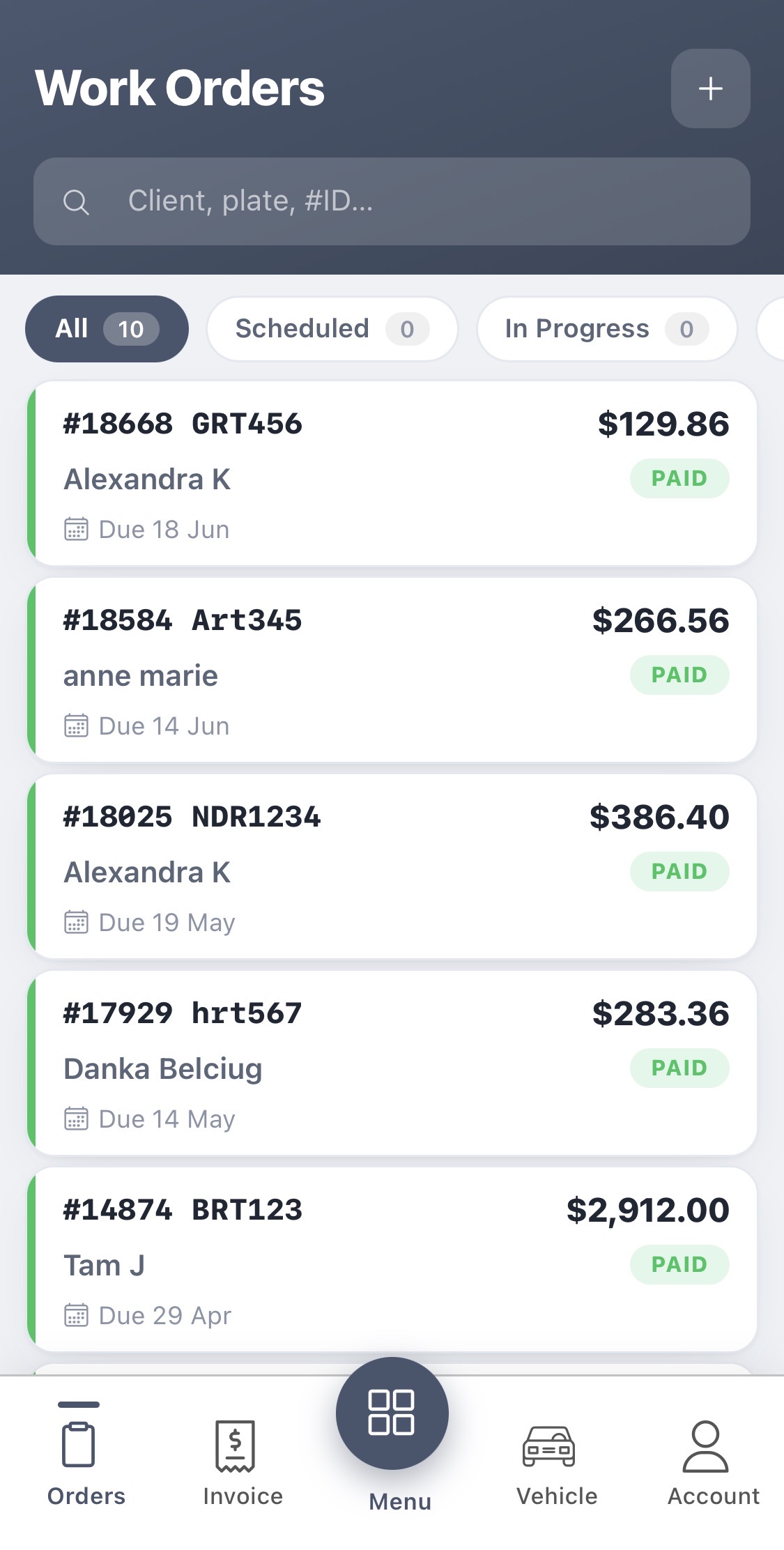
Every work order, in your pocket
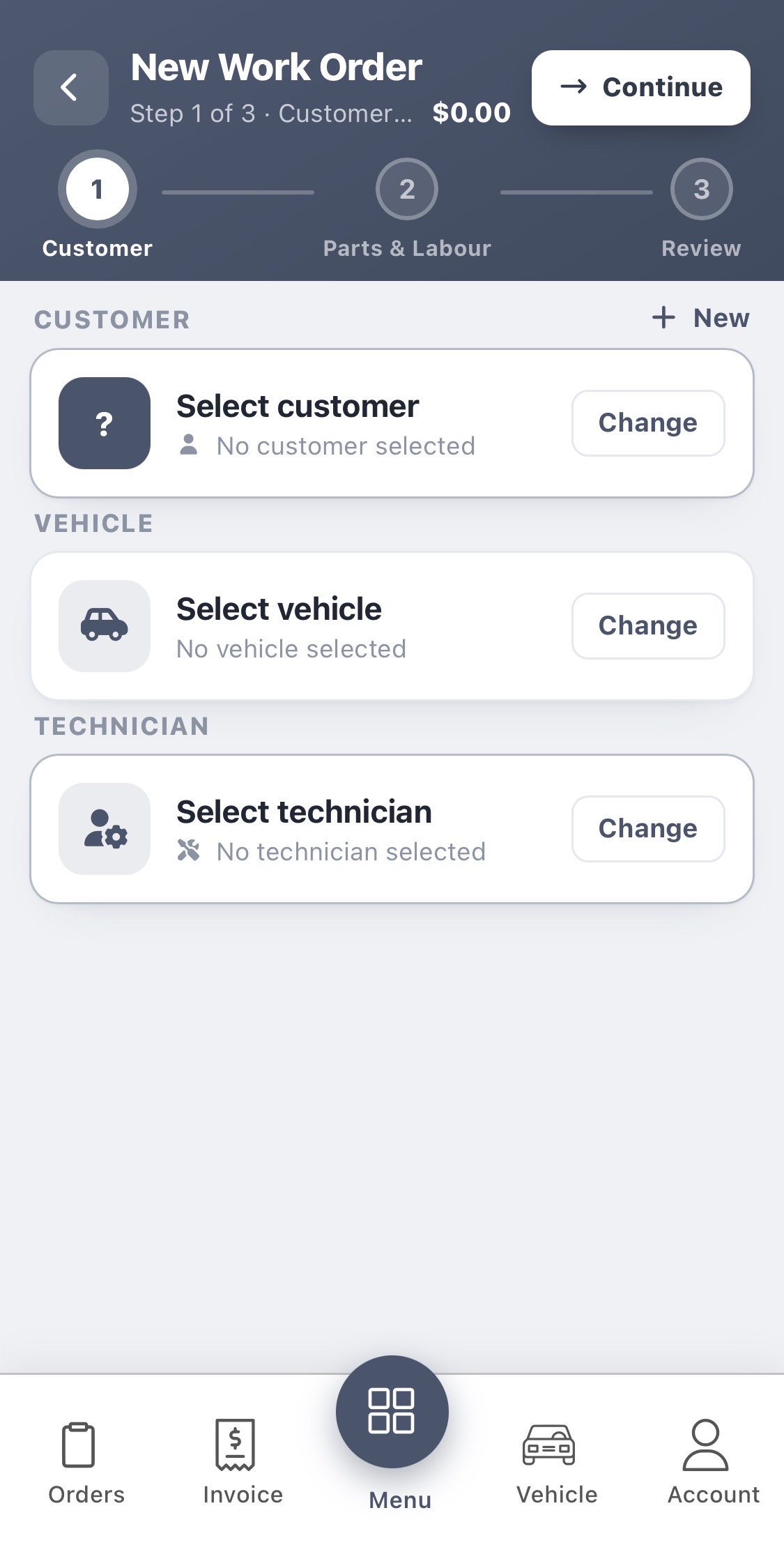
Open the app, see every work order sorted by status. Filter All / Scheduled / In Progress. Tap a job to see the customer, vehicle, parts, labor and payment status. Start a new work order in three quick steps: Customer → Parts & Labour → Review.
Track every invoice — from the shop floor
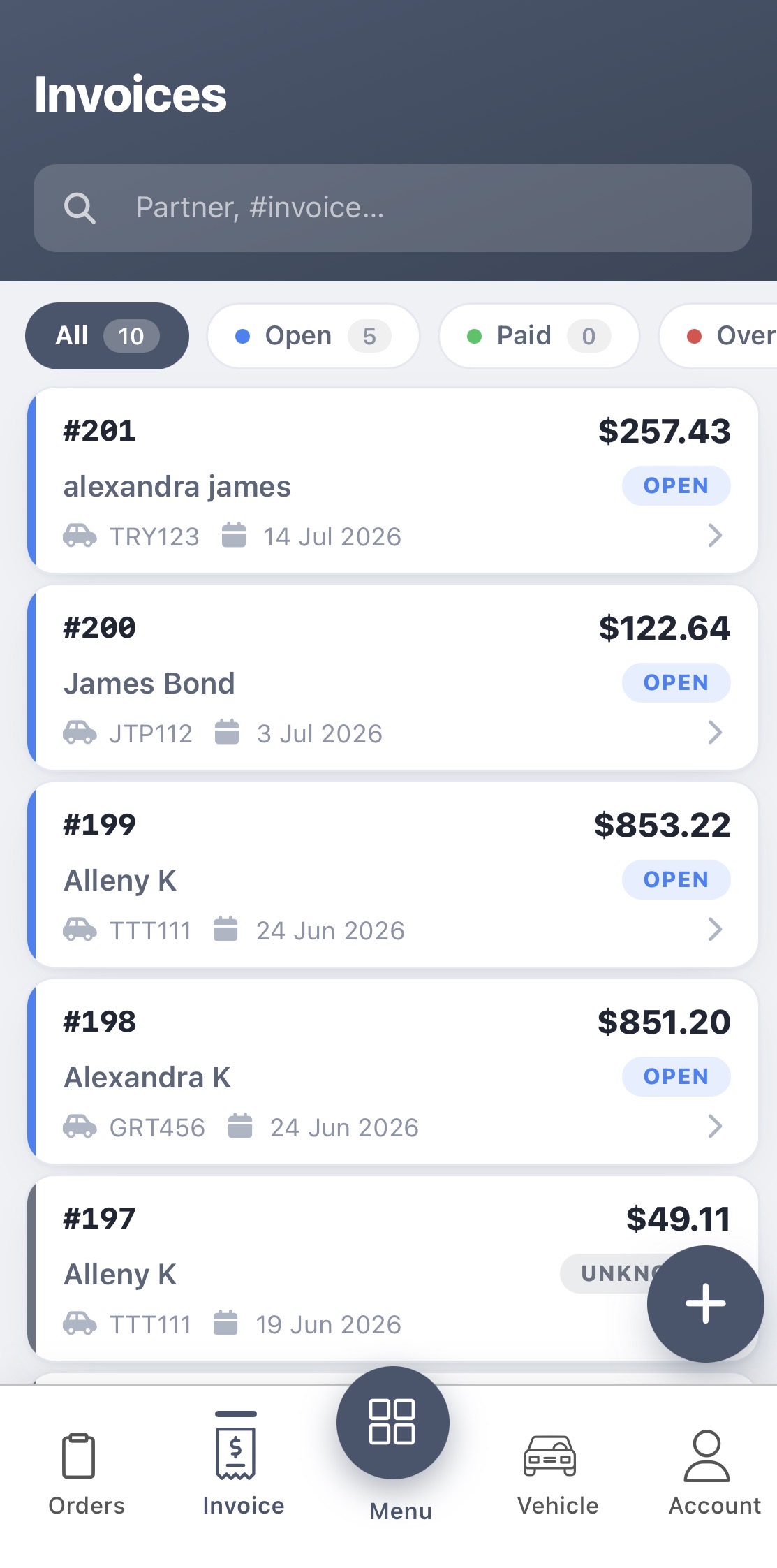
See every invoice in one list — filter Open, Paid, or Overdue. Each card shows the customer, plate, due date and amount. Tap through to view line items or send a payment reminder.
Every DVI, ready to send
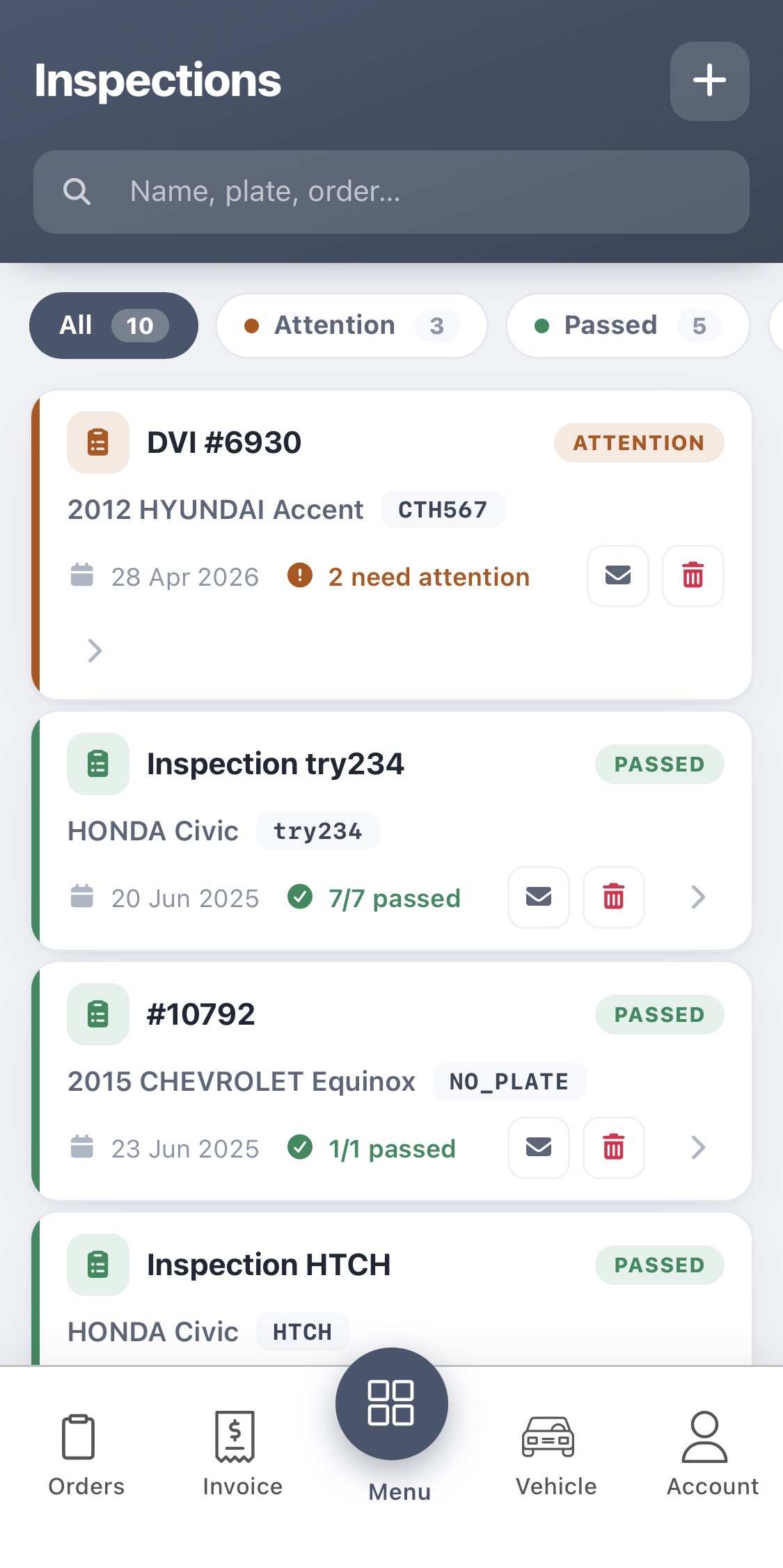
The Inspections tab shows every DVI you’ve run — filtered by Attention, Passed, or All. Each card shows the vehicle, plate, date and pass count. Tap the envelope icon to email the report to the customer, or open the inspection to keep working on it.
A full auto shop, in your pocket
One app for everything you do on the shop floor — iOS and Android, connected to your desktop AutoSoftWay account in real time.
Digital Inspections
Multi-point DVIs with photos, notes and four-state condition rating — ready to email in one tap.
VIN Scanning
Camera OCR reads VIN plates and barcodes — no typing, no mistakes, instant vehicle add.
Vehicles Directory
Every vehicle you’ve ever serviced, searchable by plate, make, model, or VIN.
Work Orders
Full list with status filters — plus a 3-step wizard to build new work orders on the go.
Invoices
Track Open, Paid and Overdue invoices with amount and due date on every card.
One-Tap Email
Send DVI reports and invoices to the client directly from the app — no switching to another tool.
Technician Assignment
Assign the right technician to each work order right on creation — everyone knows their job.
Real-Time Sync
Everything syncs with your desktop AutoSoftWay account instantly — the whole shop stays aligned.
Your shop. In your pocket.
Download the AutoSoftWay mobile app and run inspections, work orders and invoices from anywhere — free with your AutoSoftWay account.
